

Video Surveillance Systems for Businesses
and Commercial Facilities
What Does Video Surveillance Actually Cover?
THREE DECADES OF COMMERCIAL SURVEILLANCE
Video surveillance is not one product. It covers the cameras themselves, the recording and management platform behind them, the network infrastructure carrying the video, and the services that turn recorded footage into an active response. Each of those is a different decision, and getting the wrong one first is how facilities end up with systems that record everything and prove nothing.
Ainger Cabling + Security has designed and installed video surveillance systems for business across Canada and the USA for 30+ years. As a manufacturer-authorized dealer for Uniview and Avigilon, we install the cameras, the recording platform and the structured cabling underneath them as one coordinated system rather than three separate contracts.
This page maps the full offering and points you to the right starting point. Below you will find each solution, how they relate to each other, and how to work out which one answers the question you actually have.
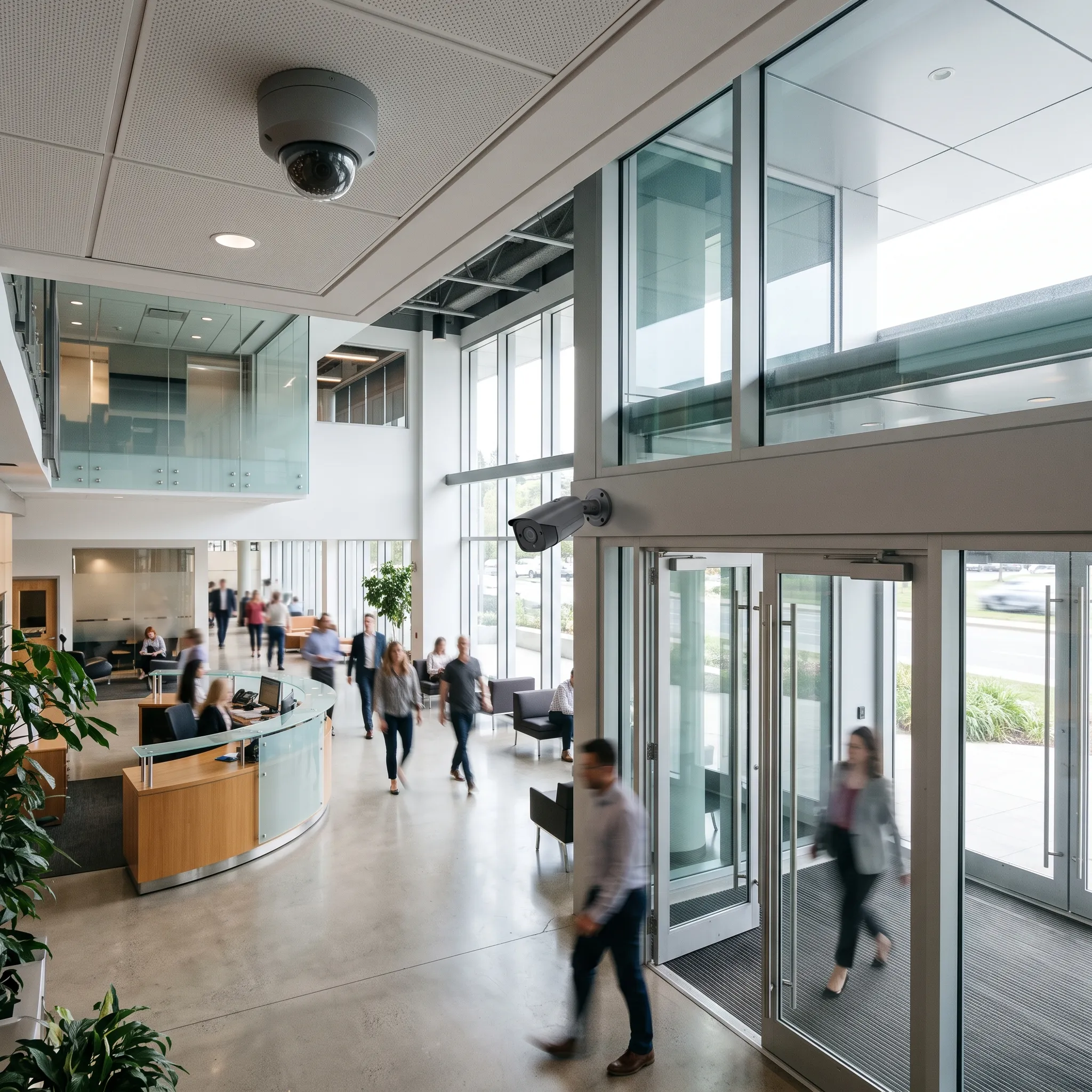
Our Video Surveillance Solutions
EXPLORE THE FULL OFFERING
CCTV Camera
Systems
Complete systems including cameras, recorders, management software and integration
Learn MoreCommercial Surveillance Cameras
Camera hardware selection, types, specifications and which camera suits which environment
Learn MoreIP Camera
Systems
Network layer, PoE, VLANs, bandwidth planning and migrating from analog systems
Learn MoreLive Remote Video
Monitoring
Professional monitoring service for perimeter and interior coverage, available as a paid add-on
Learn MoreVirtual
Concierge
Video intercom and content engagement for condos, hospitality, retail and commercial facilities
Learn MoreFacial
Recognition
Biometric access control integrated with video surveillance for high-security facilities
Learn More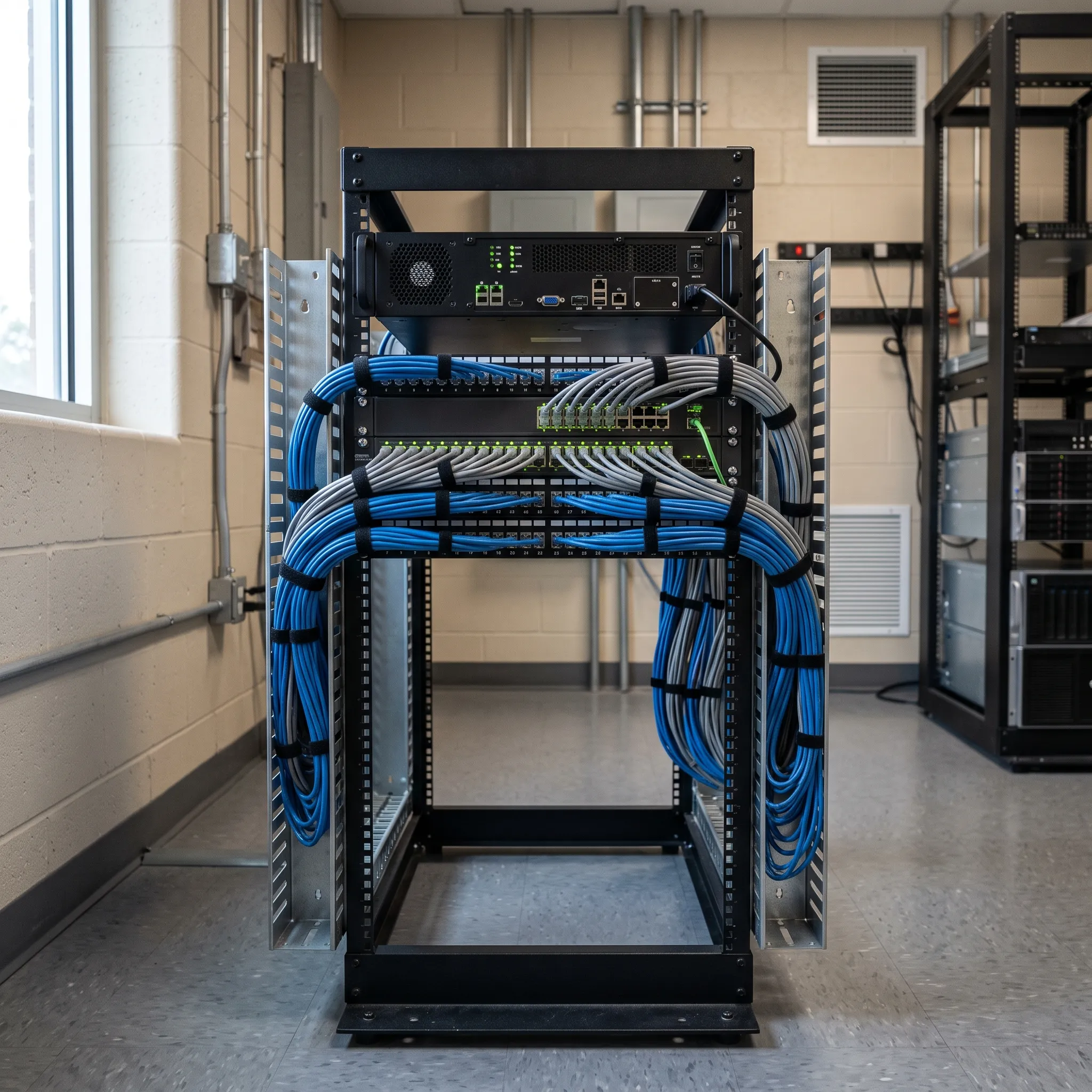
Which Page Should You Start With?
Three of these cover closely related ground, so the right starting point depends on the question you are actually asking:
- Planning a complete system. Start with CCTV camera systems, which covers the whole platform: cameras, recording, management software and how it integrates with access control and intrusion detection.
- Choosing equipment for specific positions. Start with commercial surveillance cameras, which covers camera types, resolution, low-light performance and which model suits each environment.
- Dealing with the network, or migrating from analog. Start with IP camera systems, which covers PoE capacity, VLAN segmentation, bandwidth planning and hybrid migration paths.
- You need someone watching, not just recording. Live remote video monitoring adds trained operators who verify events and respond while something is still happening. Available as a paid add-on service.
- Managing visitors without a front desk. Virtual concierge handles lobby reception remotely, with video verification and remote door release for multi-tenant buildings.
- Touchless entry or watchlist alerting. Facial recognition works as an additional credential type or a surveillance analytic, layered onto an existing camera system.
What Separates a Useful System From an Expensive One
Plenty of facilities have cameras and still cannot resolve an incident. The difference is in the design decisions, not the camera count:
- Placement designed around what the footage must prove. General coverage of a room confirms that something happened. Identification-grade coverage at the right height and angle shows who did it. Those need different cameras in different positions.
- Resolution and low-light performance matched to real conditions. A camera specified for a lit lobby will not deliver usable footage in an unlit yard at 2am. Low-light capability is the most commonly underspecified feature in commercial surveillance.
- Retention that outlasts discovery. Incidents are often found days or weeks later, particularly theft identified at a stock count. If retention is shorter than the gap, the footage is gone before anyone looks for it.
- Network capacity sized for peak, not average. Video load is calculated on simultaneous streams at full resolution. Undersized network infrastructure shows up as dropped frames and recording gaps, usually months after handover.
- Integration so events surface footage automatically. When a door is forced or an alarm trips, the relevant clip is bookmarked and waiting rather than buried in hours of recording.
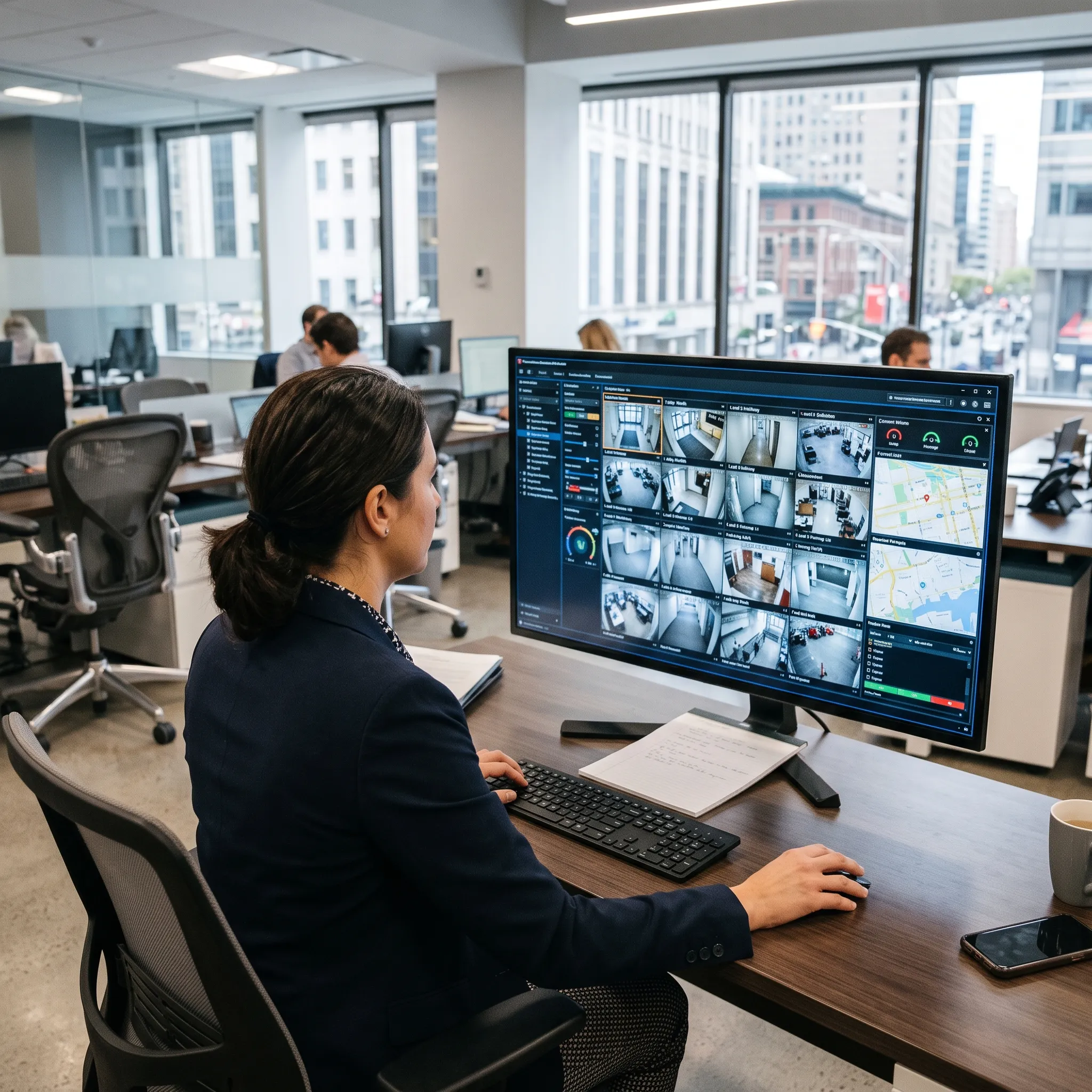
Privacy and Coverage Considerations
DESIGNED AND DOCUMENTED
Camera placement carries privacy obligations that vary by jurisdiction and facility type, and facial recognition carries additional ones around consent and data handling. Coverage is designed with those obligations in mind and documented so you have a clear record of what is and is not monitored:
- Coverage boundaries agreed before installation. Entrances, corridors, parking, loading areas and perimeters are generally appropriate. Washrooms, changing areas and certain private spaces are not. Those lines are drawn during the site assessment rather than discovered afterwards.
- Documented coverage maps. You receive a record of every camera position and what it covers, which supports both internal policy and any question from staff, tenants or a regulator.
- Access controls on the footage itself. User-level permissions determine who can view live feeds, review recordings and export clips, so footage access is limited to the people who need it.
- Retention policies applied deliberately. Footage is kept for a defined period matched to your requirements rather than indefinitely, which is both a storage decision and a privacy one.
- Facial recognition scoped carefully. Where it is used, enrollment is limited to people who have consented and the database is access-controlled. It is an additional layer on an existing system, not a default.
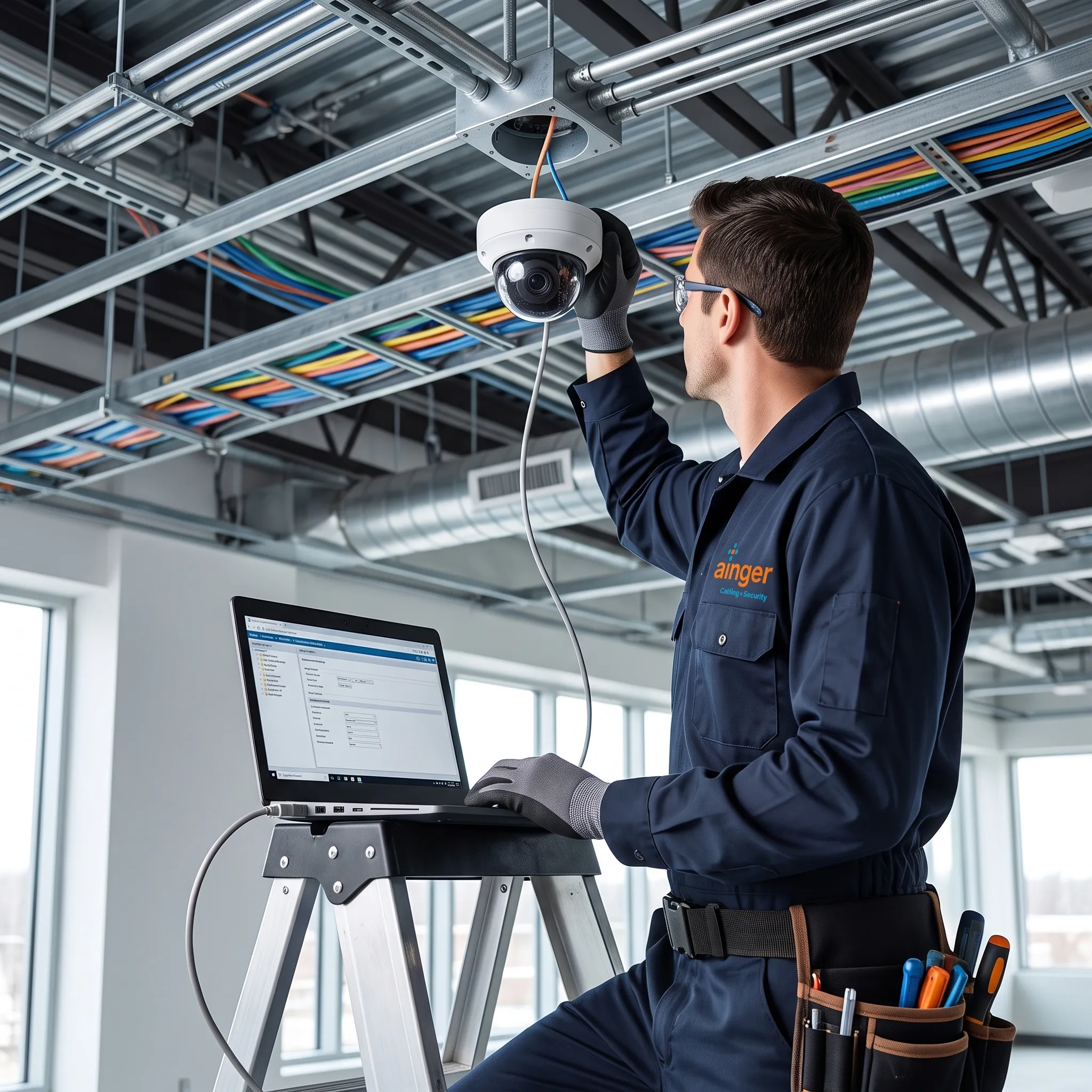
Why the Cameras and the Network Come From One Partner
YOUR SINGLE ACCOUNTABLE PARTNER
Most surveillance faults trace back to the cabling and network rather than the cameras. A camera that drops offline intermittently, produces blocky video or misses motion events is usually experiencing a PoE voltage sag, insufficient bandwidth or a misconfigured VLAN. The camera itself is rarely the problem.
When the cameras and the network come from separate vendors, diagnosing that becomes a dispute rather than a fix. Ainger installs the cameras, the network infrastructure and the security wiring they run on, so the infrastructure is specified for the exact video load the system generates and there is one number to call.
Our manufacturer-authorized dealer status for Uniview and Avigilon means factory-backed warranties on cameras, recorders and management software, with direct escalation to manufacturer engineering support when something complex arises.
That continues after handover through maintenance agreements covering camera cleaning and alignment, firmware updates, storage monitoring and priority response, handled by the same team that did the original installation.
How a Video Surveillance Project Runs
FROM ASSESSMENT TO ONGOING SUPPORT
Site assessment and coverage design
We walk the facility, identify what each position needs to capture, and map camera placement around that rather than around floor coverage. Typically 3–5 days.
System design and specification
Camera models, resolution, lens selection, recording capacity, network requirements and integration points are specified and priced. You approve the design before any work starts.
Installation and commissioning
Cabling, camera mounting, network configuration and recorder setup, followed by testing every camera, verifying angles and training your team on the platform.
Ongoing maintenance and support
Camera cleaning and alignment, firmware updates, storage monitoring and priority response, handled by the team that installed the system.
Project length depends on scope, from a few days for a small camera system to several weeks for a large multi-building deployment. Timelines for each are covered on the individual solution pages. Installations are scheduled around your operations, with after-hours and weekend work available for occupied facilities.
Client Testimonials
What Our Customers Have to Say




















Get a Quote for Your Video Surveillance System
READY TO START?
Every project starts with a site assessment. We’ll walk the facility, work out what each camera position needs to capture, and provide a detailed scope covering cameras, recording, network requirements and timeline. No obligation, no pressure.
Request a QuoteFrequently Asked Questions
Because most camera faults are network faults. Dropped frames, degraded resolution and recording gaps almost always trace back to insufficient PoE budget, undersized cabling or missing network segmentation rather than the cameras. That is why we install both the cameras and the cabling they run on, so the infrastructure is specified for the exact video load the system generates.
Recording documents what happened. Live remote video monitoring prevents it. With monitoring, trained operators watch the feeds during agreed hours, verify events visually and can issue an audio warning or dispatch a response while something is still in progress. It is a paid add-on service and it earns its cost at sites with high after-hours risk, large perimeters or valuable assets sitting outdoors overnight.
Yes, and they vary by jurisdiction and facility type. Public and circulation areas are generally appropriate while washrooms, changing areas and certain private spaces are not. Facial recognition carries additional obligations around consent and data handling. We design coverage with those considerations in mind and document exactly what is and is not covered so you have a clear record.
Thirty to ninety days covers most commercial requirements, though it depends on your operational and insurance obligations. The practical consideration is that many incidents are discovered well after they happen, particularly theft found at a stock count. Retention needs to outlast discovery, otherwise the footage is gone by the time anyone goes looking. Storage is sized during design based on camera count, resolution and the retention period you need.
Fewer than most people expect, if the coverage is designed properly. Camera count depends on what the footage needs to prove rather than how much floor area you want visible. General awareness of movement across a space needs far fewer cameras than identifying a face or reading a licence plate at distance. The site assessment works out which positions need identification-grade coverage and which only need general oversight, and sizes the system accordingly.
They cover three different questions. CCTV camera systems is about the complete platform, cameras plus recording plus management software plus integration with your other security systems. Commercial surveillance cameras is about the hardware itself, which camera type and specification suits each position in your facility. IP camera systems is about the network layer underneath, the PoE switching, VLANs and bandwidth, and migrating from analog. If you are planning a whole system start with the first, if you are choosing equipment start with the second, if your concern is the network start with the third.
Yes. Commercial video management platforms provide secure remote access through desktop and mobile apps, so you can view live feeds, play back recordings and receive motion alerts from anywhere. Access is configured with user-level permissions during commissioning, so you control who can view, play back and export footage.
In many cases yes, at least for a period. A hybrid recorder accepts both analog and IP inputs, letting you add IP cameras while working analog cameras stay in service until they age out. Encoders can also bring analog cameras onto the network so you get remote access and modern recording without replacing the cameras themselves.
1996–2026

Contact Us
Get in Touch with Ainger Cabling + Security
Find Us Online