

IP Camera Systems & Network
Camera Infrastructure
What Makes IP Camera Systems Different from Legacy Surveillance?
NETWORK-BASED VIDEO SURVEILLANCE
IP camera systems transmit digital video over your network infrastructure rather than analog signals over dedicated coaxial cable. This fundamental difference changes what a surveillance system can do and how it connects to the rest of your security and IT infrastructure.
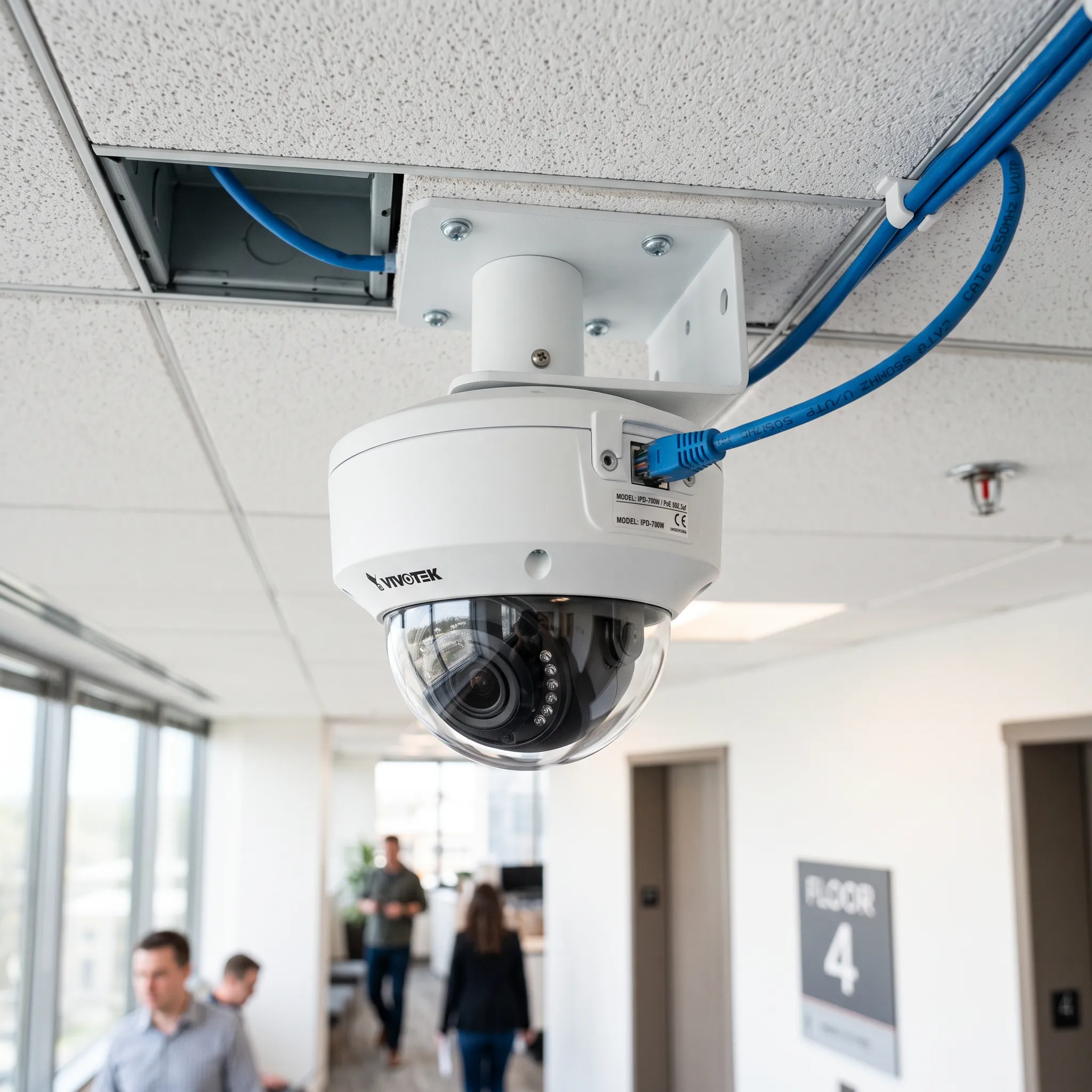
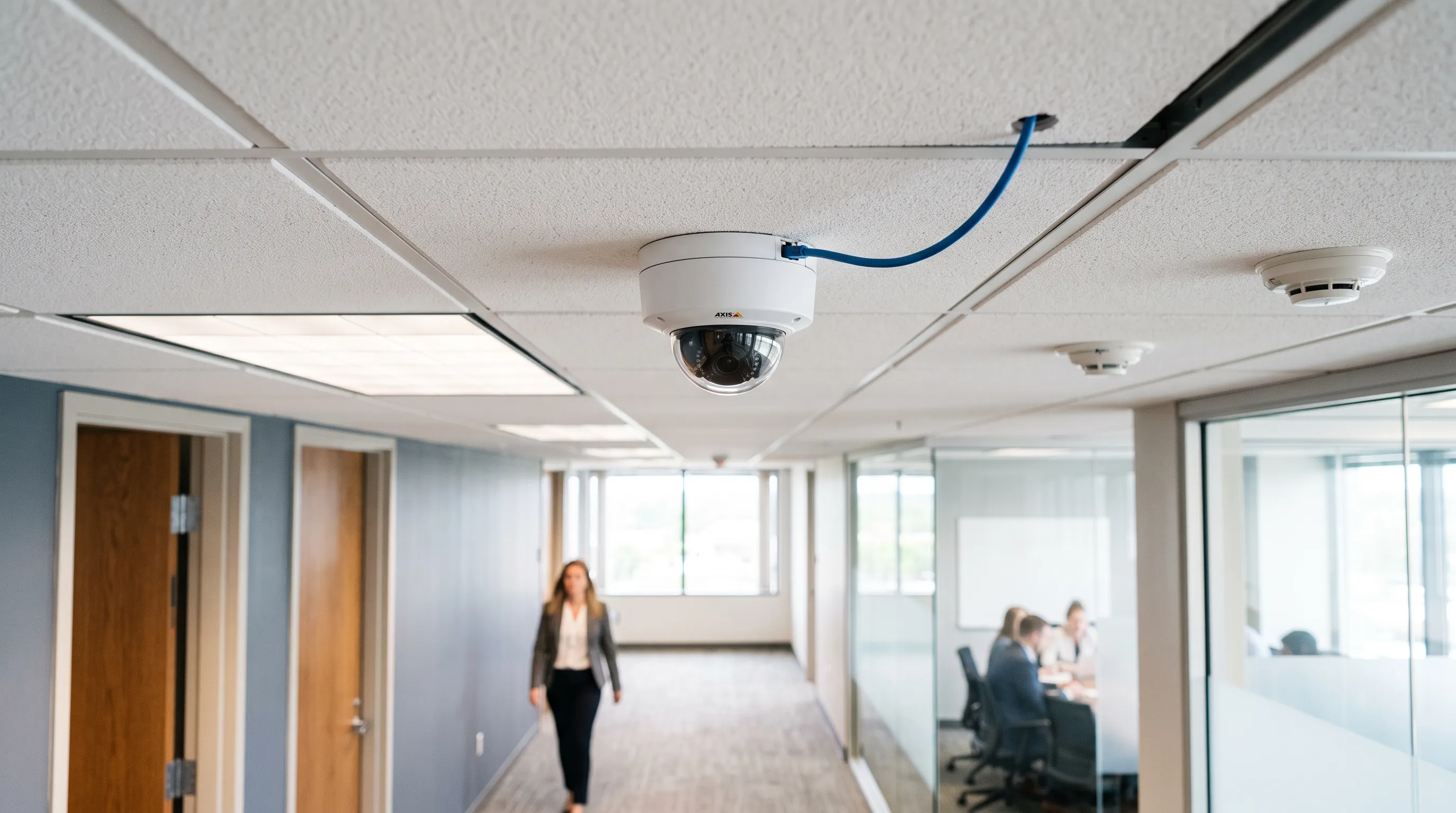
Traditional analog CCTV cameras capture video and send it as an electrical signal over coaxial cable to a DVR that digitizes and stores it. IP cameras capture, digitize, compress, and transmit video as network data over Cat6 cable, the same structured cabling that supports your computers and phones. This means IP cameras can leverage your existing network infrastructure, receive power and data over a single cable through Power over Ethernet (PoE), and integrate directly with network-based security systems like access control and intrusion detection.
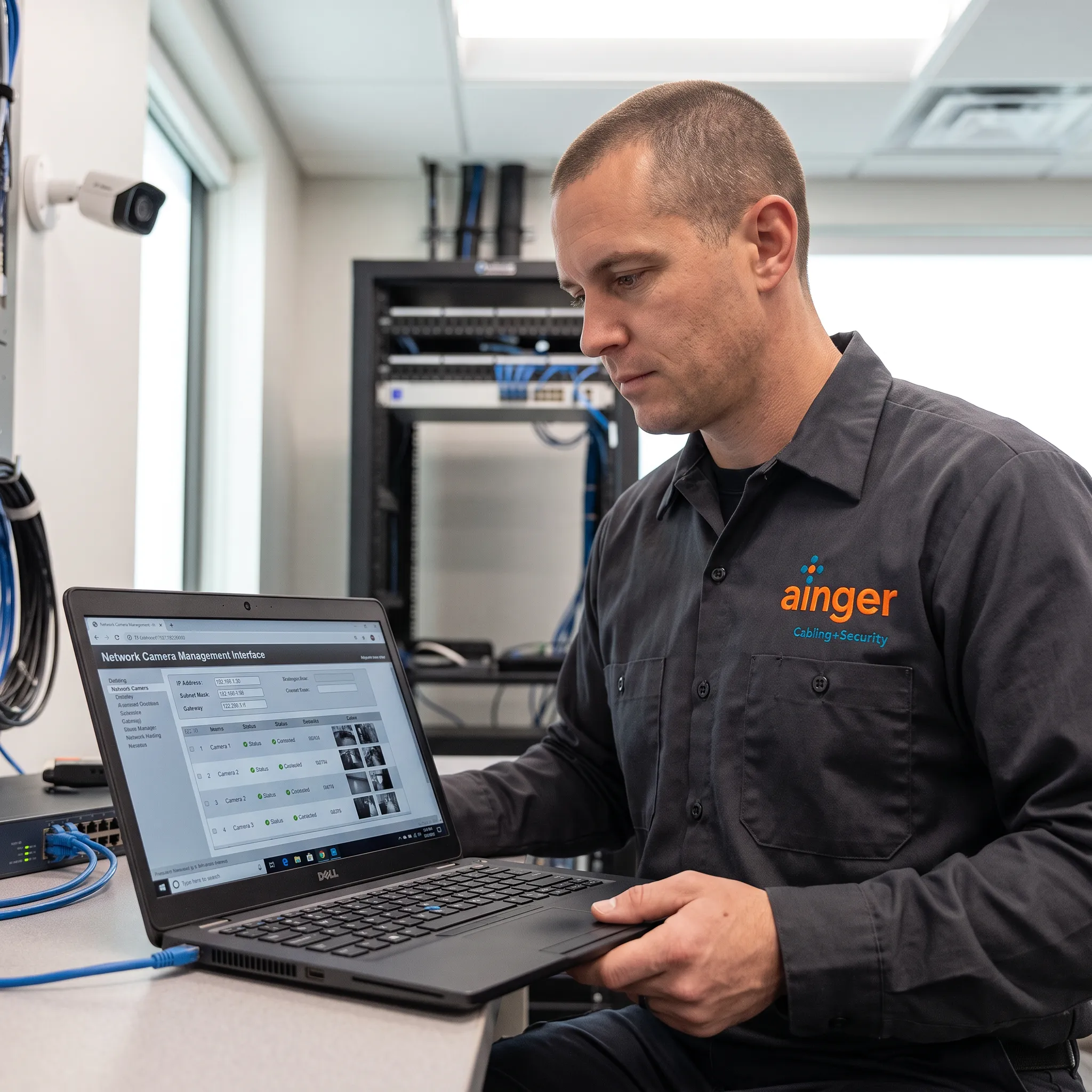
Ainger Cabling + Security installs IP camera systems from Uniview and Avigilon, with manufacturer-authorized technicians who handle both the camera hardware and the structured cabling infrastructure it runs on. The network layer is where most IP camera problems originate, and having one team responsible for both eliminates the coordination gap.
What Network Infrastructure Do IP Cameras Require?
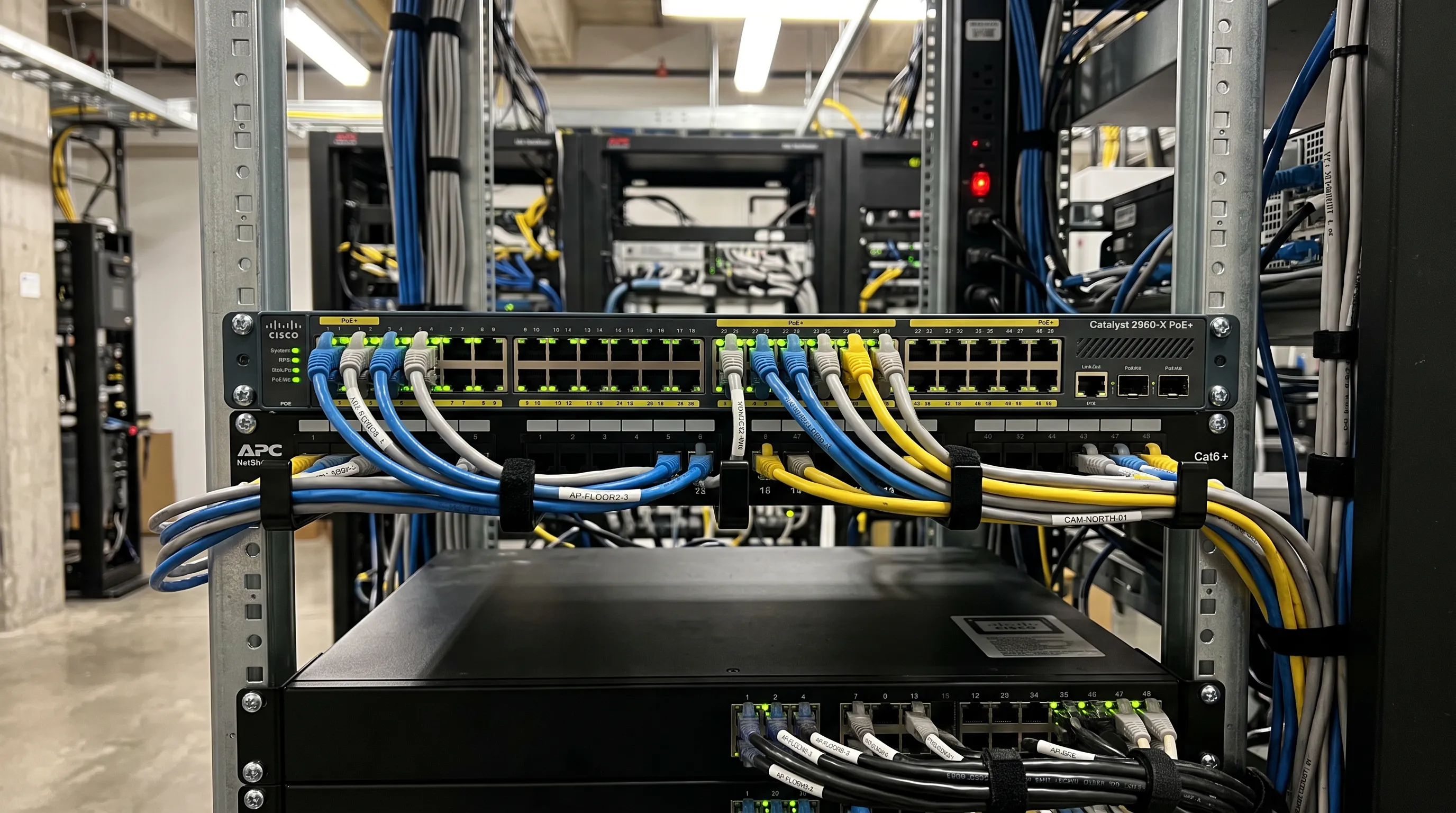
IP cameras depend on network infrastructure that most IT teams take for granted with computers but that requires deliberate planning for video surveillance:
- Power over Ethernet (PoE) switches. PoE delivers both data and electrical power through the same Cat6 cable, eliminating the need for separate power outlets at each camera location. PoE budget planning is critical: each camera draws 12-30 watts depending on model and features, and the total draw across all ports must not exceed the switch’s power budget.
- VLAN segmentation. Camera traffic should be isolated from business data traffic on separate VLANs. This prevents bandwidth-heavy video streams from affecting business applications, improves security by limiting access to camera data, and simplifies network troubleshooting.
- Bandwidth planning. A single 4MP camera streaming at 15fps can consume 4-8 Mbps depending on compression settings and scene complexity. A 32-camera system can easily saturate a 1 Gbps uplink without proper network design. Backbone connections between switches and the NVR often require 10 Gbps or link aggregation.
- Cat6 or Cat6a cabling. IP cameras require Cat6 minimum for reliable gigabit connectivity. Cat6a is recommended for runs approaching 100 meters or environments with high electromagnetic interference. Cable quality and termination standards directly affect whether cameras maintain consistent video quality.
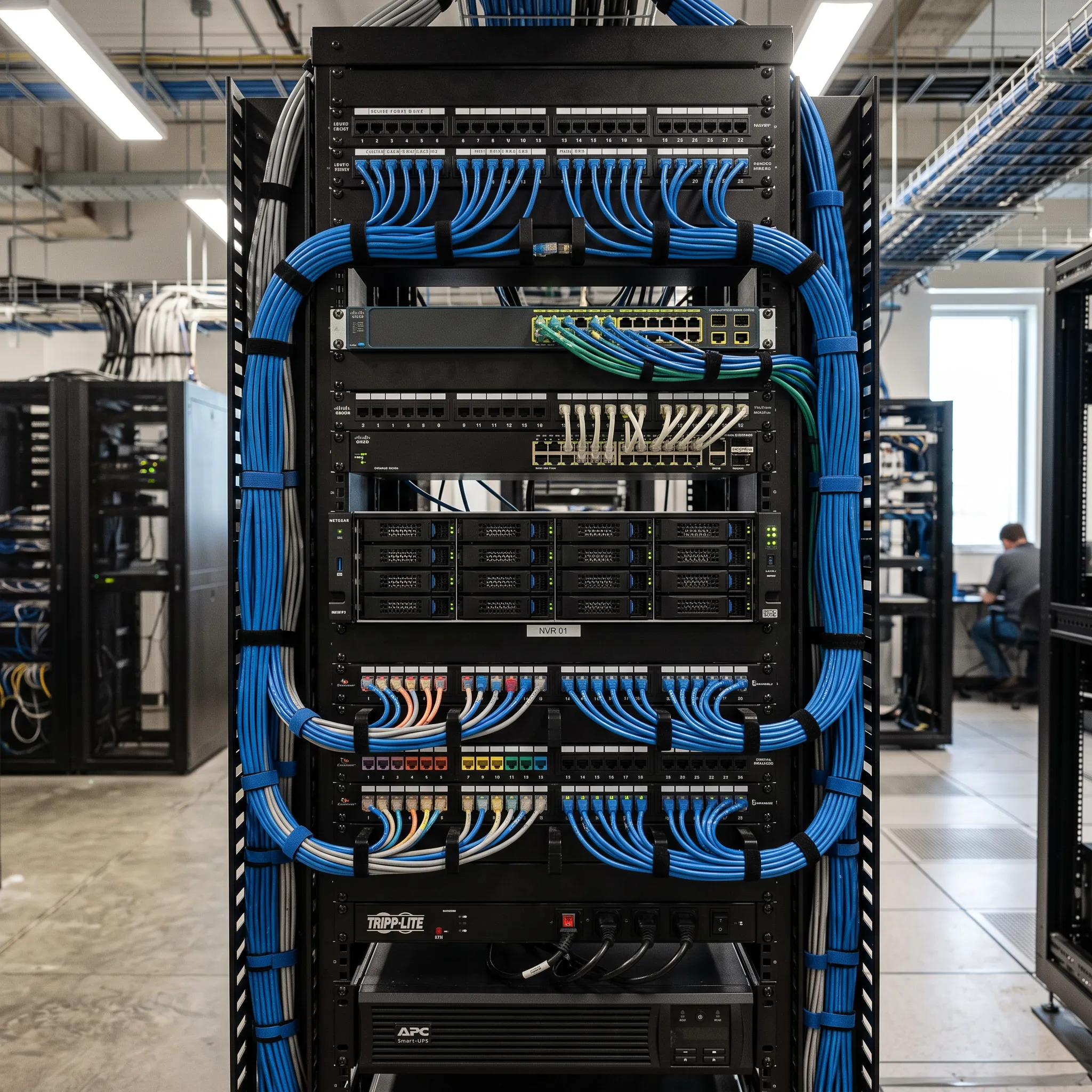
- Network recording infrastructure. NVRs or VMS servers receive video streams from all cameras simultaneously. Storage sizing, RAID configuration, and network throughput to the recording platform determine retention capacity and playback performance.
How Do You Migrate from Analog CCTV to IP Cameras?
Most commercial facilities with existing analog camera systems do not need a complete rip-and-replace. Migration to IP can be phased to protect your existing investment:
- Hybrid approach. Replace the DVR with a hybrid NVR that accepts both analog and IP camera inputs. This lets you keep working analog cameras on existing coax while adding IP cameras on new Cat6 runs. Over time, analog cameras are replaced with IP as they age out, and eventually the coax is retired entirely.
- Encoder bridge. Analog encoders convert existing analog camera signals to IP streams, bringing legacy cameras onto the network without replacing the cameras themselves. This extends the life of analog hardware while enabling IP-based recording and remote access immediately.
- Phased cabling upgrade. IP cameras require Cat6 network cable rather than coaxial. In many facilities, new Cat6 can be pulled through the same cable pathways used by the original coax. We assess existing pathways during the site survey and recommend whether to run new cable alongside existing coax or replace it entirely based on conduit capacity.
- Full IP deployment. For new construction or major renovations, a full IP system is installed from scratch with Cat6a cabling, PoE switching, VLAN architecture, and NVR/VMS infrastructure designed as one integrated platform. This is the most cost-effective approach when no existing camera infrastructure needs to be preserved.
What Are the Advantages of IP Cameras over Analog?
IP VS. ANALOG CAMERA TECHNOLOGY
For commercial facilities evaluating a camera system upgrade or new installation, these are the practical differences that affect daily operation and total cost of ownership:
- Resolution. Analog cameras max out at about 700 TVL (roughly equivalent to 1MP). IP cameras start at 2MP and scale to 4K (8MP) and beyond. For identification-grade footage at distance, IP is the only viable option in commercial environments.
- Single cable for power and data. PoE eliminates the need for separate power supplies and electrical outlets at each camera position. This reduces installation cost, simplifies cable management, and provides centralized power management through the PoE switch, including the ability to remotely reboot cameras.
- Remote access. IP cameras are accessible from anywhere with network connectivity. Facility managers can view live feeds, play back recorded footage, and receive alerts on mobile devices. Analog systems require on-site access to the DVR for playback.
- Analytics and AI. IP cameras from Avigilon include on-board analytics for motion detection, people counting, unusual activity detection, and object classification. Analog cameras have no analytical capability.
- Security system integration. IP cameras integrate natively with access control and intrusion alarm systems over the network. Door events bookmark video automatically. Alarm triggers initiate camera recording. This integration is designed from the outset when cameras and security systems share the same network architecture.
- Scalability. Adding cameras to an IP system means adding a network drop and a PoE port. Adding cameras to an analog system means running new coaxial home runs back to the DVR and may require a DVR upgrade when channel capacity is exhausted.
Why Choose Ainger for IP Camera System Installation?
YOUR SINGLE ACCOUNTABLE PARTNER
IP camera problems are network problems. Dropped frames, degraded resolution, recording gaps, and intermittent connectivity almost always trace back to the network infrastructure: insufficient PoE budget, undersized cable, missing VLAN configuration, or backbone bottlenecks. The camera hardware is rarely the issue.
Because Ainger installs both the IP cameras and the network cabling infrastructure they run on, the entire system is designed as one coordinated platform. PoE switch capacity is calculated for the exact camera load. VLANs are configured during installation, not bolted on after video issues surface. Backbone bandwidth is sized for the aggregate video throughput the system generates.
Our manufacturer-authorized dealer status for Uniview and Avigilon means factory-backed warranties on every camera and NVR. Technicians receive manufacturer training on camera configuration, network integration, and VMS programming. When complex issues arise, we escalate directly to manufacturer engineering support. Cameras we install can also be connected to our remote video monitoring services, a paid add-on with trained operators watching live.
One infrastructure partner. Cameras, network, and recording from the same team.
Client Testimonials
What Our Customers Have to Say




















Get a Quote for Your IP Camera System
READY TO START?
Every project starts with a site assessment. We’ll evaluate your network infrastructure, existing camera equipment, and coverage requirements to design an IP camera system that works reliably from day one. No obligation, no pressure.
Request a QuoteFrequently Asked Questions
IP cameras should be placed on a separate VLAN rather than sharing your business data network. Video traffic is bandwidth-intensive, and a single 4MP camera can consume 4-8 Mbps. Without VLAN segmentation, camera traffic can degrade business application performance. During installation, we configure dedicated VLANs for camera traffic and ensure backbone connectivity between switches and the NVR is sized for the aggregate video throughput.
An IP camera system uses digital cameras that transmit video over your network infrastructure (Cat6 cable) rather than analog signals over coaxial cable. IP cameras connect to network video recorders or video management software through PoE switches, which provide both data connectivity and electrical power through a single cable. This network-based architecture enables higher resolution, remote access, analytics, and integration with access control and alarm systems.
IP cameras require Cat6 network cable at minimum for reliable gigabit connectivity. Cat6a is recommended for cable runs approaching 100 meters or environments with high electromagnetic interference from industrial equipment. All cables must be plenum-rated when routed through air-handling ceiling spaces per commercial building code. Cable quality and termination standards directly affect whether cameras maintain consistent video quality over time.
Yes. A hybrid NVR accepts both analog and IP camera inputs, allowing you to maintain working analog cameras while adding new IP cameras on Cat6 cable runs. Alternatively, analog encoders convert existing camera signals to IP streams for network-based recording. This phased approach protects your existing investment while enabling IP capabilities like remote access and analytics immediately.
Power over Ethernet (PoE) delivers electrical power and network data through the same Cat6 cable, eliminating the need for separate power outlets at each camera location. This reduces installation cost, simplifies cable management, and provides centralized power management through the PoE switch. Each camera draws 12-30 watts depending on the model, and the total draw across all cameras must not exceed the switch’s power budget. Proper PoE budget planning is part of our system design process.
Bandwidth depends on camera resolution, frame rate, and compression settings. A single 2MP camera at 15fps typically uses 2-4 Mbps. A 4MP camera may use 4-8 Mbps. A 32-camera system can aggregate 100-200 Mbps or more, which is why backbone connections between PoE switches and the NVR often require 10 Gbps uplinks or link aggregation. We calculate exact bandwidth requirements during the design phase and size the network accordingly.
Commercial IP cameras with edge storage can continue recording locally to an onboard SD card during network outages, then sync footage to the NVR when connectivity is restored. PoE switches with UPS backup maintain camera power during electrical outages. Proper network design includes redundant connections for critical cameras and NVR equipment to minimize the impact of any single point of failure.
1996–2026

Contact Us
Get in Touch with Ainger Cabling + Security
Find Us Online