

Commercial Security
Security System Integration: How to Connect Multiple Systems for Unified Commercial Protection

If you manage a commercial facility, you’ve probably noticed that your security systems don’t talk to each other the way you need them to. The access control system logs a door opening at 2 AM, but you have to manually search through hours of video footage to see who actually walked through. The intrusion alarm triggers, but your intercom system has no idea anything happened. Each system does its job in isolation, and you’re left playing translator between them—stitching together timelines, cross-referencing logs, and hoping you don’t miss something critical. This fragmented approach isn’t just frustrating; it creates real security gaps and operational inefficiencies that cost time and money. Security system integration solves this problem by connecting your access control, video surveillance, intrusion alarms, intercoms, and other systems into a unified ecosystem where they share data, trigger coordinated responses, and present everything through a single management interface. Over 60% of organizations now operate fully or partially converged physical security systems, and that number continues climbing as facility managers recognize that disconnected security creates more problems than it solves.
This article is designed for commercial facility managers, property directors, and security coordinators who are either managing multiple standalone security systems that don’t communicate or planning expansions that require different systems to work together. You might be dealing with systems installed by different vendors over the years, or you’re inheriting a building with equipment you didn’t select. Either way, you need practical guidance on how integration actually works—not marketing claims about “seamless connectivity.”
Who This Guide Is For (And Who It Isn’t)
This article is designed for commercial facility managers, property directors, and security coordinators who are either managing multiple standalone security systems that don’t communicate or planning expansions that require different systems to work together. You might be dealing with systems installed by different vendors over the years, or you’re inheriting a building with equipment you didn’t select. Either way, you need practical guidance on how integration actually works—not marketing claims about “seamless connectivity.”
This isn’t for residential applications or smart home setups. We’re focused exclusively on commercial environments: office buildings, multi-tenant properties, industrial facilities, and similar spaces where security decisions have operational and compliance implications. If you’re looking for product comparisons or trying to decide which specific cameras or access control readers to buy, that’s a different conversation—we assume here that you either have systems in place already or have those decisions made, and now you need to figure out how to connect everything.
Why Integration Matters More Than Adding More Systems
The instinct when security gaps appear is often to add another system—more cameras, additional access points, a separate alarm panel. But adding systems without connecting them compounds the management burden without proportionally improving security. Here’s what we consistently see in facilities running disconnected systems:
- Delayed incident response: When an alarm triggers, operators must manually correlate the event with video footage, access logs, and other data sources. This takes minutes in situations where seconds matter.
- Multiple management interfaces: Staff switch between different software platforms, each with its own login, its own learning curve, and its own way of presenting information. This wastes time and increases the likelihood of missing something.
- Coverage gaps: Without systems sharing data, you can’t create conditional logic like “if this door opens after hours, immediately pull up that camera feed and send an alert.” Each system operates according to its own rules with no awareness of the broader security picture.
- Inconsistent audit trails: Compliance reporting becomes a manual exercise of pulling data from multiple sources and hoping the timestamps align.
Integrated systems eliminate these problems. When everything connects properly, a single interface shows you access events alongside corresponding video, alarms trigger coordinated responses across multiple systems automatically, and audit trails pull from a unified data source. The security improvement is real, but honestly, the operational efficiency gains are often what facility managers notice first.
Common Integration Scenarios That Deliver Immediate Value
Rather than abstract descriptions of what integration can do, let’s look at specific scenarios that commercial facility managers regularly encounter:
Access-Triggered Video Recording
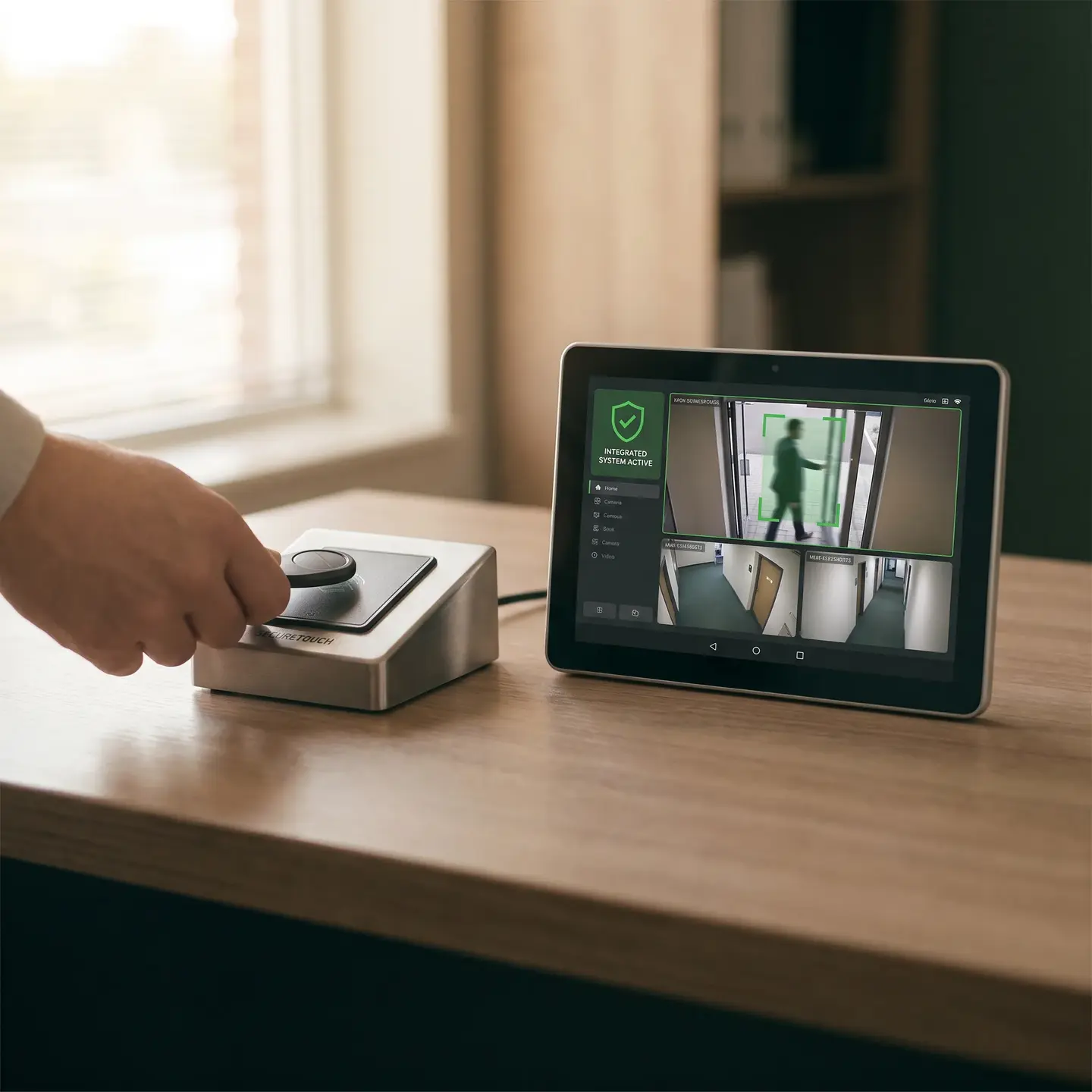
When access control systems integrate with video surveillance infrastructure, every door access event automatically bookmarks the corresponding video footage. Someone uses their credential at a server room door at 11 PM? The system tags that exact moment in the video feed from nearby cameras. No more scrubbing through hours of footage—you click the access event and see exactly who walked through.
Intrusion Response Automation
When intrusion alarm systems connect with access control and video, triggering an alarm can automatically lock all entry points, begin recording at higher quality on relevant cameras, and send alerts with live video links to designated responders. This happens in milliseconds rather than waiting for a human to initiate each action.
Verified Visitor Access
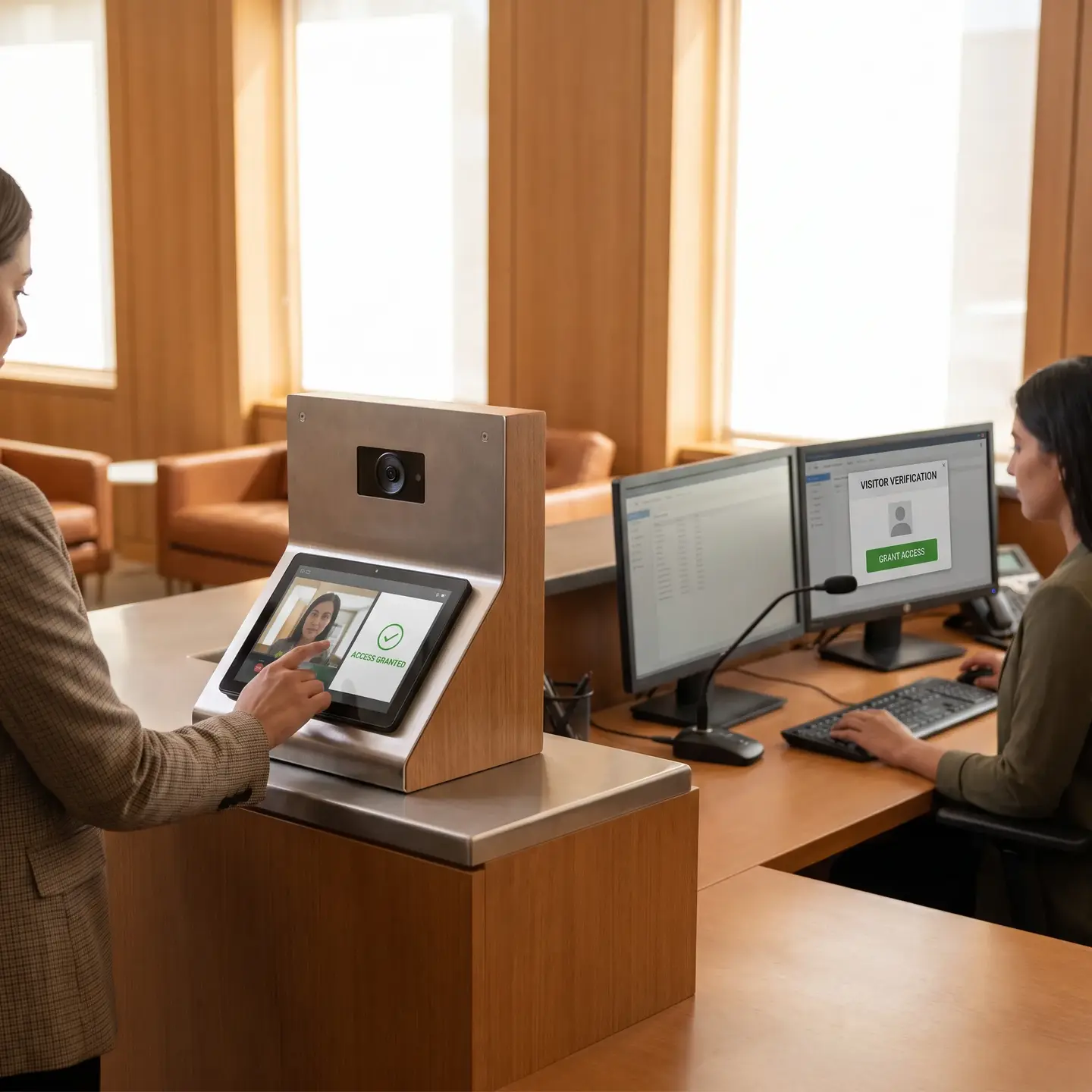
Integrated intercom systems allow front desk staff or property managers to see video of a visitor, verify their identity, and grant access through a single interface. The access event is logged, the visitor’s face is captured on camera, and the entire interaction is documented without requiring someone to physically walk to the door.
Occupancy-Based Building Adjustments
While we focus on security-to-security integration, access control data can feed into building management decisions. Knowing exactly which zones have occupants allows for smarter resource allocation—though it’s worth noting that full building automation integration (HVAC, lighting controls) typically involves additional platforms beyond what pure security integration provides.
Integration Technologies and Protocols: What You Actually Need to Understand
Vendors love to claim their systems “integrate” with everything, but the term gets used loosely. Here’s what facility managers should understand about how integration actually works:
ONVIF: The Common Language for Video Devices
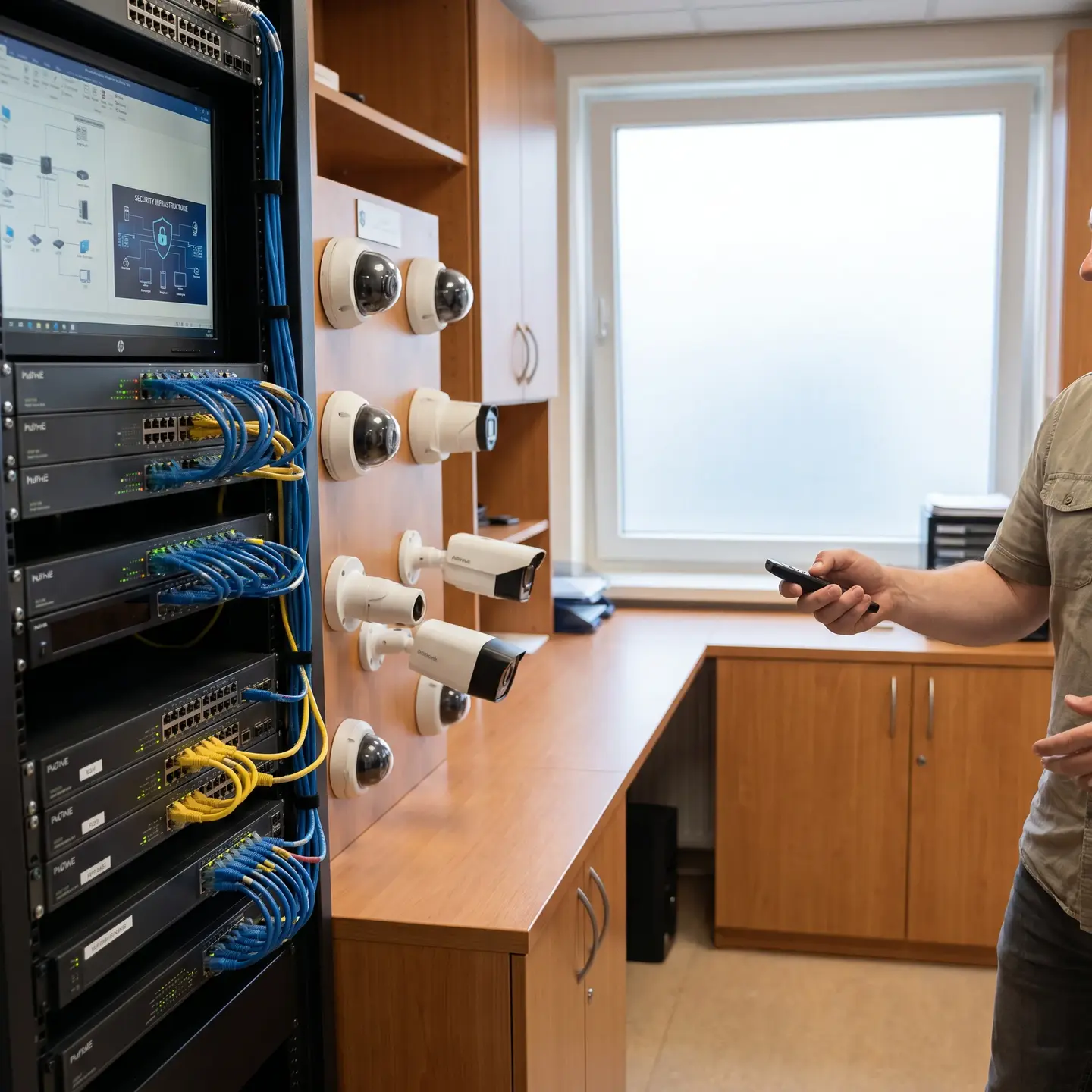
ONVIF interoperability profiles provide standardized specifications that allow IP-based video devices from different manufacturers to work together. If a camera conforms to ONVIF Profile S (streaming) or Profile T (advanced streaming), it should work with any video management system that supports those same profiles. This doesn’t guarantee perfect integration, but it establishes a baseline of compatibility.
When evaluating equipment, ask which ONVIF profiles are supported. Profile conformance is the most reliable indicator that cameras from one manufacturer will work with recording and management systems from another.
API Connectivity: How Systems Exchange Data
APIs (Application Programming Interfaces) are the mechanisms that allow different software systems to share information and trigger actions. When your access control system sends an “door opened” event to your video management system, that’s happening through an API. When an alarm triggers and your access control system locks all doors in response, that’s API communication.
The quality of API integration varies dramatically. Basic integration might only forward events one direction—your VMS receives a notification that a door opened, but can’t send commands back to the access control system. Full bidirectional integration allows systems to both receive information and issue commands to each other, enabling the automated response scenarios that make integration truly valuable.
Questions to ask vendors:
- Is the API integration bidirectional or one-way?
- What specific data points are exchanged between systems?
- Can the integration trigger automated actions, or does it only share information?
- Is the API documented and available for future expansion?
Middleware Platforms: Bridging Incompatible Systems
Sometimes systems simply don’t speak the same language natively. Middleware platforms sit between incompatible systems, translating data formats and protocols so they can communicate. This adds complexity and cost, but it can be the only practical option when you have legacy systems that lack modern integration capabilities but aren’t ready for replacement.
The downside: middleware adds another layer that requires maintenance, licensing, and expertise. It can be the right solution, but understand what you’re committing to before going this route.
Unified Management Software: What It Actually Unifies
Unified platforms present multiple systems through a single interface, but look carefully at what’s actually unified versus what’s simply displayed side-by-side. True unified management means events from different systems are correlated automatically, searches span all connected systems, and responses can trigger actions across system boundaries. Lesser implementations might just provide a dashboard that embeds separate interfaces without any deeper connection.
Planning Your Integrated Security Architecture
Integration doesn’t require replacing everything simultaneously. A phased approach that prioritizes high-value connection points delivers benefits while spreading costs and minimizing operational disruption.
Step 1: Inventory Current Systems and Integration Capabilities
Before planning new integration, document what you have:
- List every security system currently deployed (access control, cameras, alarms, intercoms, etc.)
- Identify the manufacturer and model of each system
- Determine which integration standards each supports (ONVIF profiles, OSDP for access control, available APIs)
- Note any existing integrations already in place
- Identify systems at or near end-of-life that may need replacement regardless
This inventory reveals which systems can integrate with modern platforms and which may require middleware, replacement, or simply remaining standalone for now.
Step 2: Identify Critical Integration Points
Not every possible integration delivers equal value. Focus first on connections that solve your biggest operational pain points:
- If incident investigation eats up staff time, prioritize access-triggered video bookmarking
- If response coordination is slow, prioritize alarm-to-access-control automation
- If visitor management creates security gaps, prioritize intercom-to-access-control integration
Step 3: Assess Network Infrastructure Requirements
Integrated systems generate network traffic that your existing infrastructure may not support. Video surveillance alone can require 2-15 Mbps per camera depending on resolution and compression. When you add real-time event data flowing between systems, the demands increase further.
Evaluate:
- Bandwidth capacity: Can your network handle current video loads plus integration traffic with 20-30% headroom for growth?
- Power over Ethernet (PoE) capacity: Do your switches provide adequate power for cameras, access control readers, and intercoms without supplemental power supplies?
- Network segmentation: Is security system traffic isolated from general business traffic for both performance and cybersecurity reasons?
Network infrastructure limitations cause more integration failures than software incompatibility. Address these before investing in integration platforms.
Step 4: Develop a Phased Implementation Timeline
Implementing everything at once risks extended periods where security coverage is compromised. A phased approach maintains continuous protection while progressively adding integration capabilities:
- Phase 1: Connect systems that require minimal infrastructure changes (often video and access control if both are already IP-based)
- Phase 2: Address network infrastructure gaps identified during assessment
- Phase 3: Add alarm integration and automated response rules
- Phase 4: Implement intercom integration and visitor management workflows
- Phase 5: Replace legacy systems that can’t integrate effectively
Open vs. Proprietary Platforms: The Long-Term Decision
One of the most consequential decisions in integration planning is whether to pursue an open, standards-based approach or a proprietary single-vendor ecosystem.
Open Platform Approach
Advantages:
- Mix equipment from multiple manufacturers based on specific needs
- Avoid vendor lock-in that limits future options
- Replace individual components without rebuilding the entire system
- Access to competitive pricing across vendors
Challenges:
- Integration may require more configuration and testing
- Support can involve multiple vendors pointing fingers at each other
- Not all “open” systems integrate equally well in practice
Proprietary Single-Vendor Approach
Advantages:
- Tighter integration with fewer compatibility concerns
- Single point of accountability for support
- Often simpler initial deployment
Challenges:
- Locked into one vendor’s product roadmap and pricing
- Replacing any component may require replacing others
- Vendor business changes directly impact your security infrastructure
Our recommendation: favor open platforms with strong standards compliance (ONVIF, OSDP) for most commercial applications. The flexibility and competitive dynamics serve facility managers better over the long term, even if initial configuration requires more expertise.
Integration Challenges and Practical Solutions
Integration projects encounter predictable obstacles. Knowing what to expect helps you plan appropriately rather than being surprised mid-project.
Legacy System Compatibility
The problem: Older systems may lack APIs, use proprietary protocols, or simply predate modern integration standards.
Practical solutions:
- Check whether firmware updates enable integration capabilities
- Evaluate middleware platforms that can translate older protocols
- Consider whether keeping the legacy system standalone (but operational) makes more sense than forced integration
- Plan replacement timelines for systems approaching end-of-life anyway
Network Infrastructure Inadequacy
The problem: Existing networks can’t handle the bandwidth, lack adequate PoE capacity, or weren’t designed with security traffic in mind.
Practical solutions:
- Conduct bandwidth assessments before specifying integration scope
- Upgrade switches to support 802.3bt PoE standards for power-hungry devices
- Implement dedicated VLANs for security system traffic
- Consider edge processing that reduces network load (cameras with onboard analytics send alerts and clips rather than continuous streams)
Credential Format Incompatibility
The problem: Access control systems may use different credential formats (card technologies, mobile credential standards) that don’t transfer across systems.
Practical solutions:
- Standardize on modern credential formats during any access control upgrades
- Choose readers that support multiple formats during transition periods
- Plan credential migration as part of integration timeline rather than afterthought
Ongoing Maintenance Complexity
The problem: Integrated systems require coordinated updates—a firmware update on one system can break integration with another.
Practical solutions:
- Establish update protocols that test integration after any system change
- Maintain vendor support agreements that include integration maintenance
- Document all integration configurations so troubleshooting doesn’t require rediscovery
- Work with an integrator who maintains the complete system rather than individual vendors for each component
A Practical Integration Scenario
Consider a 12-story commercial office building in Kitchener with the following existing security infrastructure:
- Card-based access control on main entrances and elevator lobbies (10 years old, proprietary software)
- 32 analog cameras converted to IP through encoders (mixed ages, basic recording)
- Standalone intrusion alarm panel monitoring after-hours perimeter doors
- Intercom at loading dock (audio only, no integration)
The facility manager’s primary pain points: incident investigation takes hours because there’s no correlation between access events and video; the intrusion alarm triggers false positives that can’t be quickly verified; and visitors at the loading dock require someone to physically walk down to grant access.
Integration approach taken:
- Assessment revealed: The access control system’s manufacturer offered an upgrade path to a cloud-connected version with open APIs. The analog-to-IP encoders supported ONVIF Profile S. The alarm panel had relay outputs but no network connectivity. Network infrastructure had adequate bandwidth but insufficient PoE capacity.
- Phase 1 (Month 1-2): Upgraded access control software and connected to a unified VMS that supports both the existing encoders and native access control integration. Immediate result: every access event now bookmarks corresponding video. Investigation time dropped from hours to minutes.
- Phase 2 (Month 3): Added a network interface module to the alarm panel, allowing alarm events to feed into the unified platform. Configured the system to automatically pull up relevant camera views when alarms trigger. Security staff can now verify alarms visually before dispatching response.
- Phase 3 (Month 4-5): Replaced the loading dock intercom with a video intercom integrated into the access control platform. Staff can now verify visitors, communicate, and grant access from any workstation. Added two cameras and upgraded network switches in that area to support PoE.
- Outcome: Total investment spread over five months. No period of compromised security coverage. Staff required training on the unified platform but eliminated three separate interfaces they previously juggled. The building owner reported that documented security improvements helped during lease negotiations with a security-conscious tenant.
Questions to Ask Any Integration Partner
Before committing to an integration project or partner, get clear answers to these questions:
- What specific integration protocols do you work with? (Look for specific answers like ONVIF profiles, OSDP, named APIs—not vague claims of “full integration.”)
- How do you handle systems from multiple manufacturers that weren’t designed to work together?
- What happens when a firmware update breaks an integration?
- Do you provide a single point of accountability for the entire integrated system, or do I contact different vendors for different components?
- What network infrastructure requirements will this integration create?
- Can you show me a similar integration project you’ve completed, and can I speak with that client?
Where to Go From Here
If you’re inheriting disconnected systems or planning an expansion that requires multiple security components to work together, the path forward depends on where you are today:
If you’re still assessing your current situation: Start with the inventory process described above. Document every system, its integration capabilities, and its remaining useful life. This foundation makes every subsequent decision easier.
If you know what you have but aren’t sure what’s possible: Consider a professional security assessment that evaluates both your current systems and your operational objectives. The goal isn’t to sell you equipment—it’s to identify the highest-value integration points and the most practical path to achieving them.
If you’re planning new construction or major renovation: Build integration into the design from the start. Specifying compatible systems and adequate network infrastructure during construction costs a fraction of retrofitting later.
At Ainger Cabling + Security, we serve as a single accountable partner for both the commercial security systems and the underlying cabling infrastructure across Canada and the United States. Our technicians hold certifications from Kantech, Avigilon and Panduit, and we maintain manufacturer authorizations that ensure warranty-backed installations. When integration challenges arise—and they will—you have one team to call rather than multiple vendors pointing at each other. If you’re ready to discuss what integration could look like for your facility, we’re here to walk through the specifics of your situation.
Frequently Asked Questions
Open platforms use standards like ONVIF and OSDP, letting you mix manufacturers and avoid vendor lock-in. Proprietary systems offer tighter initial integration but lock you into one company’s pricing and roadmap. For most commercial facilities, open standards provide better long-term flexibility.
Insufficient bandwidth, limited Power over Ethernet capacity, and poor network segmentation cause more failures than software issues. Video alone demands 2-15 Mbps per camera, and integration adds real-time event traffic. Verify your network has 20-30% headroom beyond current loads before starting.
Integration cuts incident investigation from hours to minutes by automatically linking access events with video footage. You’ll see a single view of what happened and when, without juggling multiple logins or systems. Most facility managers notice the time savings within days of going live.
Ask for specifics: Which protocols do they use (ONVIF, OSDP, APIs)? Can they show a similar completed project and connect you with that client? Who’s accountable when firmware breaks something? Vague promises of full integration are red flags—you want concrete technical answers.
You don’t need to replace everything at once. Many legacy systems can integrate through firmware updates or middleware platforms that bridge incompatible equipment. The key is assessing each system’s capabilities upfront—some older gear integrates well, while other pieces may not be worth connecting.