

Commercial Security
Security System Maintenance: Protecting Your Commercial Investment Year-Round

Your security system passed inspection at commissioning—so why does it need ongoing maintenance? It’s a fair question, and one we hear regularly from facility managers who assume that once cameras are recording and access readers are scanning badges, the system will simply keep working. The reality is different. Commercial security infrastructure doesn’t fail all at once. It degrades incrementally, quietly, in ways that aren’t obvious until something goes wrong during an incident. A motion sensor’s detection zone shrinks as dust accumulates. Firmware vulnerabilities emerge months after installation. Backup batteries lose capacity while showing normal voltage readings. By the time these issues become visible problems, you’re dealing with emergency service calls, coverage gaps, and the uncomfortable realization that your commercial security solutions haven’t been protecting your facility as effectively as you assumed.
This article is for commercial facility managers, property directors, and building owners who control maintenance budgets and vendor relationships. If you manage multi-tenant properties, office buildings, industrial facilities, or multi-residential complexes, you’ll find practical frameworks for understanding what proper maintenance involves and how to evaluate whether your current service provider is delivering comprehensive care or just basic visual inspections. If you’re looking for DIY tips or residential alarm maintenance advice, this isn’t the right resource—we’re focused exclusively on commercial integrated security systems where the stakes, complexity, and maintenance requirements differ substantially from home security.
Why Commercial Security Systems Degrade Over Time
Understanding degradation helps reframe maintenance as addressing inevitable wear rather than fixing poor installation. Commercial facilities present environmental challenges that residential settings simply don’t match, and these conditions accelerate system aging in predictable ways.
Environmental Factors Specific to Commercial Facilities
Consider what your security equipment actually experiences:
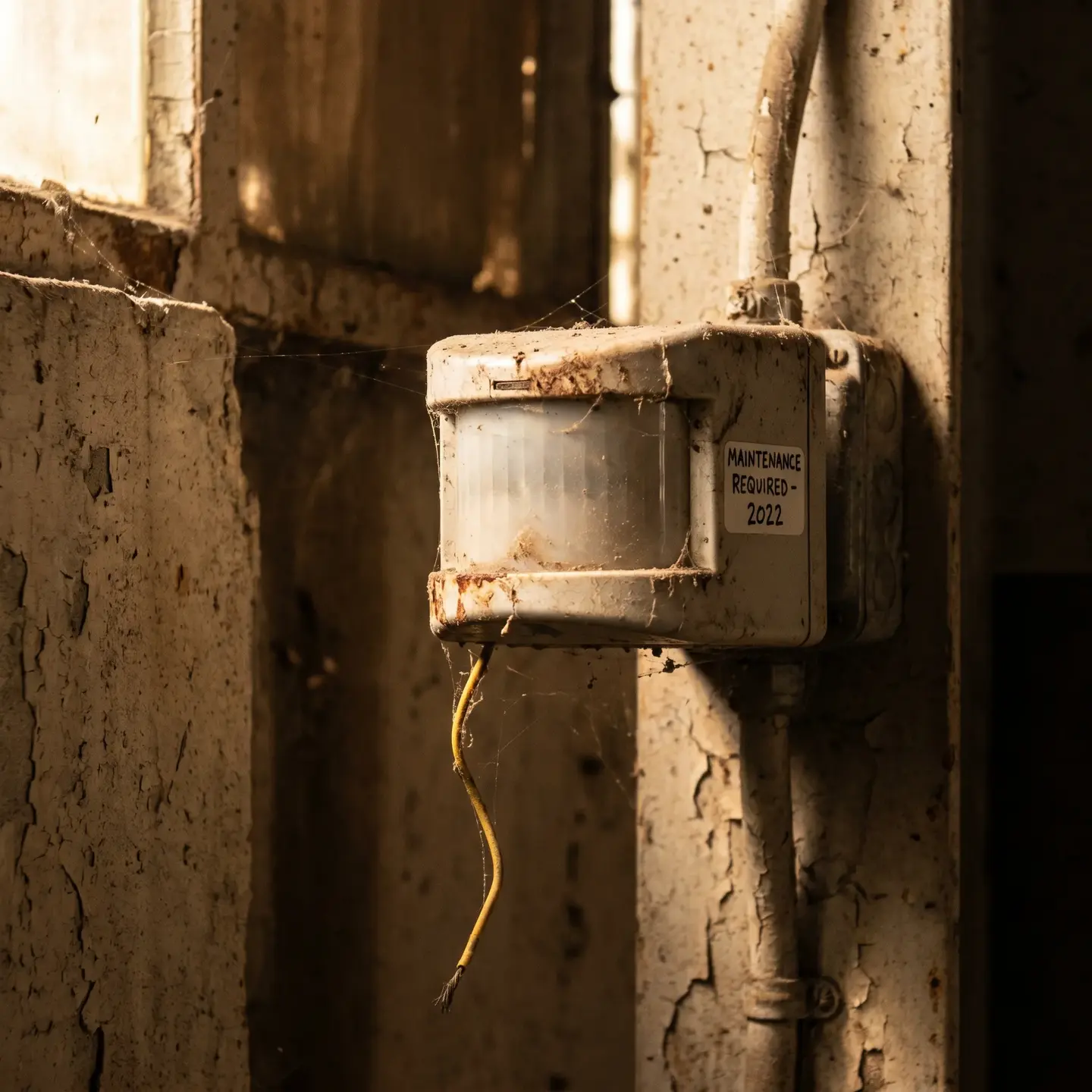
- HVAC dust accumulation — Motion sensors in mechanical rooms, corridors near air handlers, and warehouse spaces collect particulate that reduces detection sensitivity. When dust builds on PIR sensor lenses over 12 to 18 months, detection zones can shrink significantly, creating blind spots that weren’t present at commissioning.
- Temperature fluctuations — Equipment in unheated loading docks, rooftop enclosures, or server rooms experiences thermal cycling that stresses electronic components and battery chemistry. These conditions accelerate capacitor aging and reduce backup power capacity faster than manufacturer specifications suggest under ideal conditions.
- Vibration from industrial equipment — Cameras mounted near machinery, elevator shafts, or HVAC equipment experience continuous micro-vibration that loosens mounting hardware and can shift field of view over time.
- Moisture and corrosion — Outdoor cameras, parking structure equipment, and devices in humid environments face accelerated corrosion on connectors, cable terminations, and circuit boards.
Technology Drift and Cybersecurity Evolution
Beyond physical degradation, your security infrastructure faces technology drift—the gradual obsolescence that occurs as the broader technology ecosystem evolves around a static installation:
- Firmware vulnerabilities — Security researchers continuously discover vulnerabilities in networked devices. Cameras and access control panels running firmware from installation may contain known exploits that attackers can leverage.
- Integration protocol changes — As manufacturers update software platforms, older devices may lose full compatibility with management systems, creating functionality gaps or reporting errors.
- Credential technology evolution — Access control systems using older credential formats may become increasingly vulnerable as card cloning techniques advance.
The CISA physical security guidance emphasizes that networked security devices require ongoing cybersecurity attention comparable to other IT infrastructure—a reality many facility managers don’t fully appreciate when viewing security systems as standalone equipment rather than network endpoints.
Preventive Maintenance Schedules by System Complexity
Generic advice like “test your system quarterly” fails commercial facility managers because it ignores the dramatic differences in maintenance requirements across system types and operating environments. A standalone intrusion panel in a climate-controlled office has fundamentally different needs than an integrated access control infrastructure spanning multiple buildings with outdoor readers and parking structure equipment.
Framework for Determining Maintenance Frequency
Rather than fixed schedules, consider these factors when establishing maintenance intervals:
- System integration complexity — Standalone systems with single functions require less frequent comprehensive service than integrated platforms where access control, video surveillance, and intrusion detection must communicate reliably. Each integration point is a potential failure mode.
- Environmental severity — Equipment in harsh conditions (temperature extremes, dust, moisture, vibration) needs inspection at roughly double the frequency of climate-controlled indoor installations.
- Usage intensity — Access control readers at main entrances processing hundreds of daily transactions experience more wear than secondary exits used occasionally. High-traffic components need more frequent attention.
- Criticality classification — Systems protecting high-value assets, life-safety applications, or compliance-sensitive areas warrant more conservative maintenance intervals than general-purpose installations.
Triggers for Unscheduled Inspections
Beyond scheduled maintenance, certain events should prompt immediate inspection:
- Power events (surges, extended outages, generator switchovers)
- Construction or renovation activity near security equipment
- Environmental incidents (flooding, extreme weather, HVAC failures)
- Software or firmware updates to integrated systems
- User reports of intermittent issues, even if systems appear functional
Firmware Updates and Cybersecurity Hygiene for Networked Systems

This is the maintenance dimension most service providers ignore entirely, yet it’s increasingly critical for commercial facilities. Modern video surveillance systems and access control platforms are networked devices running embedded operating systems—they face the same cybersecurity risks as any other network endpoint.
Why Security Systems Require Ongoing Cybersecurity Attention
Consider what’s at stake:
- Network pivot points — Compromised cameras or access controllers can provide attackers with footholds to access other network resources. Security devices often receive less IT scrutiny than servers and workstations, making them attractive targets.
- Physical security implications — Attackers who compromise access control systems can potentially unlock doors, disable alarms, or manipulate video feeds—turning your security investment into a vulnerability.
- Data exposure — Access control systems maintain records of who enters facilities and when. Video systems store footage that may contain sensitive information. Both represent data assets requiring protection.
Firmware Management Protocols
Professional maintenance should include:
- Regular firmware audits — Documenting current versions across all networked devices and comparing against manufacturer current releases
- Vulnerability monitoring — Tracking security advisories from manufacturers and industry sources for known exploits
- Staged update deployment — Testing updates on non-critical devices before broad rollout to identify compatibility issues
- Rollback planning — Maintaining ability to revert updates if they cause operational problems
- Credential hygiene — Verifying that default passwords have been changed and that access credentials follow current security practices
The ASIS International security management resources provide frameworks for integrating cybersecurity considerations into physical security management—increasingly essential as these domains converge.
Comprehensive Testing Protocols and Documentation Requirements
The difference between professional maintenance and superficial service calls often comes down to testing thoroughness and documentation quality. “We tested the system and it’s working” doesn’t tell you much. What specifically was tested, how, and what were the measured results?
What Thorough Testing Actually Involves
Beyond basic functional verification, comprehensive testing includes:
- Communication path verification — Testing all communication routes (primary network, cellular backup, internet failover) to confirm signals reach monitoring centers reliably
- Backup power load testing — Disconnecting primary power and measuring how long backup batteries actually sustain operation under realistic load, not just checking voltage readings
- Sensor calibration verification — Confirming detection zones, sensitivity levels, and response times match documented specifications
- Integration point testing — Verifying that triggers in one subsystem correctly activate responses in connected systems (access events logging to video, intrusion alarms triggering lockdowns)
- Edge case scenarios — Testing failure modes: What happens when network connectivity drops? When power fails? When a reader malfunctions?
Documentation as Evidence of Due Diligence
Maintenance documentation serves purposes beyond operational records:
- Insurance support — Demonstrating that security systems were properly maintained can strengthen claims and potentially influence premiums
- Compliance evidence — Many regulatory frameworks require documented evidence that security controls are operating effectively
- Liability protection — Records showing regular professional maintenance establish that reasonable precautions were taken
- Trend identification — Historical documentation reveals patterns (recurring issues with specific devices, seasonal problems) that inform capital planning
Professional maintenance reports should include specific findings, measurements, corrective actions taken, and recommendations—not just checkboxes indicating “inspected” or “passed.”
The True Cost of Deferred Maintenance
The financial case for preventive maintenance becomes clear when you compare total cost of ownership across different service approaches. Reactive maintenance—waiting until something breaks—appears cheaper in the short term but typically costs more over the system lifecycle.
Cost Comparison Framework
Consider these cost categories:
Cost Category: Scheduled service visits
Preventive Approach: Predictable, budgeted
Reactive Approach: Minimal until failure
Cost Category: Emergency service calls
Preventive Approach: Rare
Reactive Approach: Frequent, premium rates
Cost Category: Parts and components
Preventive Approach: Planned replacement, standard pricing
Reactive Approach: Emergency sourcing, expedited shipping
Cost Category: System downtime
Preventive Approach: Brief, scheduled windows
Reactive Approach: Extended, unplanned outages
Cost Category: Equipment lifespan
Preventive Approach: Extended through proper care
Reactive Approach: Shortened by stress and neglect
Cost Category: Incident exposure
Preventive Approach: Minimized by reliable operation
Reactive Approach: Increased during degradation periods
Hidden Costs of System Failures
Beyond direct repair expenses, security system failures can trigger:
- Operational disruption — Staff time managing incidents, coordinating emergency repairs, implementing temporary measures
- Tenant or occupant impact — Access problems, safety concerns, and confidence erosion in multi-tenant properties
- Insurance implications — Claims complications if systems weren’t properly maintained, potential premium increases
- Regulatory consequences — Compliance violations if required security controls were non-functional
When facility managers present maintenance budgets to stakeholders, framing the investment as “total cost of ownership optimization” rather than “maintenance expense” often resonates better with financial decision-makers.
What Professional Maintenance Agreements Should Include
Not all maintenance contracts deliver equivalent value. Understanding what comprehensive service agreements cover helps you evaluate whether providers are offering genuine infrastructure management or minimal reactive support.
Elements of Comprehensive Maintenance Contracts
Professional agreements should clearly specify:
- Scheduled inspection scope — Detailed description of what gets inspected, tested, and documented at each visit, not vague “system inspection” language
- Firmware and software management — Explicit responsibility for monitoring, testing, and deploying updates with defined processes
- Response time commitments — Differentiated by issue severity with meaningful guarantees (not just “best efforts”)
- Parts and labor coverage — Clear delineation of what’s included versus billable, with transparent pricing for exclusions
- Documentation deliverables — Specified reports, records, and recommendations provided after each service
- Performance metrics — Measurable standards for system uptime, response times, and issue resolution
- Escalation procedures — Defined paths for addressing persistent issues or provider performance concerns
Red Flags in Maintenance Contracts
Be cautious of agreements that:
- Provide only reactive repair without scheduled preventive service
- Lack specificity about what inspections include
- Don’t address firmware updates or cybersecurity maintenance
- Have excessive exclusions that shift costs back to you
- Don’t provide documentation beyond basic invoices
Infrastructure Inspection: Cabling and Physical Components
Security systems depend on underlying physical infrastructure that’s often overlooked during maintenance. The structured cabling connecting cameras, readers, and panels is just as critical as the devices themselves—and it faces its own degradation patterns.
Cabling Infrastructure Maintenance
Professional maintenance should include:
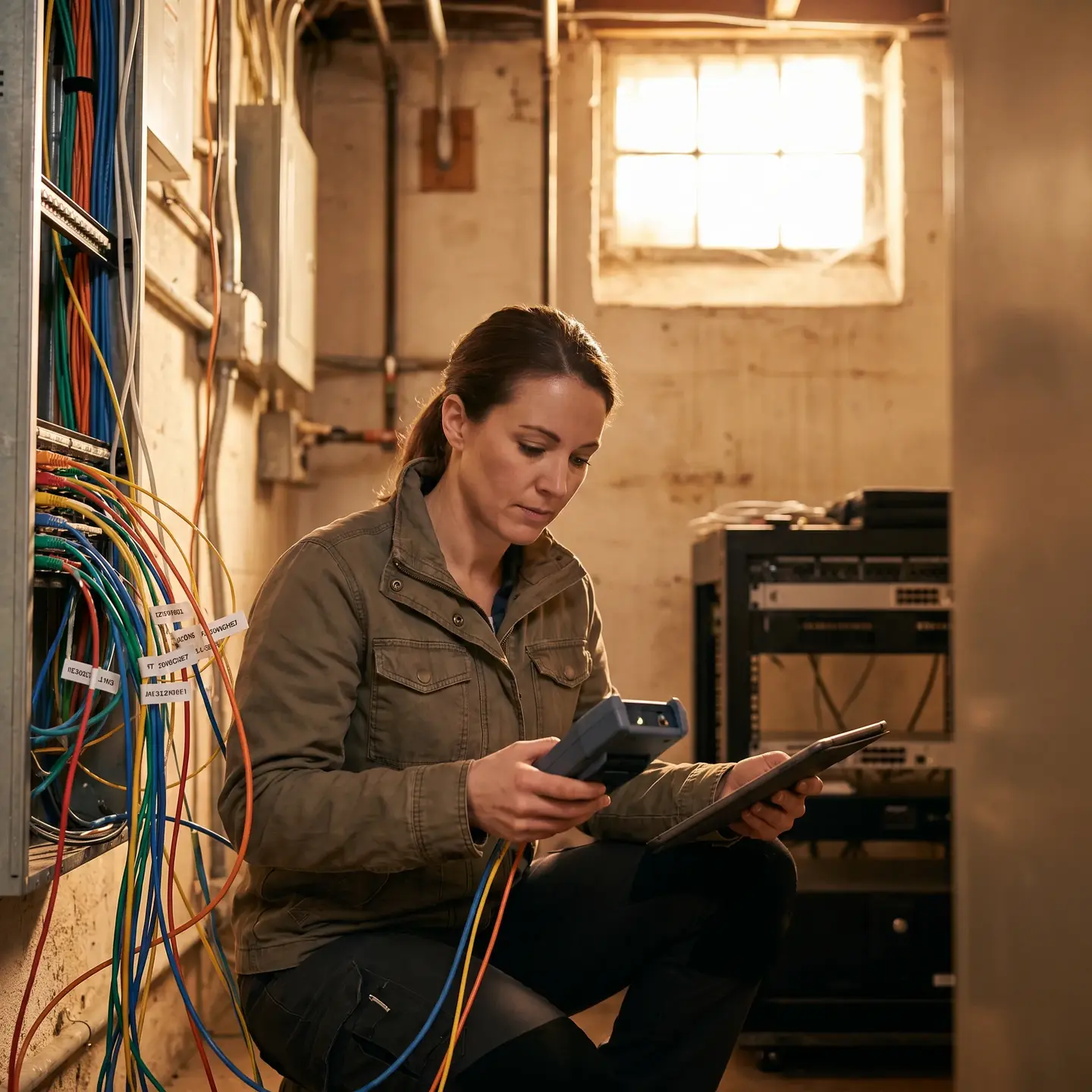
- Connection integrity verification — Checking terminations, patch panels, and connectors for corrosion, loosening, or damage
- Cable pathway inspection — Confirming cables remain properly supported, without excessive bends, crush points, or proximity to interference sources
- Environmental protection assessment — Verifying that cable entry points, junction boxes, and outdoor runs maintain weatherproofing
- Labeling and documentation — Ensuring cable identification remains accurate and accessible for troubleshooting
Physical Security of Equipment
Maintenance visits should also verify:
- Equipment enclosures remain secure and tamper-evident
- Cabinet ventilation and thermal management are adequate
- Power protection devices (surge suppressors, UPS units) are functional
- Physical access controls on equipment rooms are working properly
This infrastructure focus reflects the integrated nature of commercial security—system reliability depends on every layer from cabling through devices to software working together consistently.
Moving Forward: Evaluating Your Maintenance Position
Where you go from here depends on your current situation:
If you’re evaluating current maintenance providers: Use the frameworks above to assess whether your existing service delivers comprehensive infrastructure management or just reactive repair. Request detailed documentation of recent maintenance activities and compare against the testing protocols described. Ask specifically about firmware management and cybersecurity hygiene.
If you’re establishing maintenance for newly installed systems: Don’t wait for problems to emerge. Implement preventive maintenance from commissioning forward, establishing baselines for system performance that future inspections can reference. The first year after installation is actually when many issues surface as equipment settles into real operating conditions.
If you’re upgrading from reactive to preventive service: Start with a comprehensive system audit to establish current condition and identify deferred maintenance needs. This baseline assessment often reveals issues that have accumulated during reactive-only periods and provides the foundation for a structured maintenance program.
This isn’t about keeping equipment running—it’s about ensuring your security investment continues protecting people and assets as effectively as day one. Commercial facilities deserve maintenance partners who understand that security infrastructure requires the same disciplined, year-round attention as any other critical building system. When systems work reliably because they’re properly maintained, that’s when security technology delivers on its promise.
Frequently Asked Questions
There is no single answer. Systems in tough environments or high-traffic areas often need maintenance twice a year, while simpler setups may be fine annually. Base your schedule on system complexity, environment, usage, and how critical uptime is rather than generic advice.
Red flags include no defined visit schedule, vague language like system check, no cybersecurity or firmware mentions, limited service reports, and focus only on break-fix response. If you cannot see what is inspected and tested each visit, it is likely inadequate.
They should clean and test sensors and cameras, load-test backup power, verify communication paths, check integration points between systems, inspect cabling, and review cybersecurity items like firmware and credentials. A quick walkthrough is not enough for commercial systems.
Modern cameras, access controllers, and recorders are network devices. Without updated firmware, known vulnerabilities can be exploited to access your network, unlock doors, or tamper with video. They need the same cybersecurity attention as any IT asset.
Frame it as total cost of ownership. Preventive programs reduce emergency calls, extend equipment life, cut downtime, and lower incident risk. Compare scheduled service costs against emergency repairs and potential impacts on operations, insurance, and compliance to show it is cost optimization.