

Business Security
Business Security Systems: A Practical Guide for Small and Medium Businesses

If you’re responsible for security at a small or medium-sized business, you’ve probably noticed that most security advice doesn’t quite fit your situation. Enterprise guides assume you have dedicated security staff and six-figure budgets. Residential content suggests doorbell cameras and smartphone apps that won’t hold up to commercial liability requirements or insurance standards. The reality is that SMB security occupies a distinct middle ground—you face sophisticated threats that consumer-grade equipment can’t address, but you’re working within practical constraints that enterprise solutions ignore entirely. This guide walks through what actually matters when planning security for business operations at the SMB level, from assessing your genuine risk profile to building systems that your team can actually manage day-to-day.
This article is written for business owners, office managers, facility directors, and property managers who need to make informed security investment decisions without a dedicated IT department evaluating proposals on their behalf. If you’re managing a 10-person office, a retail location, a warehouse operation, or a multi-unit commercial property, you’re in the right place.
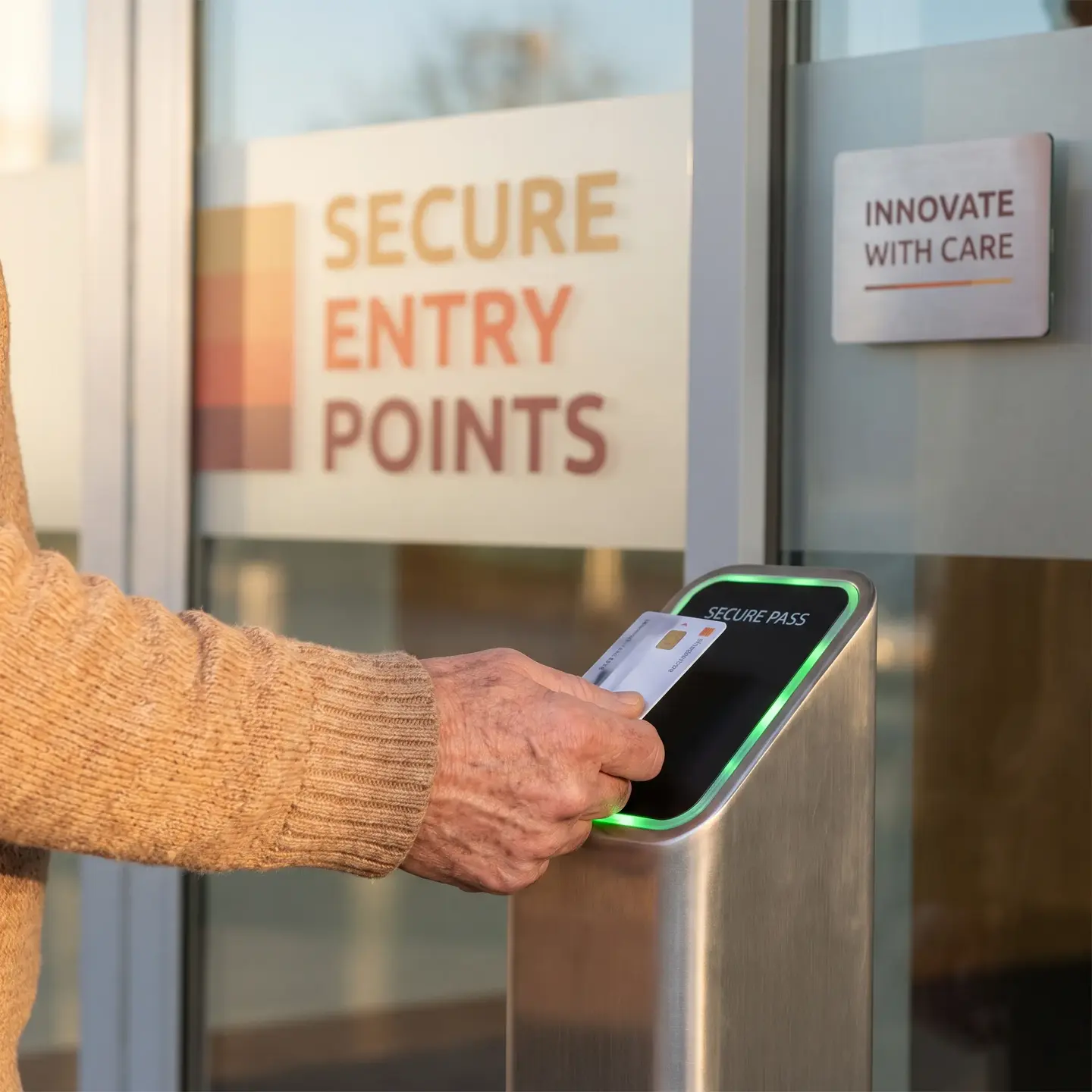
Who This Guide Is For—And Who It Isn’t
This article is written for business owners, office managers, facility directors, and property managers who need to make informed security investment decisions without a dedicated IT department evaluating proposals on their behalf. If you’re managing a 10-person office, a retail location, a warehouse operation, or a multi-unit commercial property, you’re in the right place.
This guide is not for:
- Homeowners looking for residential alarm systems
- Enterprise security directors managing campus-wide operations with dedicated security operations centers
- Readers seeking detailed technical specifications for specific equipment categories
If you’re somewhere in between—facing real commercial security concerns but without enterprise resources—keep reading. We’ll cover the practical framework you need to evaluate any vendor’s proposal and make decisions that match both your security requirements and operational capacity.
Why SMB Security Is Different from Enterprise and Residential
The fundamental challenge for small and medium businesses is that you’ve outgrown residential security but don’t fit the enterprise mold. Understanding this gap is essential before evaluating any system or vendor.
Beyond Residential Limitations
Consumer-grade security products present several problems in commercial environments:
- Employee access management: Residential systems assume a handful of trusted family members. Your business may have employees, contractors, cleaning crews, and delivery personnel requiring different access levels.
- Liability and documentation: When incidents occur, you need evidence quality that holds up for insurance claims and legal proceedings—not compressed smartphone footage.
- Operational hours: Businesses don’t simply “arm” at night and “disarm” in the morning. You need zone-based control that allows some areas to remain secured while others are accessible.
- Scale and coverage: A single camera watching your front door doesn’t address loading docks, stockrooms, server closets, or multiple entry points.
Below Enterprise Assumptions
Enterprise security solutions assume resources that most SMBs simply don’t have:
- Dedicated security personnel monitoring systems full-time
- IT departments managing user credentials and system administration
- Budgets that can absorb sophisticated analytics platforms and multi-site management software
- 24/7 staffed operations centers to respond to every alert
The practical reality for most SMBs is that your office manager, operations director, or you personally will be the one managing the security system alongside other responsibilities. Any system that requires a full-time operator to function effectively is over-engineered for your situation.
Assessing Your Actual Security Risks: A Practical Framework
Before talking to any vendor or looking at equipment specifications, you need a clear picture of what you’re actually protecting and where your vulnerabilities exist. This framework helps you move past fear-based selling to understand your genuine risk profile.
Step 1: Inventory What You’re Protecting
Create a straightforward inventory across four categories:
- Physical assets: Equipment, inventory, tools, vehicles, materials. What’s the replacement cost? What would be difficult or time-consuming to replace?
- Data and technology: Servers, workstations, point-of-sale systems, proprietary information. Consider both theft and unauthorized access.
- People: Employees, customers, visitors. What are your duty-of-care obligations?
- Liability exposure: What incidents could result in insurance claims, lawsuits, or regulatory issues?
Step 2: Map Your Access Points and Vulnerabilities
Walk your facility with fresh eyes and document:
- Every exterior door, loading dock, and window
- Who currently has keys or access credentials
- After-hours access patterns (cleaning crews, early arrivals, weekend work)
- Blind spots where activity wouldn’t be observed
- High-value areas requiring restricted access
Step 3: Consider Your Specific Business Factors
Different business operations create different risk profiles:
- Cash handling: Retail locations and businesses with cash on premises face different threats than service offices.
- Public access: Businesses with customer foot traffic have more complex access management than closed offices.
- Inventory value: High-value, easily portable items (electronics, tools, materials) create different requirements than bulk goods.
- Employee turnover: High-turnover operations need efficient credential management to avoid accumulating access rights.
Step 4: Evaluate Your Operational Constraints
Be honest about what your organization can actually handle:
- Who will respond to alerts during business hours? After hours?
- What level of technical complexity can your system administrator realistically manage?
- How much time can staff dedicate to security system administration?
- Do you have consistent procedures for onboarding and offboarding employees?
This assessment gives you a realistic foundation for evaluating any proposed system. When a vendor suggests features, you can ask: “Does this address a risk we’ve actually identified, or is this solving a problem we don’t have?”
Core Components Every Business Security System Needs
A complete comprehensive security planning for businesses approach integrates multiple components that work together. Here’s what each element contributes and what adequate protection looks like at the SMB level.
Video Surveillance Systems
Commercial video surveillance systems serve several purposes beyond simply recording footage:
- Deterrence: Visible cameras discourage opportunistic theft and misconduct.
- Documentation: Quality footage supports insurance claims, employee disputes, and liability defense.
- Operational awareness: Monitor loading docks, customer areas, and remote sections of your facility.
- Investigation support: When incidents occur, you have evidence to review.
SMB-appropriate coverage typically includes:
- All exterior entry points
- Reception and main customer areas
- Cash handling locations
- High-value storage areas
- Loading docks and receiving areas
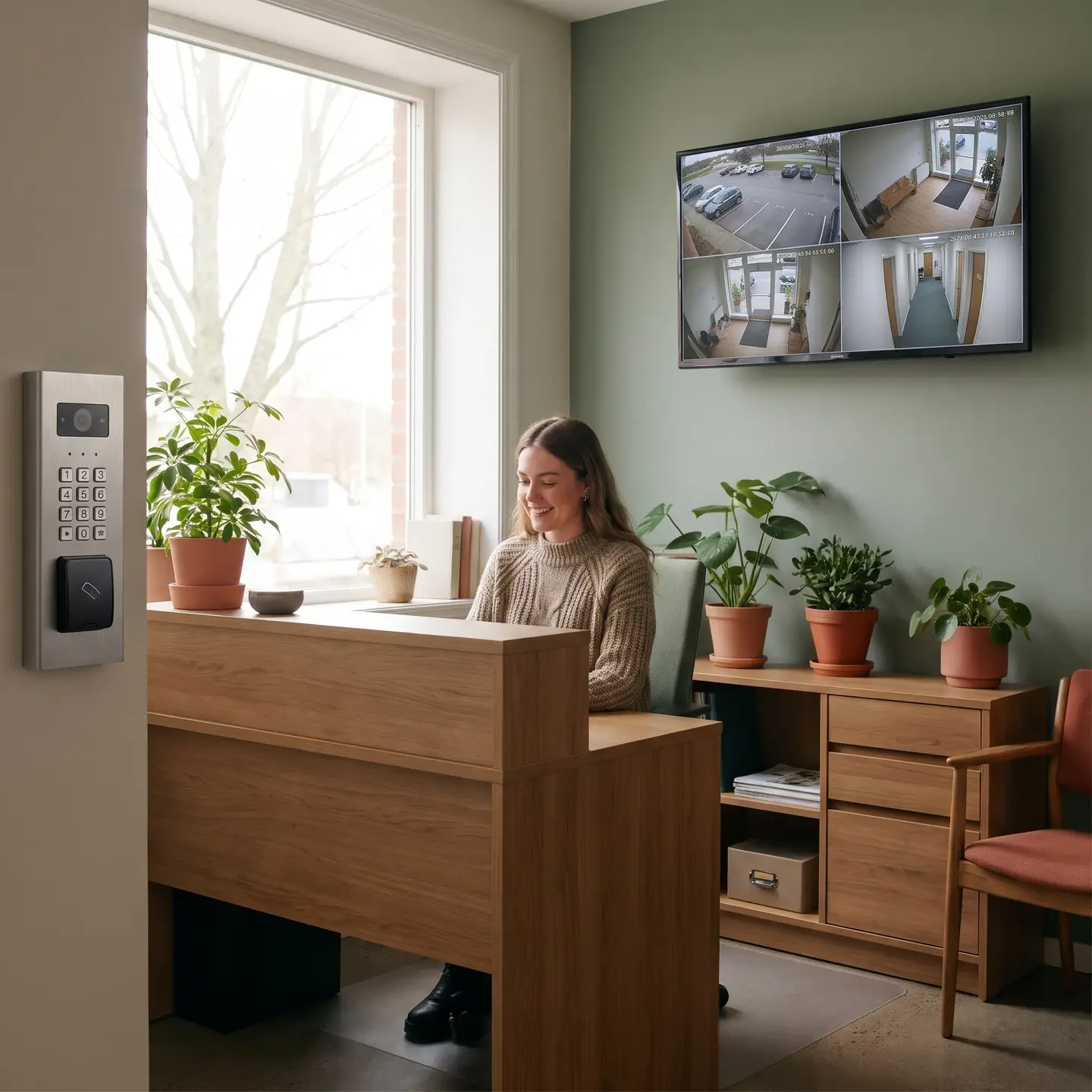
A 15-person office typically needs 4-6 cameras covering entries and common areas. A retail location or warehouse operation may need 8-12 or more, depending on square footage and layout. The goal is strategic placement that eliminates blind spots in critical areas—not maximum camera counts.
Access Control Systems
Access control solutions manage who can enter your facility and specific areas within it. For SMBs, this typically means:
- Electronic credentials (cards, fobs, or mobile) replacing mechanical keys
- Time-based access rules controlling when employees can enter
- Zone restrictions limiting access to sensitive areas
- Audit trails documenting who accessed what and when
The practical benefit is credential management. When an employee leaves, you disable their credential in the system rather than rekeying locks. When you need to grant temporary access to a contractor, you can set credentials that automatically expire.
For most SMBs, access control at exterior entry points and high-value interior zones (server rooms, inventory storage, executive offices) provides the essential coverage. Full facility card access at every interior door is typically enterprise territory.
Intrusion Detection and Alarm Systems
Intrusion detection and alarm systems protect your facility when it’s unoccupied. Essential components include:
- Door and window sensors detecting unauthorized entry
- Motion detectors covering interior spaces
- Glass-break sensors for vulnerable windows
- Control panels managing system arming and zones
The decision about professional monitoring depends on your risk profile and response capabilities. If your facility contains high-value inventory or you’re in a higher-crime area, 24/7 monitoring that dispatches emergency services provides significant value. Lower-risk operations may find adequate protection with self-monitored alerts that notify key personnel.
Integration Considerations
The components above deliver maximum value when they work together. When someone uses access credentials after hours, the surveillance system can automatically record that entry. When an intrusion alarm triggers, cameras can capture footage of the affected zone. When access is denied at a door, the system logs the attempt for review.
This integration is why working with a single provider for your security infrastructure often makes sense—you get components that communicate natively rather than trying to bridge separate systems that weren’t designed to work together.
Budget Allocation: Where to Invest and Where to Economize
With limited budgets, you need to prioritize investments that deliver the most security value. Here’s the practical hierarchy for SMB security spending.
Where Quality Matters Most
- Access control hardware at main entries: This is your primary layer of protection. Reliable readers, quality electronic locks, and robust door controllers are worth the investment.
- Recording and storage systems: Your NVR (network video recorder) captures and stores all your footage. A failure here means your cameras are useless when you need them most.
- Cameras at critical locations: Entry points, cash handling areas, and high-value storage need cameras that perform in various lighting conditions and capture usable detail.
Where You Can Economize
- Interior camera specifications: Cameras covering hallways, break rooms, and general office areas don’t need the same resolution and low-light performance as entry-point cameras.
- Monitoring service tiers: If you’re a low-risk office operation, basic monitoring may provide adequate protection without premium response packages.
- Advanced analytics: Features like people counting, heat mapping, and behavioral analytics add cost without adding security for most SMBs.
The True Cost of Ownership
Installation cost is only part of the picture. Budget for:
- Monthly monitoring fees if using professional monitoring
- Maintenance and service for periodic system checks and repairs
- Credential management time for staff administering access
- System updates and upgrades as technology evolves
Phased Implementation vs. Complete Systems
If budget constraints require phasing, prioritize in this order:
- Access control at primary entry points
- Cameras covering entries and high-value areas
- Intrusion detection and alarm monitoring
- Additional cameras and interior access control
Avoid the false economy of cheap equipment. Consumer-grade cameras and bargain access hardware often need replacement within two years, doubling your effective cost. Commercial-grade equipment from authorized manufacturers typically provides 7-10 years of reliable service. The SBA cybersecurity guidance emphasizes the importance of robust infrastructure investment for long-term business protection.
Management Considerations: Who Operates the System Day-to-Day
This is where many SMB security discussions go wrong. Vendors showcase sophisticated capabilities without addressing who will actually use them. A system that nobody knows how to operate provides zero protection.
Realistic Administration Requirements
For a typical SMB security system, ongoing administration includes:
- User management: Adding credentials for new employees, disabling access when people leave, adjusting permissions as roles change
- Alert response: Reviewing notifications, determining which require action, clearing false alarms
- System monitoring: Verifying cameras are recording, checking that doors are securing properly, ensuring alarm communication is working
- Footage retrieval: Pulling video when incidents occur or management requests review
In our experience, a well-designed SMB system requires 2-4 hours per week of administration time for a 20-50 person operation. If a vendor’s solution requires significantly more, it may be over-engineered for your situation.
Interface Usability
During vendor evaluation, ask to see the actual management interface. Can your office manager:
- Add a new employee credential in under five minutes?
- Pull footage from a specific camera and time range without technical training?
- Understand system status at a glance?
- Receive and clear alerts on their mobile device?
If the interface requires IT expertise to perform basic tasks, it’s not appropriate for SMB operations where the administrator has other primary responsibilities.
Professional Monitoring Decisions
Professional monitoring makes sense when:
- You have high-value inventory or significant cash on premises
- Your facility is unoccupied overnight and weekends
- You’re in a higher-crime location
- Insurance requirements specify monitoring
- You need documented response for compliance purposes
Self-monitoring may be adequate when:
- You’re primarily protecting against internal issues rather than break-ins
- Key personnel can reliably respond to alerts
- Risk profile is lower (office environment, no public cash handling)
Scaling Your Security as Your Business Grows
Security systems should be infrastructure investments, not one-time purchases that need replacement as your business evolves.
Choosing Expandable Platforms
When evaluating systems, ask:
- How many cameras and access points can the current infrastructure support?
- What’s required to add capacity—controller upgrades, software licenses, or simply additional devices?
- Can the system support a second location without replacing core infrastructure?
- Is the platform based on open standards that allow component flexibility?
Growth Triggers That Require Security Upgrades
Plan ahead for common business changes that affect security requirements:
- Adding a second location: Multi-site management, centralized credential administration
- Employee count doubling: More robust credential management, additional zones
- Extended operating hours: More complex access schedules, potentially 24/7 monitoring
- Higher-value inventory: Enhanced surveillance, restricted zone access control
- Regulatory requirements: Compliance-driven documentation, retention policies, audit capabilities
Avoiding the Two-Year Replacement Trap
Common mistakes that lead to premature system replacement:
- Buying the minimum configuration without expansion headroom
- Selecting proprietary systems that lock you into a single vendor
- Choosing consumer-grade equipment for commercial applications
- Ignoring cabling infrastructure quality (the foundation that supports everything)
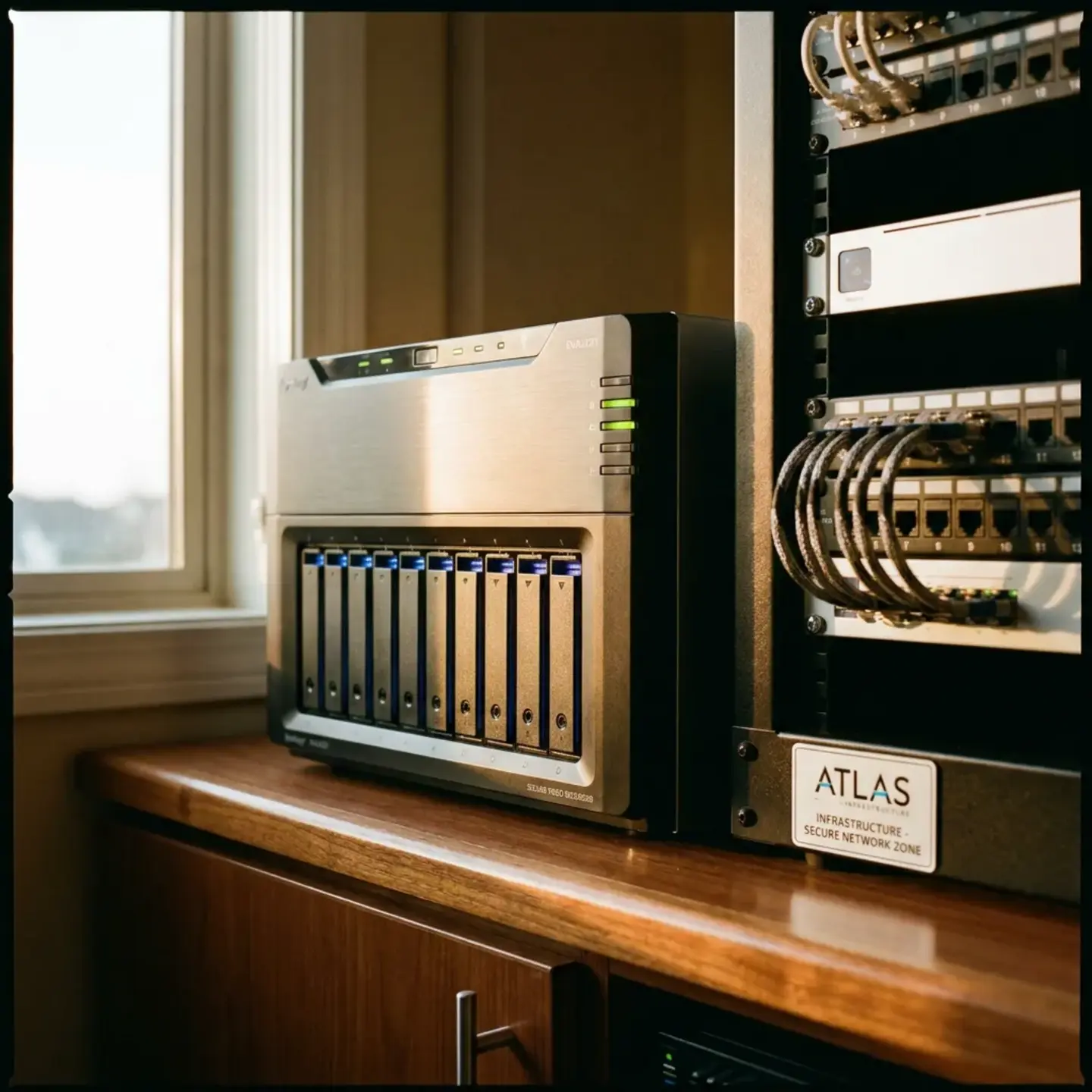
Investing properly in structured cabling infrastructure—the network backbone that connects all your security components—is often where corners get cut and later regretted. Quality cabling supports your current system and provides capacity for growth. For more detail on this foundational layer, the structured cabling guidance from industry resources provides useful context.
Questions to Ask During Vendor Consultations
Armed with your risk assessment and an understanding of system components, here are the questions that separate thorough vendors from those pushing packages:
About System Design
- “Based on what I’ve told you about our facility and operations, walk me through why you’re recommending this specific configuration.”
- “What would change about your recommendation if our budget were 30% lower? What’s essential versus nice-to-have?”
- “How does this system address the specific risks I’ve identified?”
About Long-Term Ownership
- “What does ongoing maintenance look like, and what’s included in your service agreement?”
- “How do I add cameras or access points in two years? What are the costs?”
- “What happens if a component fails? What’s the typical response time in our area?”
About Credentials and Compliance
- “Are you an authorized dealer for the equipment you’re proposing? What does that mean for warranty support?”
- “How does your installation meet ULC certification requirements for monitoring?” (if applicable)
- “Who handles the installation work—your employees or subcontractors?”
About Practical Operations
- “Can you show me how our office manager would add a new employee to the system?”
- “How would I pull footage from last Tuesday at 3pm from the loading dock camera?”
- “What training and documentation do you provide for day-to-day system management?”
Next Steps Based on Where You Are
Different readers will be at different stages of security planning. Here’s guidance based on your current situation:
If You’re Still Assessing Your Needs
Complete the risk assessment framework outlined above before engaging vendors. Document your findings—this becomes the basis for meaningful vendor conversations rather than generic presentations. Review your current insurance requirements, as many commercial policies specify minimum security measures that should inform your planning.
If You’re Ready to Evaluate Specific Solutions
Request consultations with vendors who specialize in commercial SMB installations—not residential companies stretching into commercial or enterprise vendors adapting down. Share your risk assessment and ask vendors to explain how their proposed systems address your specific situation.
If You Need Expert Guidance
We work with facility managers, property directors, and business owners across Canada and the United States to design security systems that match actual needs and operational capacity. With locations in Halifax, Moncton, Windsor, Kitchener, and Ottawa, and manufacturer authorizations from Kantech, Uniview, Avigilon, and Akuvox, we can discuss your specific situation and provide guidance on right-sizing security infrastructure for your business.
Whether you’re implementing your first professional security system or upgrading from inadequate residential-grade equipment, the goal is the same: protection that matches your risk profile, fits your operational reality, and grows with your business. That’s what effective business security systems actually look like at the SMB level—not enterprise features you’ll never use, and not consumer products that can’t meet commercial requirements.
Frequently Asked Questions
Start with a simple risk assessment: list what you’re protecting, map every access point and blind spot, note who comes and goes after hours, and factor in business-specific risks like cash handling or high-value inventory. Bring this written assessment to vendors so they design around your real risks, not a generic package.
Most small businesses need commercial cameras on all exterior doors and high-value areas, basic access control on main entries and sensitive rooms, and an intrusion alarm with door, window, and motion sensors. A typical office might need four to six strategically placed cameras, while busier retail or warehouse spaces often need more coverage based on layout.
You’ve outgrown residential gear when you’re managing multiple employees or contractors, need different access levels, face liability or insurance requirements, or must secure more than one entry point. At that stage, you need commercial-grade access control, documentation-quality video, and zone-based alarm control instead of consumer apps and doorbell cameras.
Invest in quality access control hardware at main doors, reliable video recording and storage, and higher-grade cameras at entries, cash points, and high-value storage areas. You can economize on interior camera specs, skip pricey analytics you won’t use, and choose a monitoring tier that matches your actual risk level.
For a well-designed system in a business with twenty to fifty people, expect about two to four hours weekly for adding or removing credentials, responding to alerts, checking system health, and pulling footage when needed. If a proposed solution demands more time than your team has, it’s probably over-engineered.