

Business Security
Alarm.com for Business: Mobile Security Management Capabilities

Picture this: it’s 9:15 PM, you’re at home, and your phone buzzes with an alert. Someone just disarmed the security system at your downtown location—but your closing manager should have left two hours ago. Within seconds, you’re viewing the door camera feed, confirming it’s your maintenance contractor who forgot to mention they’d be stopping by. No phone calls, no driving across town, no wondering what’s happening at your property. That’s the daily reality for business owners managing security through the Alarm.com business platform.
We work with facility managers and property directors across Canada and the United States who’ve moved beyond treating security as something they check once a week. For them, the Alarm.com mobile app has become an operational tool—one that answers practical business questions throughout the day without requiring a trip to the property or a call to the monitoring station.
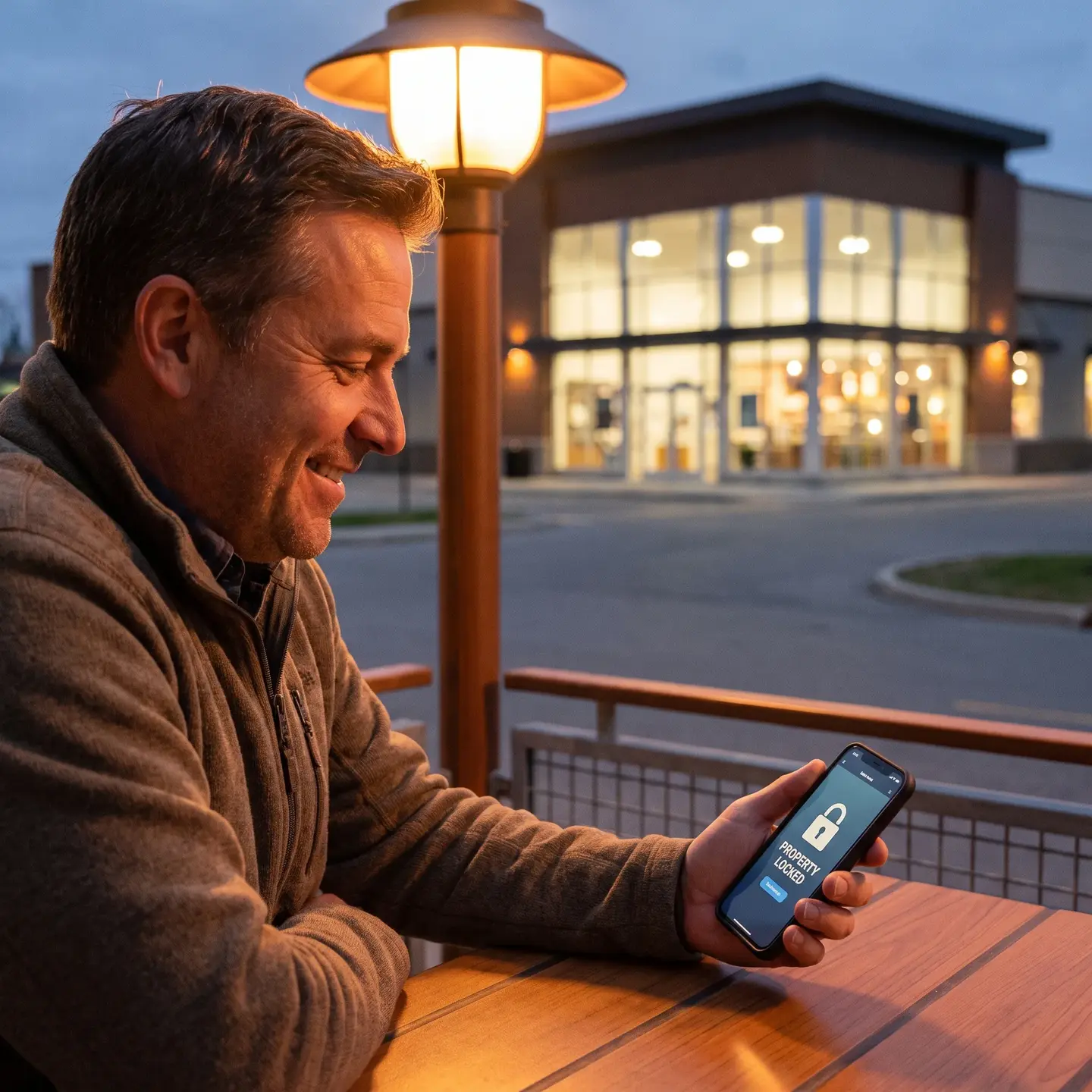
What the Alarm.com App Actually Manages for Business
Before diving into workflows, let’s address the question we hear frequently: the Alarm.com app requires a compatible security system and an interactive service plan to function. This isn’t a standalone app you download and use independently. It’s the mobile interface for professionally installed Alarm.com systems, which means functionality depends on your hardware configuration and service level.
That said, once properly configured, the app becomes a unified control center for multiple integrated systems:
- Intrusion detection panels (arm, disarm, check status)
- Video surveillance cameras (live view, recorded clips, smart alerts)
- Access control systems (door locks, access schedules, entry logs)
- Environmental controls (thermostats, lighting automation)
- Multi-location management from a single interface
The practical value here isn’t that you can control these systems from your phone—it’s that you control them from one interface rather than juggling separate apps for cameras, locks, thermostats, and alarms. For business owners managing commercial properties, that consolidation eliminates the friction that causes security tasks to slip through the cracks.
Remote Monitoring That Answers Business Questions
Generic security app descriptions talk about “viewing your cameras” and “getting alerts.” That’s technically accurate but misses why business owners actually open the app. Here’s what we see in practice:
Opening and Closing Verification
The most common business use isn’t responding to emergencies—it’s confirming routine operations happened correctly. When your opening manager disarms the system at 8:47 AM instead of 8:00 AM, you receive a timestamped notification. You can then:
- Check the door camera to verify they’re actually on-site
- Review whether the delay affected customer access
- Document the pattern if late openings become recurring
The same logic applies to closing. Did the system arm at the expected time? Were all access points secured? You know the answer without making a phone call or driving by the location.
Intelligent Alert Filtering
Alert fatigue kills security effectiveness. When every motion event generates a notification, business owners stop paying attention—which defeats the purpose. The Alarm.com platform uses configurable video alerts that distinguish between activity types. You can set alerts for:
- People detected after hours (not vehicles or animals)
- Activity in specific camera zones (back entrance, loading dock, cash handling areas)
- Access events from particular users or at unusual times
This filtering means the notifications you do receive warrant attention. When your phone buzzes at 2 AM, it’s because something genuinely unusual happened, not because a stray cat walked past a motion sensor.
False Alarm Response
Here’s where mobile management translates directly to cost savings. When an intrusion alarm triggers, you receive an alert with associated video. Within seconds, you can determine whether it’s a real emergency or whether someone forgot to disarm before entering. If it’s false, you cancel directly from the app—before the monitoring center dispatches emergency response.
False alarm fines vary by municipality, but they add up quickly. More importantly, repeated false dispatches strain your relationship with local emergency services. Video verification through the app gives you the information needed to make immediate decisions rather than defaulting to dispatch because you can’t determine what happened.
Multi-Location Security Management
Most Alarm.com marketing focuses on single-property scenarios. For business owners managing multiple locations—whether that’s three retail stores, a handful of rental properties, or several office buildings—the multi-location capability becomes essential.
From one mobile interface, you can:
- View all properties at a glance – See arm/disarm status, recent activity, and alert summaries across locations without switching between accounts
- Receive location-specific alerts – Know immediately which property generated the notification without digging through menus
- Compare operational patterns – Identify which locations consistently open late, experience more after-hours access, or generate more alerts
- Apply consistent security protocols – Ensure all locations follow the same arming schedules and access policies
This matters because security problems at multi-location businesses often stem from inconsistency. One manager follows closing procedures religiously while another cuts corners. The app doesn’t just tell you what happened—it shows you patterns across your portfolio that would be invisible without centralized monitoring.

Access Control Integration: Beyond Unlocking Doors
When we install access control systems for commercial clients, the conversation always turns to mobile management. The Alarm.com app extends access control beyond proximity cards and keypads into practical daily workflows.
Remote Access Decisions
Your doorbell camera shows a delivery driver with packages, but your receiving staff is at lunch. From the app, you can:
- Communicate with the driver through two-way audio
- Unlock the door remotely to allow entry
- Watch them complete the delivery
- Lock the door again once they leave
The same workflow applies to contractor access, early employee arrivals, or emergency maintenance visits. You’re making informed access decisions based on visual verification rather than blindly buzzing people in.
Access Schedule Management
Seasonal hours, holiday schedules, and temporary staff create constant access management headaches. Through the app, you can:
- Adjust access schedules without on-site visits
- Grant temporary credentials for contractors or short-term employees
- Revoke access immediately when someone leaves the organization
- Set access restrictions for specific areas (stockroom, office, server closet)
For compliance-focused industries, the access logs maintained by the system provide audit trails showing exactly who entered which areas and when—documentation that previously required manual sign-in sheets and physical key tracking.
Video Integration for Business Verification
We’ve discussed video in the context of alerts, but commercial video surveillance systems integrated with Alarm.com provide broader operational value through the mobile app.
Event Correlation
When you receive an access alert—say, someone used their credentials at 11 PM—the app doesn’t just show you the access log. You can immediately pull up the corresponding camera feed to see who actually entered and what they did. This correlation between access events and video evidence streamlines incident investigation.
Smart Video Alerts
Rather than reviewing hours of footage hoping to find relevant moments, smart video alerts use analytics to identify specific activity types:
- Person detected in a camera zone after business hours
- Vehicle entering a parking area during unexpected times
- Activity near cash handling areas or high-value inventory
When you tap the alert, you’re taken directly to the relevant video clip—not the general camera feed. This targeted approach makes video review practical for business owners who don’t have time to monitor feeds continuously.
Remote Video Export
When incidents require documentation—insurance claims, employee disputes, customer complaints—you can export video clips directly from the app and share them as needed. No waiting until you’re on-site, no coordinating with IT to pull footage from a recorder.
Automation and Scenes for Operational Efficiency
One feature that doesn’t get enough attention in business contexts is Scenes—coordinated commands that control multiple devices with a single tap. For commercial operations, Scenes translate security protocols into automated actions.
Opening Scene Example
When your manager starts the opening procedure, a single command can:
- Disarm the intrusion system
- Unlock the front entrance
- Adjust thermostats to business-hours settings
- Enable lighting schedules
- Send you a notification that opening procedures started
Closing Scene Example
At day’s end, the reverse:
- Lock all access points
- Arm the intrusion system
- Set thermostats to energy-saving mode
- Disable unnecessary lighting
- Confirm closing completion to you
The value isn’t just convenience—it’s consistency. When closing requires five separate actions, steps get skipped. When closing requires one Scene activation, the protocol happens correctly every time. For business owners who’ve driven back to the office wondering whether someone remembered to arm the alarm, Scenes eliminate that uncertainty.
Professional Monitoring Integration from the User Perspective
The Alarm.com app complements—rather than replaces—professional monitoring services. Understanding this relationship matters for business owners evaluating their security approach.
When alarm events occur, the monitoring center receives notification regardless of what you’re doing with the app. However, the app gives you parallel visibility:
- You see the same alerts the monitoring center receives
- You can verify events through video before dispatch decisions are made
- You can communicate context using Smart Signal features that tell the monitoring center whether this is an emergency or a false alarm
- You receive updates on monitoring center actions and emergency response
For businesses using our intrusion detection systems with 24/7 monitoring, this parallel visibility means you’re never in the dark about what’s happening at your properties—even when professionals are handling the response.
Platform Availability and Technical Requirements
Since several common searches relate to technical availability, here’s what business users need to know:
Supported Platforms
- iOS: iPhone, iPad, Apple Watch, Apple TV
- Android: Phones, tablets, Android Auto integration
The Apple Watch integration proves surprisingly useful for business owners in meetings or situations where checking a phone would be disruptive. Critical alerts reach your wrist; you can quickly assess whether immediate action is needed.
Requirements
- Compatible Alarm.com security system (professionally installed)
- Interactive service plan through an authorized service provider
- Reliable internet connectivity at monitored properties
Feature availability varies based on your system configuration and service level. Not every installation supports every capability described here—functionality depends on what hardware is installed and how the system is configured by your service provider.
When the Alarm.com App Makes Business Sense
The Alarm.com platform represents a significant investment—professional installation, equipment costs, and ongoing service subscriptions. That investment makes sense for businesses meeting certain criteria:
Strong Fit
- Multiple locations where centralized oversight provides operational value
- Owners who travel or can’t be physically present daily
- Shift-based operations requiring access management for multiple employees
- Facilities with compliance requirements needing documented access trails
- Businesses experiencing false alarm costs that video verification would reduce
- Properties where consistent security protocols matter for insurance or liability purposes
Considerations
- Requires professional installation and configuration—this isn’t DIY
- Monthly subscription costs for interactive services
- Dependent on internet connectivity for remote access features
- Feature availability varies by system configuration
For security systems for small and medium businesses, the question isn’t whether mobile management is valuable—it’s whether your operational needs justify the investment level. A single retail location with the owner on-site daily has different needs than a property management company overseeing multiple buildings across different cities.
Professional Installation and Configuration Matter
Here’s something the app store descriptions don’t mention: mobile management functionality depends entirely on how well your system is configured during installation. Sensors placed incorrectly generate false alerts. Cameras positioned poorly miss critical areas. Access schedules set up without understanding your operations create friction rather than efficiency.
We configure Alarm.com systems across Canada and the United States with the operational workflows described in this article in mind. That means:
- Understanding your opening/closing procedures before placing sensors
- Positioning cameras to support verification workflows, not just recording
- Setting up alert filtering that matches your actual monitoring capacity
- Creating Scenes that reflect how your business actually operates
- Integrating access control with your staffing patterns and security requirements
The app is the interface; the value comes from the system behind it. For businesses considering Alarm.com implementation or wanting to optimize an existing installation, the conversation starts with understanding your operations—not selecting hardware from a catalog.
Getting Started with Mobile Security Management
If you’re evaluating whether the Alarm.com platform fits your business needs, or if you have an existing system that isn’t delivering the operational value described here, we’re happy to walk through your specific situation. Our team works with facility managers and property directors to scope security projects that deliver practical daily value—not just equipment that sits on walls.
The mobile app represents what modern commercial security can deliver when properly implemented. Whether you’re managing one location or ten, the goal remains the same: security that answers your questions, saves your time, and protects your properties without requiring you to be physically present. That’s the operational reality the Alarm.com platform enables when configured by professionals who understand commercial business requirements.
Frequently Asked Questions
No—think of the app as a remote control, not the whole system. It only works with a professionally installed, compatible Alarm.com security system and an interactive service plan, so you can’t just download it and use it on its own.
It can be, but it’s most valuable when you have multiple locations, travel often, shift-based operations, compliance needs, or recurring false alarms. A single site with the owner on-site daily often has fewer remote management pain points, so the investment calculus is different.
You’ll need a professionally installed Alarm.com system, an interactive service plan from an authorized provider, reliable internet at each property, and a configuration tailored to your workflows—sensor placement, camera angles, alerts, access schedules, and Scenes all need to be set up around how your business actually operates.
Yes. When an alarm triggers, you see the alert and related video in the app, decide if it’s a real emergency or a mistake, and cancel false alarms before dispatch—cutting fines and avoiding repeated calls to local emergency services.
The app gives you real-time arm/disarm timestamps and paired camera views, so you can quickly confirm who opened or closed, whether it happened on time, and spot patterns like recurring late openings without driving to the site or calling staff.