

Intrusion Alarms
How Commercial Intrusion Alarm Systems Work: Detection, Communication, and Response

When facility managers ask us how intrusion alarm systems actually work, they’re rarely satisfied with the simple answer that sensors detect intruders and send alerts. What they really want to understand is the complete chain of events—from the moment something triggers a sensor to when help actually arrives. That understanding matters because it’s the difference between a system that provides genuine protection and one that just generates expensive false alarms while missing real threats. In 2022, the FBI documented 1,954.4 property crimes per 100,000 people in the United States, compared to 380.7 violent crimes per 100,000. Property crime—theft, trespassing, vandalism—is far more common than the dramatic break-ins we see in movies, and effective commercial intrusion alarm systems need to address this everyday reality through reliable detection, dependable communication, and appropriate response protocols.
Who This Article Is For (And Who It’s Not For)
This article is written for facility managers, property directors, and business owners who need to evaluate, specify, or oversee commercial intrusion alarm systems. If you’re responsible for protecting commercial property and want to understand what separates effective systems from unreliable ones, this content will give you the operational foundation to make informed decisions.
This article is not for homeowners looking for residential security advice, DIY installers seeking product recommendations, or anyone wanting detailed pricing comparisons. We focus on commercial applications where system design, professional monitoring, and integration with other building systems determine real-world security effectiveness.
What Intrusion Detection Actually Detects: Entry, Presence, and Glass Break
Commercial intrusion systems rely on three fundamental detection categories, and understanding what each one actually catches helps explain why effective facilities need all three working together.
Entry Detection
Entry detection confirms perimeter breach through door and window contacts. When someone opens a protected door, the magnetic contact separates and signals the control panel. This detection method is highly reliable for its specific purpose—confirming that a door or window opened—but it misses intruders who enter through other means. A roof access hatch someone forgot to protect, a wall penetration, or a door left propped open all bypass entry detection entirely.
Presence Detection
Presence detection identifies movement inside protected spaces through motion sensors. These sensors catch intruders who make it past the perimeter, but they can’t distinguish between an unauthorized person and an employee working late without additional context. That’s why commercial systems typically integrate presence detection with arming schedules and access control integration—so the system knows when authorized personnel are present and when motion indicates a genuine threat.
Glass Break Detection
Glass break detection catches forced entry that bypasses door contacts entirely. An intruder who smashes a display window or skylight won’t trigger a door contact, and if they move carefully, they might avoid motion sensors initially. Glass break sensors provide that critical first alert when someone chooses brute-force entry over picking locks or finding unlocked doors.
The practical takeaway here is that commercial facilities need layered detection covering multiple intrusion methods. A system with only door contacts misses wall penetrations and broken windows. A system with only motion sensors can’t distinguish authorized access from intrusion without proper scheduling. Effective commercial security layers these detection types so that an intruder who evades one method still triggers another.
Sensor Types and Their Commercial Applications
Selecting the right sensors for specific environments prevents both missed detections and constant false alarms. This is where commercial installations diverge significantly from residential approaches—a sensor that works fine in a climate-controlled home can fail repeatedly in a warehouse with overhead doors and seasonal temperature swings.
Motion Sensors
- Passive Infrared (PIR): Detects body heat moving across detection zones. Cost-effective and reliable in stable environments, but susceptible to false alarms from HVAC airflow, radiant heaters, or direct sunlight through windows.
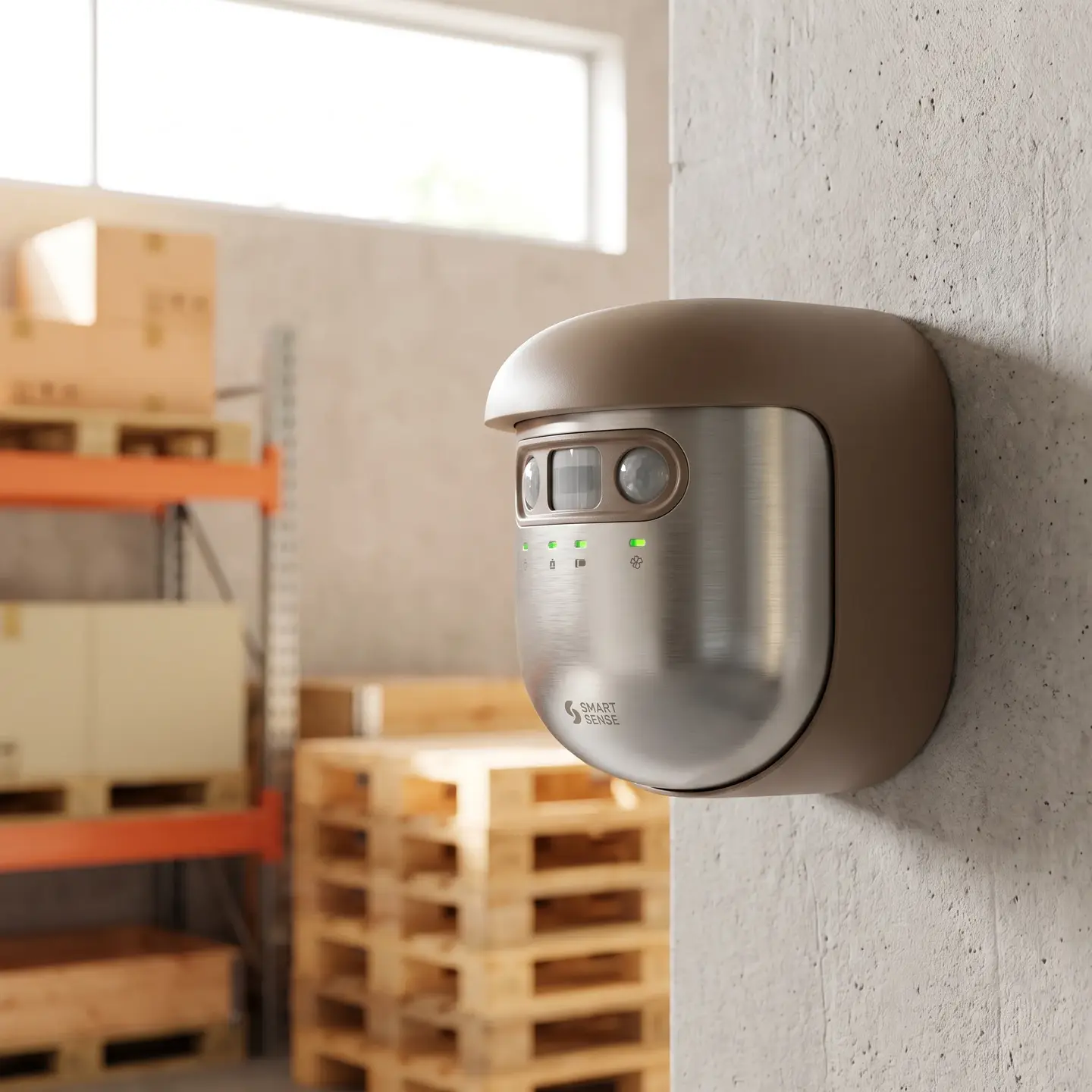
- Dual-Technology: Combines PIR with microwave detection, requiring both technologies to trigger before signaling an alarm. This significantly reduces false alarms in commercial environments with air movement from loading docks, overhead doors, or industrial HVAC systems.
- Microwave: Detects motion through radio waves that penetrate walls and glass. Useful for specific applications but requires careful aiming to avoid detecting motion outside the protected area.
A motion sensor in a warehouse with overhead doors needs dual-technology detection to distinguish between intruders and air movement from loading dock activity. Installing standard PIR sensors in that environment typically results in frequent false alarms that train staff to ignore alerts—exactly the opposite of effective security.
Contact Sensors
- Standard Magnetic Contacts: Reliable for most interior doors and windows in climate-controlled spaces.
- Balanced Magnetic Switches: Higher-security contacts that detect tampering attempts and resist defeat by external magnets. Essential for exterior doors, high-security areas, and applications where sophisticated intruders might attempt to bypass standard contacts.
- Heavy-Duty Commercial Contacts: Built to withstand vibration from heavy doors, temperature fluctuation, and the constant use that commercial doors experience compared to residential applications.
Contact sensor quality directly affects reliability on heavy commercial doors. A residential-grade contact on a loading dock door that vibrates every time a truck drives past will generate false alarms or fail entirely within months. Commercial-rated contacts with vibration resistance and appropriate gap tolerances prevent these operational headaches.
Glass Break Sensors
- Acoustic Glass Break: Listens for the specific frequency pattern of breaking glass. Can protect multiple windows from a single sensor location but requires proper placement and calibration.
- Shock Sensors: Mount directly to glass and detect the vibration of impact. More targeted detection but requires a sensor on each protected pane.
Glass break sensors matter most on ground-floor windows, skylights, and any glass that provides access if broken. They’re less critical on upper-floor windows in facilities without external access points, where the investment may be better allocated elsewhere.
Vibration and Specialty Sensors
Perimeter fencing, vault walls, and rooftop equipment enclosures may warrant vibration sensors that detect cutting, climbing, or penetration attempts. These specialized sensors extend detection beyond the building envelope to catch intrusion attempts before intruders reach entry points.
Control Panels: The System Brain That Makes Detection Decisions
The control panel is where sensor inputs become security decisions. Beyond simply receiving signals, commercial panels manage the logic that determines whether an event triggers an alarm, a trouble indication, or nothing at all.

Zone Management
Commercial facilities need dozens or hundreds of individually identifiable zones. When an alarm occurs, knowing exactly which zone triggered—”Loading Dock Door 3″ versus “Motion in Warehouse”—enables appropriate response. Generic zone information like “Zone 47” means nothing to responding officers or your own security team. Proper zone programming identifies exactly where the alarm originated and what type of detection triggered it.
Arming Schedules and Detection Logic
Commercial operations don’t follow simple occupied/unoccupied patterns. A manufacturing facility might have:
- Production areas armed only overnight
- Administrative offices armed after business hours
- Receiving areas armed except during scheduled delivery windows
- Executive offices armed whenever specific credentials aren’t active in the building
Panel programming accommodates these variations through multiple arming schedules, partition management (treating different areas as independent systems within one panel), and integration with access control for automatic arming based on last-person-out credentials.
Entry and Exit Delays
Entry delays give authorized users time to disarm after entering through designated doors. Exit delays allow arming before leaving. But not every zone needs delays—interior motion sensors protecting sensitive areas should trigger instantly if someone’s moving through them while the system is armed. Proper zone programming distinguishes between entry points (where delays make sense) and interior spaces (where instant alarm response catches intruders faster).
When panel programming matches actual facility operations, the system adapts to how people work rather than forcing occupants to work around inflexible security schedules. When programming doesn’t match operations, you get either frequent false alarms from normal activity or bypassed zones that reduce protection.
Communication Paths: How Alerts Actually Reach Monitoring Stations
Detection means nothing if alarm signals never reach anyone who can respond. The communication chain from sensor trigger to monitoring station notification involves multiple steps, and failure at any point breaks the response chain entirely.
The Signal Path
- Sensor detects condition (door opening, motion, glass break)
- Panel receives signal and evaluates against programmed zones and current arming status
- If alarm conditions are met, panel formats alarm signal with account details and zone information
- Signal transmits via primary communication path to monitoring station
- Monitoring station receives signal with enough information to identify the property, the specific zone, and the type of alarm
Communication Redundancy
Commercial systems should never rely on a single communication path. Primary IP communication with cellular backup prevents alarm signals from being blocked by cut cables, network outages, or internet service failures. An intruder who cuts visible phone or cable lines before entering defeats systems with only one communication method. Dual-path communication means even deliberate sabotage of one path doesn’t prevent alarm transmission.
Communication Supervision
Professional commercial systems send regular test signals—typically every few minutes—confirming the communication path is operational. If the monitoring station stops receiving these supervisory signals, operators know something is wrong even without an alarm trigger. This catches cut lines, failed communicators, and network problems before an actual intrusion occurs when communication matters most.
Systems with only local sirens and no monitored communication rely entirely on someone hearing the alarm and choosing to investigate. In commercial settings where buildings may be isolated, soundproofed, or simply not monitored after hours, local-only alarms provide minimal real protection.
Monitoring Protocols: What Happens When an Alarm Triggers
The monitoring station is where alarm signals become human response. Understanding actual monitoring procedures helps facility managers set realistic expectations and configure appropriate response protocols.
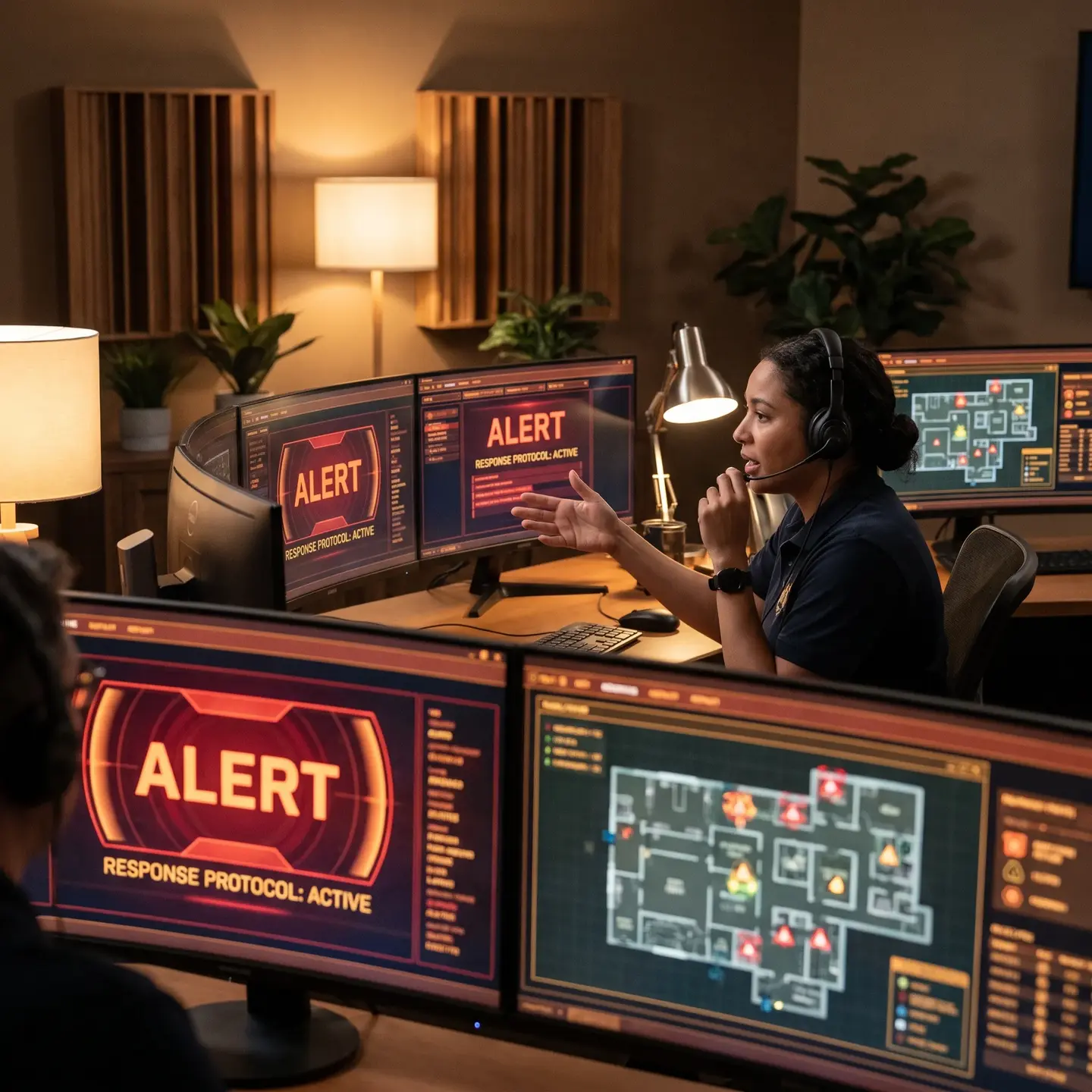
Standard Response Procedure
- Signal Receipt: Alarm signal arrives with account identification and zone details
- Operator Review: Operator sees account information, contact lists, site notes, and triggered zone identification
- Verification Attempt: Operator contacts designated personnel to verify whether the alarm is legitimate or a false trigger
- Response Dispatch: Based on verification results and account protocols, operator dispatches security patrol, notifies police, or takes other specified actions
This procedure according to UL Security Alarm Service Certification standards ensures consistent, documented response that creates accountability throughout the chain.
Professional Monitoring vs. Self-Monitoring
Self-monitored systems send smartphone notifications when alarms trigger. This approach has a fundamental problem for commercial facilities: it assumes someone is always available to receive and act on those notifications. A property manager in a meeting, on a flight, or simply asleep may not see an alert for hours. Professional 24/7 monitoring ensures response even when your team is unavailable, which is essentially always during the overnight hours when most commercial break-ins occur.
Customizable Response Protocols
Not every alarm zone warrants the same response. Effective monitoring protocols might specify:
- Perimeter doors: Immediate dispatch after single verification attempt
- Interior motion in high-value areas: Immediate dispatch, no verification delay
- Warehouse motion: Two verification attempts before dispatch
- Fire doors: Notify fire department and facility manager simultaneously
These customizable protocols balance security urgency with false alarm reduction. A motion alarm in a general warehouse area might warrant verification before dispatch, while a vault door contact alarm should trigger immediate response without delay.
False Alarm Prevention Through Design and Operations
False alarms are the intrusion alarm industry’s biggest operational challenge. Systems that generate frequent false alarms create multiple problems:
- Staff learn to ignore alerts, assuming they’re false
- Police departments may deprioritize response to repeat offenders
- Monitoring fees increase with frequent dispatches
- Municipal fines accumulate in jurisdictions with false alarm ordinances
Research indicates that alarm systems provide both deterrent and response benefits—but only when they’re trusted. A 2020 study referenced in industry research showed that the presence of intrusion alarm systems reduces robbery risk, but this deterrent effect depends on systems that actually work reliably rather than crying wolf constantly.
Design Strategies for False Alarm Prevention
- Environment-appropriate sensors: Dual-technology motion in areas with air movement, commercial-grade contacts on heavy doors
- Adequate entry/exit delays: Long enough for normal access patterns without enabling intruders to move freely
- Proper sensor placement: Motion sensors aimed away from HVAC vents, heat sources, and windows with direct sunlight
- Vibration-resistant contacts: On doors near heavy equipment or in areas with regular vehicle traffic
Operational Strategies
- User training: Staff who understand proper arming/disarming procedures cause fewer accidental alarms
- Regular testing: Scheduled walk-tests identify failing sensors before they cause false alarms or miss real intrusions
- Preventive maintenance: Cleaning sensors affected by dust, insects, or environmental contamination
- Protocol reviews: Periodic assessment of which zones generate alarms and why
False alarm prevention starts with system design that accounts for actual facility conditions—not generic sensor placement copied from residential installations. It continues with operational protocols that catch developing problems before they trigger unnecessary dispatches.
How Detection, Communication, and Response Work Together
Effective intrusion protection depends on understanding how these three elements function as an integrated system. A weak link anywhere in the chain compromises overall security:
- Excellent detection with poor communication means alarms that never reach responders
- Reliable communication with inadequate detection means missed intrusions and false alarms
- Fast response to unreliable alarms means wasted resources and eventual deprioritization
When we design integrated commercial security systems, we’re balancing these three elements against specific facility requirements. A distribution center with valuable inventory needs different detection strategies than a professional office building. A facility with 24/7 operations needs different arming protocols than one that’s empty every night. The specific sensors, panel programming, communication paths, and monitoring protocols all need to match how your facility actually operates.
This is also why video surveillance systems increasingly integrate with Intrusion Alarm Systems—video verification helps monitoring operators distinguish genuine threats from false triggers, improving both response speed for real intrusions and false alarm reduction for nuisance events.
Making Informed Decisions About Intrusion Protection
Understanding how commercial intrusion alarm systems work—from detection through communication to response—puts you in a position to evaluate proposals, ask informed questions, and assess whether a system will deliver reliable protection for your specific facility.
The questions worth asking go beyond brand names and equipment lists:
- What detection types are specified for each area, and why?
- How does the proposed sensor selection account for environmental conditions like air movement, temperature variation, and vibration?
- What communication paths are included, and what happens if the primary path fails?
- How are monitoring response protocols customized for different zone types?
- What’s the plan for reducing false alarms through design and ongoing operations?
These questions reveal whether a proposed system is designed for your specific commercial environment or just generic equipment installed without regard for how your facility actually operates. The difference determines whether you end up with reliable protection or expensive frustration.
For more information on how intrusion alarm systems integrate with broader building security strategies, the Avigilon intrusion alarm overview provides additional technical context on modern commercial applications.
Frequently Asked Questions
Yes, if you want reliable protection. Contacts confirm when a door or window opens, while motion catches anyone who’s already inside or got in another way, like through a roof hatch or wall penetration. Relying on only one type leaves obvious gaps intruders can exploit.
Break the building into logical zones that match how you use it—like production, offices, receiving, and high-value areas—and give each its own arming schedule and response rules. Use entry/exit delays only on doors people routinely use, keep critical interior zones on instant alarm, and, where possible, tie arming to access control so the system follows your real occupancy patterns instead of fighting them.
Check whether the sensors match the environment: dual-technology motion in areas with airflow or overhead doors, commercial-grade contacts on heavy or vibrating doors, and motion sensors aimed away from HVAC vents, heaters, and direct sunlight. Then review arming schedules and user training, since rushed arming/disarming is a major cause of nuisance alarms.
For commercial sites, professional 24/7 monitoring is usually essential because it guarantees someone will receive, verify, and act on alarms even when your staff are asleep, in meetings, traveling, or offsite. Phone alerts alone assume a responsible person is always available and responsive, which rarely matches real-world operations.
Start with your risk areas: use entry contacts on doors and windows, presence (motion) sensors where someone could move around after hours, and glass break sensors on ground-floor windows or skylights that provide easy access. From there, add vibration or specialty sensors only where you truly need early warning, like fences, vaults, or rooftop equipment.