

Commercial Security
Security System Installation: Planning and Coordination for Commercial Projects

When we talk to facility managers about security system installation, the conversation almost always starts the same way: they’ve got a clear picture of what they want the finished system to do, but the path from here to there feels murky. That’s because commercial security projects aren’t really about the cameras or card readers themselves—they’re about coordination. Getting the right equipment installed in the right locations is the easy part. The hard part is managing the dozen moving pieces that have to come together: trades working in the same spaces, IT departments with their own requirements, operations that can’t shut down, and staff who need to actually use the system once it’s live. Over the years, we’ve learned that the projects that go smoothly aren’t necessarily the ones with the biggest budgets or the fanciest technology. They’re the ones where everyone involved understood the coordination requirements upfront and planned accordingly.
This article is written for commercial decision-makers—facility managers, property directors, building owners, and IT directors—who are responsible for planning or overseeing a security system installation project. If you’re trying to understand what questions to ask contractors, how to coordinate with your IT department, or how to maintain security during a system transition, you’re in the right place.

This isn’t a technical installation guide for technicians, and it’s not a product comparison for homeowners researching DIY systems. We’re focused on the organizational and logistical considerations that determine whether a commercial installation succeeds or creates operational headaches that linger for years.
Pre-Installation Planning: Site Surveys and Scope Documentation
Every successful security installation starts with a thorough site survey, but not all site surveys are created equal. The difference between a contractor who walks through your building in 20 minutes versus one who spends two hours asking questions shows up directly in your final project outcome.
What a Proper Site Survey Should Include
A comprehensive site survey for commercial security projects should produce documentation that includes:
- Floor plans with coverage maps showing proposed camera locations, access control points, and detection zones
- Cable pathway assessments identifying existing conduit, ceiling accessibility, and any structural barriers that will affect installation
- Power availability analysis documenting existing circuits, panel capacity, and whether PoE infrastructure can support the proposed system
- Network infrastructure evaluation for IP-based systems, including switch locations, available port capacity, and VLAN requirements
- Environmental considerations such as lighting conditions, temperature extremes, and areas prone to interference
When this documentation is thorough, it prevents the change orders and mid-project surprises that derail timelines and budgets. When it’s incomplete, you end up with technicians discovering obstacles during installation that should have been identified weeks earlier.
Questions to Ask During the Site Survey Process
Before signing off on a scope of work, facility managers should be able to answer these questions based on the survey documentation:
- Where exactly will each device be mounted, and what is its intended coverage area?
- What cable pathways will be used, and are there any sections requiring new conduit or penetrations?
- What are the power requirements, and does existing infrastructure support them?
- How will the new system integrate with existing building systems?
- What is the expected installation duration for each area of the building?
If your contractor can’t provide clear answers to these questions before work begins, that’s a red flag. For guidance on security system wiring best practices, thorough pre-installation planning is foundational to everything that follows.
Coordination with Other Trades: Electrical, IT, and General Contractors
Security installations rarely happen in isolation. Whether you’re building new construction, renovating an existing space, or retrofitting a system upgrade, your security contractor will be working alongside electricians, IT teams, general contractors, and sometimes dozens of other trades.
Understanding Sequencing Requirements
The timing of security work relative to other trades matters more than most facility managers realize. Here’s a typical sequencing scenario:
- Rough-in phase: Security cabling should be pulled after electrical rough-in but before insulation and drywall. Missing this window means either surface-mounted conduit or cutting into finished walls.
- Ceiling installation: Cameras and devices that mount in drop ceilings need to be installed after ceiling grids are in place but before tiles are fully set.
- Final connections: Terminations and device mounting typically happen after painting and flooring to avoid damage during finishing work.
When security work gets squeezed out of its proper window, the results are visible: exposed conduit runs that should be concealed, devices mounted in suboptimal locations, and installation costs that balloon due to working around completed finishes.
Managing Shared Pathways and Infrastructure
One of the most common coordination failures we see involves shared pathways. Your security cabling may need to share conduit runs, cable trays, or ceiling spaces with electrical, data, and low-voltage systems from other trades. Without clear coordination:
- Conduit fills exceed code requirements
- Cable trays become overcrowded, making future maintenance difficult
- Interference issues arise from improper separation between power and data cabling
According to facility management coordination standards, establishing clear communication protocols between trades before work begins prevents most of these issues. This means regular coordination meetings, shared pathway documentation, and clear escalation procedures when conflicts arise.
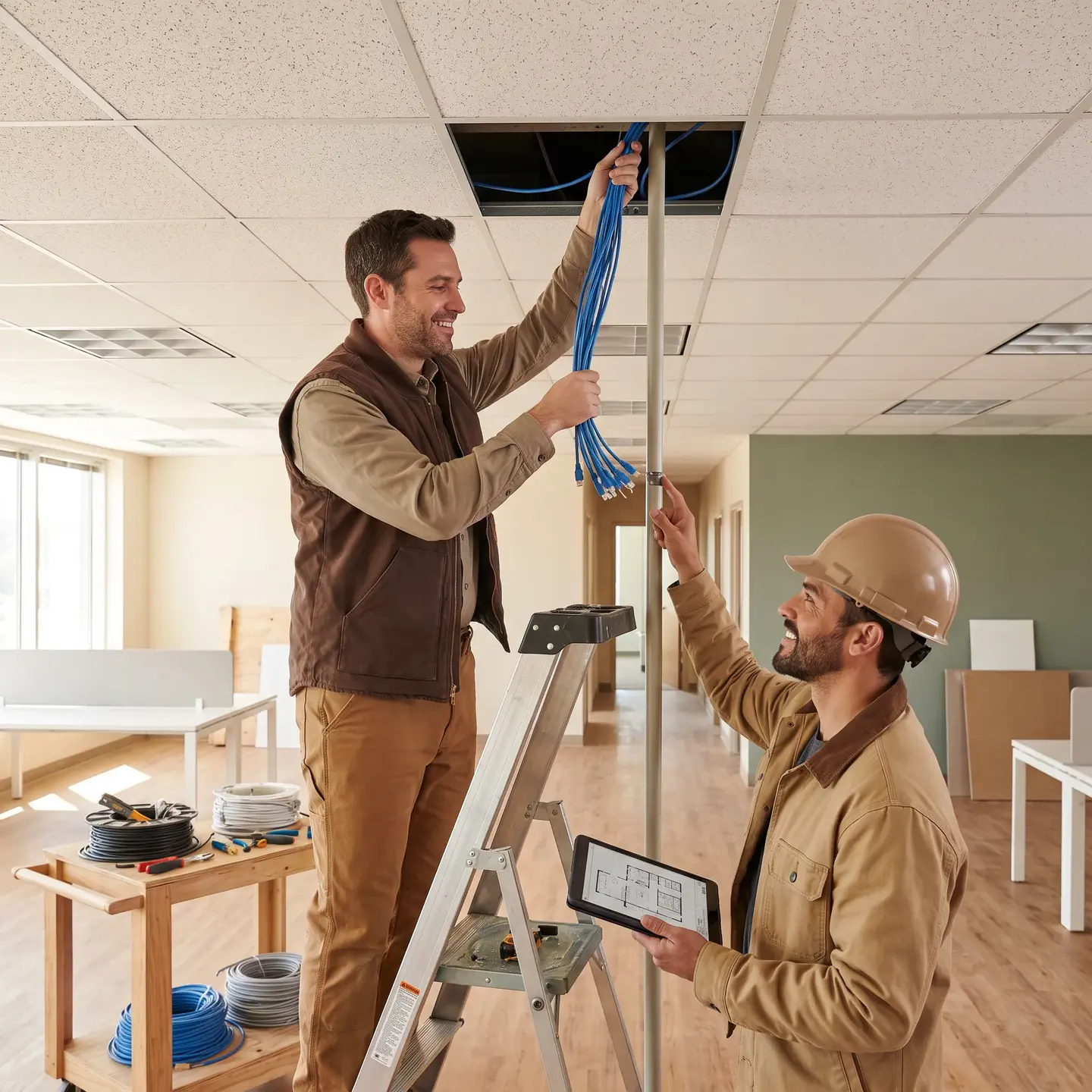
Preventing the Finger-Pointing Problem
When something goes wrong on a multi-trade project, the natural tendency is for each contractor to point at someone else. “The electrician ran their cables first and didn’t leave us room.” “The security company didn’t tell us they needed access to that closet.”
The solution is defining responsibility for integration points in writing before work begins. Who owns the network switch configuration? Who is responsible for power circuits to security panels? Who coordinates access to shared spaces? When these boundaries are documented, accountability is clear.
Phasing Considerations: Maintaining Security During Installation
For occupied facilities—which is most commercial projects—the challenge isn’t just installing the new system. It’s maintaining security during the transition. This is especially critical for 24/7 operations, high-security environments, and any facility where a security gap creates immediate liability.
Phasing Strategies That Work
Effective phasing approaches we’ve seen succeed include:
- Zone-by-zone transitions: Complete installation in one area while existing systems remain operational in others, then migrate zone by zone
- Parallel operation periods: Run both old and new systems simultaneously during a testing period before full cutover
- After-hours installation: Schedule disruptive work—particularly access control transitions—during off-hours to minimize operational impact
- Temporary coverage measures: Deploy temporary cameras or security personnel to cover gaps during transition periods
Access Control Transitions Require Special Attention
Replacing access control systems is particularly sensitive because you’re dealing with physical security of entry points. A poorly planned cutover can leave doors unsecured, lock employees out of spaces they need to access, or create credential chaos if old and new systems aren’t properly synchronized.
The key questions for access control phasing:
- How will credentials be transitioned? Will staff receive new cards, or will existing credentials be migrated?
- What is the fallback if the new system fails during transition?
- How will after-hours access be maintained during the changeover period?
- Who has authority to make real-time decisions if unexpected issues arise?
Studies indicate that alarm and security systems reduce the chance of a property being robbed by approximately 10 times compared to properties without such systems—which means security gaps during installation aren’t just theoretical risks.
Network Infrastructure Requirements for IP-Based Systems
Modern commercial security systems are fundamentally network devices. Your IP camera infrastructure, access control panels, and intercoms all require network connectivity, and they have specific requirements that IT departments need to understand.
What Conversations Need to Happen with IT
Before installation begins, your security contractor and IT team should align on:
- Network capacity planning: IP cameras generate significant bandwidth, particularly high-resolution systems. Does your network infrastructure have capacity for the additional load?
- PoE power requirements: Power over Ethernet simplifies installation but requires switches capable of delivering adequate power. Standard PoE (802.3af) provides about 15 watts per port; PoE+ (802.3at) provides about 30 watts; and high-end PTZ cameras may require PoE++ at 60+ watts.
- VLAN segmentation: Security traffic should typically be isolated from general business network traffic for both performance and cybersecurity reasons.
- IP addressing schemes: Who assigns IP addresses? How are devices documented? What naming conventions apply?
- Switch locations and port availability: Physical switch placement affects cable run lengths and installation costs.
Avoiding the IT vs. Security Disconnect
We’ve seen projects stall because the security contractor installed devices assuming IT would provide network ports, while IT assumed the security contractor would provide their own switching infrastructure. Neither assumption was documented, and the project sat idle for weeks while the blame game played out.
Following facility management best practices, the solution is a documented scope split that clearly assigns responsibility for network infrastructure components. This should be established during pre-installation planning, not discovered during installation.
Training and Handoff: Ensuring Staff Can Actually Use the System
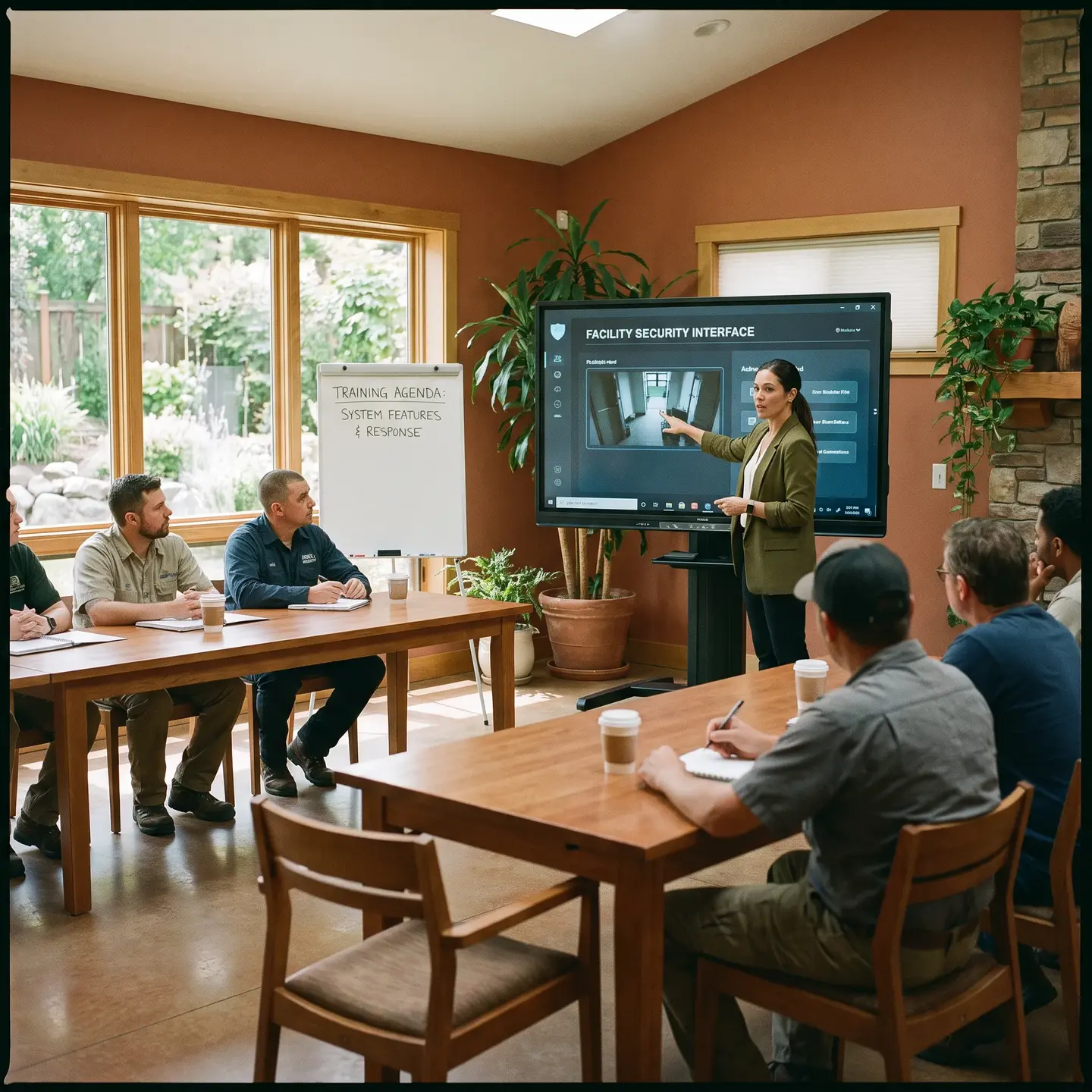
Here’s a scenario we see too often: a facility invests significantly in a sophisticated security system, installation goes smoothly, and six months later the system is barely being used. Cameras record but nobody reviews footage. Access control features sit disabled because nobody understood how to configure them. The monitoring station calls about alarms and staff don’t know what to do.
This happens when training is treated as an afterthought rather than a core project deliverable.
What Comprehensive Training Should Include
Effective training programs address different user roles with appropriate depth:
- Security staff: Day-to-day operation, event response procedures, basic troubleshooting, when and how to escalate issues
- Facility managers: System administration, reporting capabilities, configuration changes, vendor communication
- Executive leadership: High-level system capabilities, ROI metrics, compliance documentation
Training should also include:
- Hands-on practice, not just demonstrations
- Reference documentation staff can use after training ends
- Basic troubleshooting for common issues
- Clear escalation paths for problems beyond user capability
Documentation Requirements
At project completion, facility managers should receive:
- As-built drawings showing actual installed locations of all devices and cabling
- System documentation including device models, firmware versions, IP addresses, and configuration settings
- User manuals appropriate for different staff roles
- Contact lists with escalation procedures for different issue types
- Warranty documentation with clear terms and claim procedures
Without this documentation, you’re dependent on institutional knowledge that walks out the door when staff turn over.
Post-Installation Support: What to Expect and What to Require
The moment installation is “complete” is actually the beginning of your system’s operational life. What happens next—the ongoing support relationship—determines whether your security system remains effective over time or gradually degrades into an expensive collection of underperforming devices.
What Good Ongoing Support Looks Like
When evaluating post-installation support commitments, look for:
- Defined response time commitments for different issue severities—a complete system failure should have a different response window than a single camera offline
- Preventive maintenance schedules that keep systems operating optimally rather than waiting for failures
- Software update protocols addressing both security patches and feature updates
- 24/7 monitoring capabilities for critical systems where after-hours issues require immediate response
- Clear warranty terms specifying what’s covered, what’s not, and how claims are processed
Red Flags That Indicate Inadequate Support
Be cautious of contractors who:
- Offer vague “we’ll take care of you” promises without documented commitments
- Have no local presence and rely entirely on remote support or distant technicians
- Can’t provide references from clients they’ve supported long-term
- Don’t maintain manufacturer authorizations for the products they install
- Disappear after commissioning with no proactive follow-up
For guidance on what comprehensive commercial security system installation services should include, the support relationship should be as thoroughly defined as the installation scope itself.
Choosing an Installation Partner Who Understands Coordination
Technical capability matters, but the contractors who deliver successful commercial security projects are the ones who understand that installation is fundamentally a coordination challenge. They’re asking questions about your operations, your IT environment, your other trades, and your staff capabilities—not just your equipment preferences.
Evaluation Criteria That Matter
When selecting a security installation partner, prioritize:
- Commercial focus: Contractors who primarily serve commercial clients understand coordination requirements that residential-focused installers often miss
- Manufacturer authorizations: Authorized dealers have access to proper training, technical support, and manufacturer-backed warranties that protect your investment
- Regional presence: Contractors with established local teams can respond faster and maintain long-term relationships, rather than single-city operators servicing distant markets
- Integrated capabilities: Partners who handle both security and Security Wiring eliminate the finger-pointing that happens when multiple vendors share responsibility
- Documented processes: Contractors who can explain their project management methodology, coordination protocols, and handoff procedures have systems that produce consistent results
The goal isn’t finding the contractor with the lowest bid or the flashiest technology demo. It’s finding the partner who understands that your success depends on coordination across multiple stakeholders, maintained security during transitions, and a system that your staff can actually operate effectively once the installation team leaves.
Commercial security installation done right isn’t complicated, but it does require attention to the coordination details that separate smooth projects from operational nightmares. When the planning is thorough, the trades are coordinated, the phasing protects your operations, and the handoff sets your team up for success, the technology almost takes care of itself.
Frequently Asked Questions
A thorough site survey documents device locations, coverage areas, cable pathways, power capacity, network requirements, and environmental conditions. This groundwork ensures the installation team has what they need before breaking ground, reducing surprises and rework down the line.
Require staff training, as-built drawings, system documentation, configuration records, user manuals, escalation contacts, and warranty details. This handoff package ensures your team can operate and maintain the system effectively after the installer leaves.
Use phased installations, temporary coverage, after-hours work, or parallel operation to keep protected areas covered during the transition. The goal is never leaving critical areas unmonitored while you’re upgrading to better technology.
Define the work sequence, shared pathways, access requirements, and each contractor’s responsibilities in writing before work starts. Clear coordination prevents conflicts over ceiling space, conduit routes, and who’s responsible for what, keeping your project on schedule.
Your IT team should confirm network capacity, PoE availability, VLAN requirements, IP address assignments, switch locations, and who’s responsible for network equipment. Getting this sorted upfront prevents installation delays and finger-pointing later.