

Security Wiring & Installation
Security Camera Wiring Guide: Cable Types, PoE Standards, and Commercial Installation Best Practices
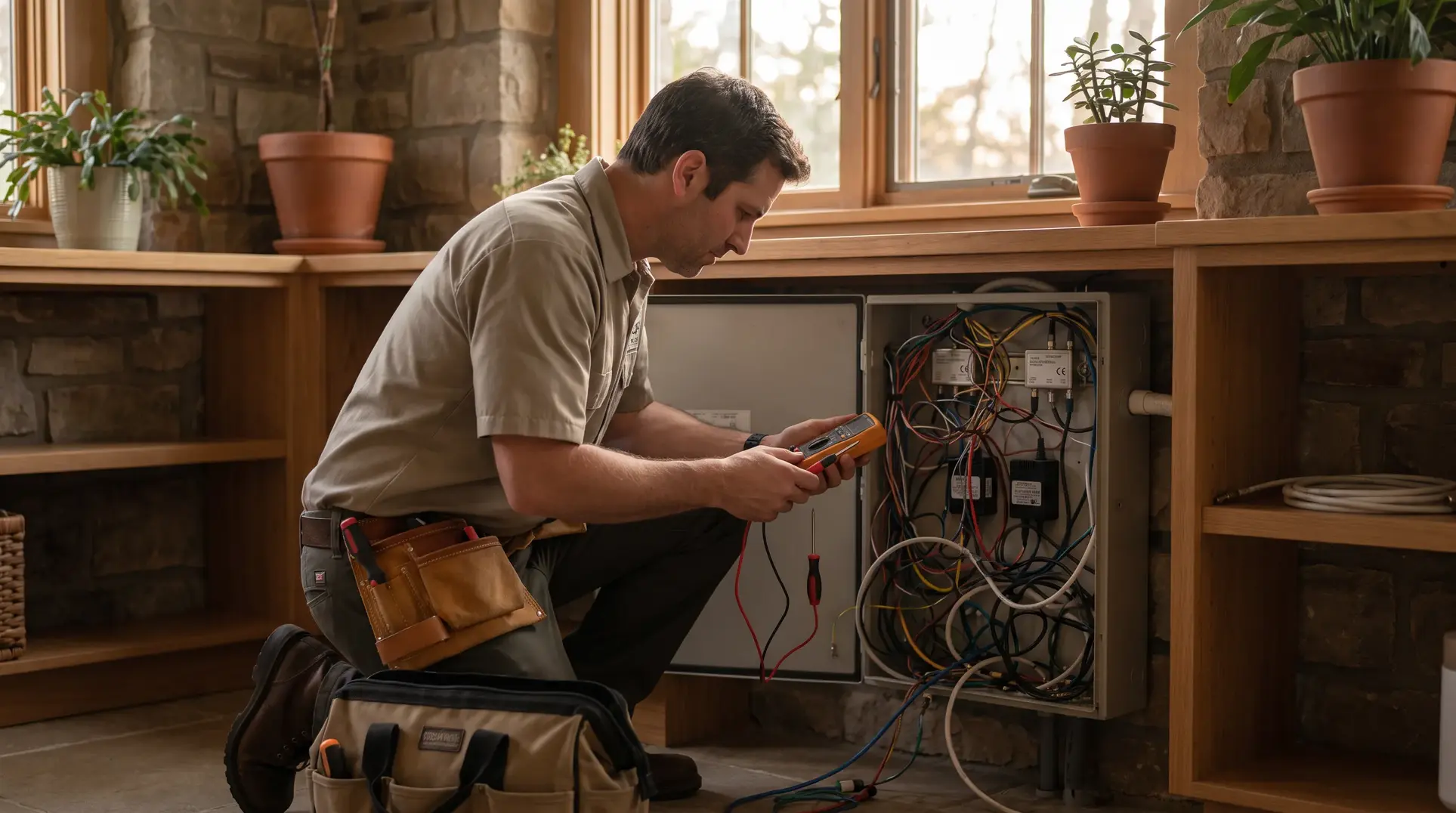
Getting the wiring right on a commercial camera installation isn’t glamorous work, but it’s the foundation that determines whether your surveillance system performs reliably for years or becomes a source of constant service calls. We’ve seen too many facilities where the cameras themselves are perfectly capable, but poor cable selection, inadequate power calculations, or shortcuts on code compliance create problems that surface months after the original installer has moved on. This guide walks through the technical decisions you’ll face when planning security system wiring infrastructure—from cable types and PoE standards to commercial code requirements and troubleshooting frameworks that help you avoid the most common failure points.
Who This Guide Is For—And Who It Isn’t
This article is written for facility managers, property directors, and IT professionals who are planning or overseeing commercial camera deployments. If you’re responsible for specifying requirements in a contractor RFP, validating a proposed installation approach, or understanding why your current system keeps having issues, you’re in the right place.
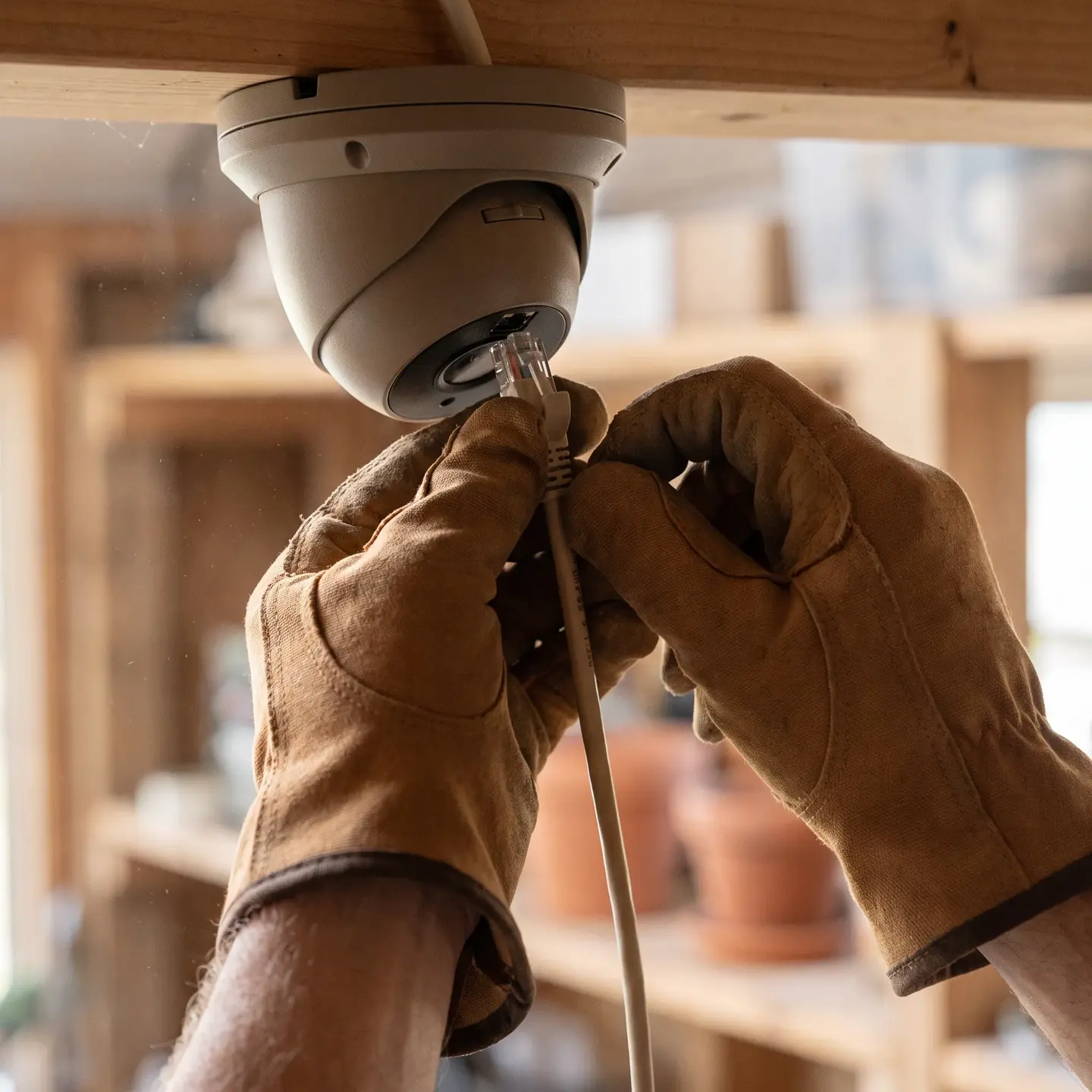
This guide focuses exclusively on the wiring infrastructure layer—cable types, power delivery methods, and code compliance. If you’re looking for camera hardware recommendations, system design advice, or storage calculations, those topics belong in our commercial video surveillance systems content.
If you’re a homeowner installing a few cameras around your house, the residential-focused guides elsewhere online will serve you better. Commercial installations have different reliability requirements, code obligations, and long-term maintenance considerations that this guide addresses directly.
Security Camera Wiring Fundamentals: Power and Data
Every security camera requires two things to operate: power to run the hardware and a data path to transmit video. How you deliver these two functions determines your entire cable infrastructure. The fundamental split is between IP cameras and analog cameras, and understanding this distinction prevents specification errors that can require complete infrastructure replacement.
IP cameras operate as network devices. They connect via ethernet cables (Cat5e, Cat6, or Cat6A) and can receive both power and data through a single cable when using Power over Ethernet. This architecture simplifies installation and integrates directly with your facility’s network infrastructure.
Analog cameras transmit video signals over coaxial cable (typically RG59) and require separate power delivery—either through siamese cable that bundles coax with power conductors, or through dedicated power runs to each camera location.
For most new commercial installations, IP cameras with PoE delivery have become the standard approach. The infrastructure costs are comparable, the cable runs are simpler, and the system integrates with modern video management platforms. However, we still encounter situations where analog infrastructure makes sense—particularly when extending existing systems or working with specialized camera types that haven’t migrated to IP architectures.
Cable Types for Different Camera Systems
Selecting the right cable type isn’t just about “will it work”—it’s about matching specifications to your installation requirements so the system performs reliably over its expected lifespan.
Ethernet Cables for IP Camera Systems
For IP camera installations, you’ll choose between Cat5e, Cat6, and Cat6A ethernet cables. Here’s what actually matters for security applications:
- Cat5e: Supports 1 Gbps bandwidth up to 100 meters. Adequate for most standard IP cameras, but offers less headroom for future upgrades. The thinner conductors (24 AWG typically) mean slightly higher resistance, which can affect PoE delivery on longer runs.
- Cat6: Also supports 1 Gbps to 100 meters, but with improved crosstalk specifications and typically heavier conductors (23 AWG). This is our recommended baseline for new commercial installations—the modest cost increase provides better PoE performance and future-proofs for higher bandwidth cameras.
- Cat6A: Supports 10 Gbps to 100 meters and handles high-power PoE better due to improved heat dissipation characteristics. Consider Cat6A for runs over 55 meters where you’re also delivering PoE++, or when you’re installing infrastructure that needs to support future 4K multi-sensor cameras.
Shielding considerations: Unshielded twisted pair (UTP) works fine in most commercial environments. Foiled twisted pair (FTP or STP) adds interference protection near motors, heavy electrical equipment, or dense cable trays. If you’re running camera cables alongside HVAC equipment or through industrial areas, shielded cable reduces the risk of interference-related video artifacts.
Coaxial and Siamese Cables for Analog Systems
If you’re working with existing analog infrastructure or HD-over-coax systems (AHD, TVI, CVI), coaxial cable remains relevant:
- RG59: The standard choice for analog CCTV, supporting runs up to approximately 500 meters for 1080p HD-over-coax with quality copper conductors.
- RG6: Lower attenuation than RG59, better suited for longer runs or when maximum signal quality is required.
- Siamese cable: Combines RG59 coax with 18/2 power conductors in a single jacket, simplifying installation by providing video and power in one pull.
Power over Ethernet: Standards, Budgets, and Distance Limits
PoE eliminates the need for power outlets at every camera location by delivering DC power over the same ethernet cable that carries data. Understanding the different PoE standards prevents mismatches that leave cameras underpowered or systems over budget.
PoE Standards Comparison
For detailed technical specifications, the IEEE 802.3 PoE standards documentation provides the authoritative reference.
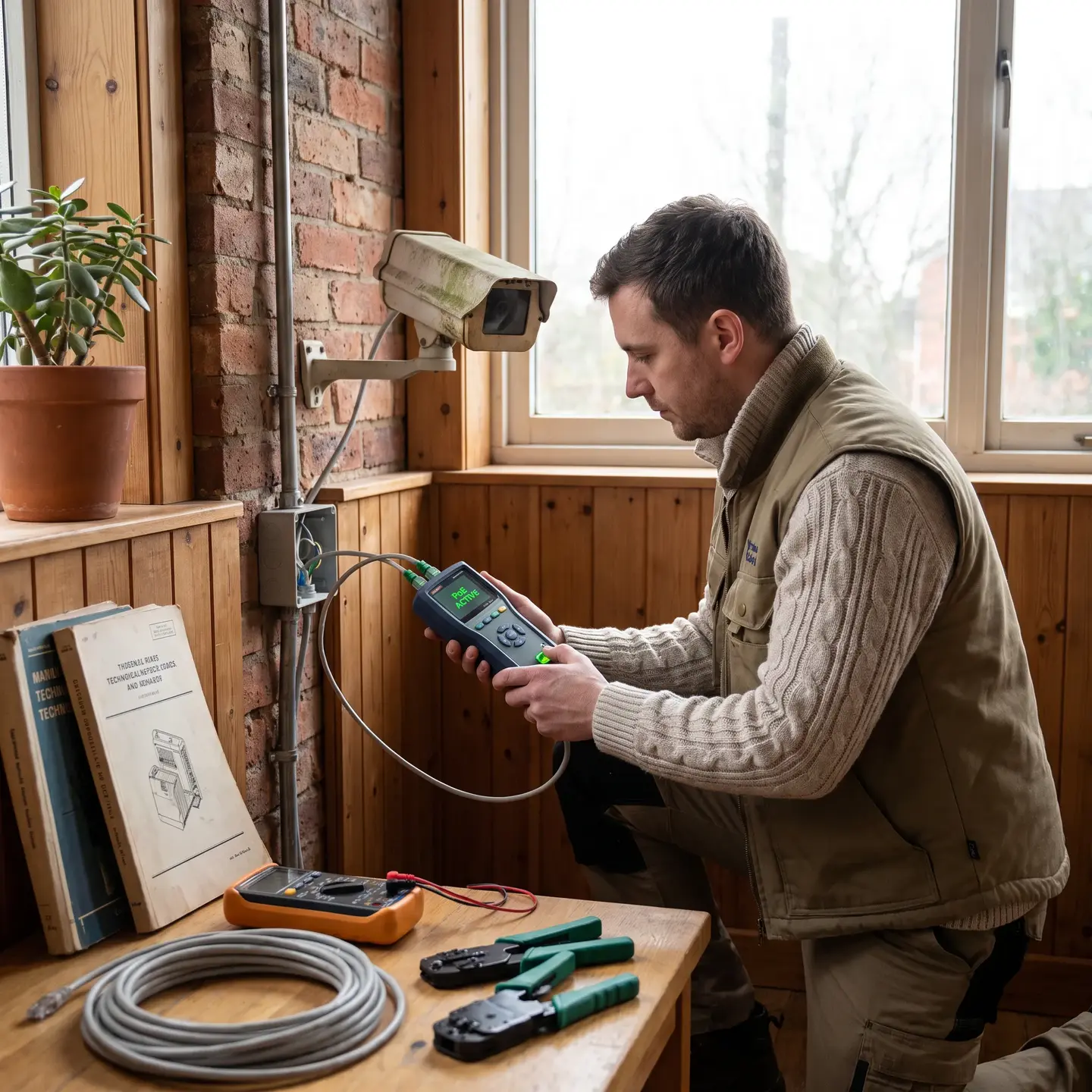
Calculating Your PoE Power Budget
Your PoE switch has a total power budget that must cover all connected devices. Here’s the calculation process:
- List every PoE device that will connect to the switch (cameras, intercoms, access control readers)
- Note the maximum power consumption for each device (found in manufacturer specs)
- Sum the maximum power requirements
- Add 20% headroom for expansion and transient loads
- Verify the switch’s total PoE budget exceeds your calculated requirement
Example: For a 24-camera system with cameras drawing 12W maximum each:
- 24 cameras × 12W = 288W base requirement
- 288W × 1.2 (20% headroom) = 346W minimum switch budget
A common mistake: assuming that a switch with “30W per port” can deliver 30W on every port simultaneously. Check the total PoE budget specification—many 24-port PoE+ switches have total budgets around 370-400W, which would support this deployment but with minimal expansion room.
Distance and Power Loss Considerations
The 100-meter limit for ethernet isn’t just about signal degradation—it also affects power delivery. Longer cable runs have higher resistance, which means more power is lost as heat before reaching the camera. For runs approaching 100 meters with high-power cameras, you may need to:
- Use Cat6 or Cat6A to reduce resistance
- Position PoE switches closer to camera locations via intermediate distribution frames
- Use PoE extenders or mid-span injectors that re-amplify both signal and power
When Separate Power Wiring Makes More Sense
PoE isn’t always the optimal solution. Separate power circuits deliver better long-term value in several scenarios:
- Extended distances: When camera locations exceed 100 meters from the nearest network closet and adding intermediate distribution points isn’t practical
- High-power requirements: Large PTZ cameras with heaters and fans may exceed practical PoE delivery, especially on longer runs
- Existing infrastructure: When buildings already have low-voltage power distribution that can be leveraged
- Backup power requirements: When cameras need to remain powered even if the PoE switch loses power
Voltage Drop Calculations for DC Power Runs
When running separate 12V or 24V DC power to cameras, voltage drop determines how far you can go with a given wire gauge:
Voltage Drop Formula: Drop (V) = (2 × Length × Current × Resistance per foot) / 1000
For 12V systems, you want to keep voltage drop under 10% (1.2V) to ensure reliable camera operation. Here’s a practical reference:
For longer runs, either increase wire gauge, use 24V systems (which allow twice the distance for equivalent drop percentage), or add distributed power supplies closer to camera clusters.
Commercial Code Compliance and Cable Ratings
Commercial installations face code requirements that residential projects don’t. Using the wrong cable rating can result in failed inspections, void insurance coverage, and real fire safety risks.
Cable Jacket Ratings
- CMP (Plenum-rated): Required when cables run through air-handling spaces—the areas above drop ceilings and below raised floors where HVAC air circulates. Plenum cable has fire-retardant jackets that produce minimal smoke and toxic fumes if burned.
- CMR (Riser-rated): Required for vertical runs between floors. Designed to prevent fire from traveling up cable pathways.
- CM/CMG (General purpose): Acceptable for horizontal runs within a single floor, not passing through plenums or between floors.
The rule: You can always use a higher rating than required (plenum cable in a riser application), but never a lower rating. When in doubt, specify plenum—the cost premium is modest compared to the liability of non-compliant installations.
Pathway and Firestopping Requirements
When cables pass through fire-rated walls, floors, or ceilings, the penetrations must be sealed with listed firestopping materials to maintain the fire rating. This is a code requirement that’s frequently overlooked in security installations but can have serious consequences during fire inspections or, worse, actual fires.
For commercial installations, BICSI cabling installation standards provide comprehensive guidance on proper pathway design and installation practices.
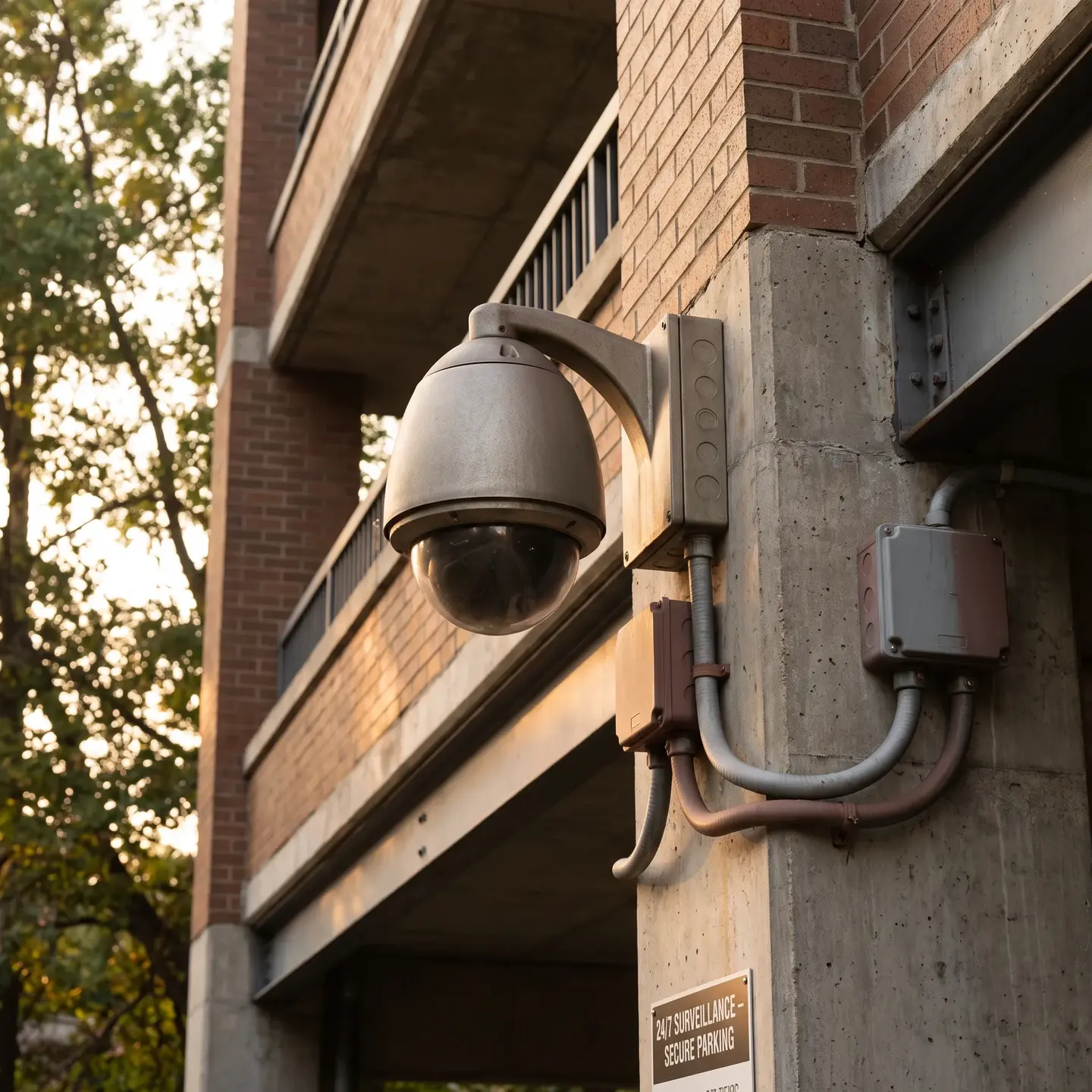
Outdoor and Harsh Environment Wiring
Parking structures, loading docks, building perimeters, and industrial areas present environmental challenges that require specific cable and installation approaches.
Weatherproofing Requirements
- UV resistance: Standard cable jackets degrade under sun exposure. Outdoor-rated cables include UV stabilizers that extend service life to 15-20 years.
- Temperature rating: Verify cable temperature ratings match your climate. Standard cables may become brittle in extreme cold or soften in extreme heat.
- Direct burial: When cables must run underground, use cables specifically rated for direct burial or install in conduit. Standard outdoor-rated cable will fail within a few years when buried.
Conduit Selection for Outdoor Runs
- Schedule 40 PVC: Standard choice for underground runs, buried at least 18 inches deep
- EMT (Electrical Metallic Tubing): Required in accessible areas where cables could be cut or damaged
- Liquid-tight flexible conduit: Useful for connections at camera locations where rigid conduit isn’t practical
Lightning and Surge Protection
Any cable transitioning from outdoor to indoor environments needs surge protection at the building entry point. For cameras on poles or building rooftops, surge protectors on both the PoE line and any auxiliary connections prevent lightning-induced damage from propagating into your network infrastructure.
Cable Management and Future Expansion Planning
Proper cable management isn’t just about aesthetics—it determines how easily your system can be troubleshot and expanded.
Service Loops
Leave 10-15 feet of extra cable coiled at each camera location and at distribution points. This service loop allows cameras to be repositioned slightly, provides working slack during maintenance, and accommodates future equipment changes without re-pulling cable.
Labeling Systems
Every cable should be labeled at both ends with a consistent naming convention that identifies:
- Source location (network closet and port)
- Destination (camera identifier and location)
- Cable type and rating
Labels should be machine-printed, weather-resistant at outdoor locations, and applied in a way that survives the full service life of the installation. Hand-written labels fade and become illegible within a few years.
Conduit Fill Planning
When installing conduit, plan for future expansion. The standard rule is maximum 40% fill for multiple cables—this leaves room for additional cables and prevents heat buildup. For a 24-camera installation, size your conduit infrastructure to accommodate 30-36 cables.
Common Wiring Mistakes and Troubleshooting Frameworks
Understanding common failure points helps you avoid them during installation and diagnose issues when they occur.
Frequent Installation Errors
- Exceeding PoE distance limits: Running ethernet beyond 100 meters without extenders causes intermittent power failures as cameras brown out during high-draw operations
- Undersized PoE budgets: Calculating based on typical draw rather than maximum draw leads to cameras going offline when multiple units activate IR illumination simultaneously
- Improper termination: Using push-through connectors or failing to maintain pair twists to within 1/2 inch of termination causes performance degradation
- Mixing cable categories: A Cat5e patch cable in a Cat6A pathway limits the entire channel to Cat5e performance
- Insufficient separation from power: Running security cables parallel to power lines without adequate separation causes interference patterns in video
Diagnostic Framework for Connectivity Issues
When a camera loses connection intermittently, work through this sequence:
- Check PoE delivery: Use a PoE tester to verify voltage at the camera end matches expectations. Low voltage indicates excessive cable resistance or overloaded switch.
- Verify cable continuity: A cable certifier tests all pairs for proper wiring and acceptable crosstalk levels.
- Test without PoE: If the camera works with a local power supply but not PoE, the issue is power delivery, not data transmission.
- Check for interference: Disconnect nearby cables and equipment to isolate the source of interference-related issues.
- Inspect terminations: Re-terminate connections at both ends following proper technique—this resolves the majority of intermittent issues.
Making the Right Infrastructure Decisions
The wiring decisions you make during installation determine your system’s reliability for the next 10-15 years. Cutting corners on cable quality, PoE capacity, or code compliance creates problems that compound over time—intermittent failures that are difficult to diagnose, capacity constraints that block expansion, and compliance issues that surface during inspections or insurance reviews.
Our structured cabling services and Security Wiring installations follow the practices outlined in this guide because we understand that commercial facilities need infrastructure that works reliably, meets code requirements, and supports future growth. When you’re ready to discuss the wiring infrastructure for your camera deployment, we’re here to help you get it right from the start.
Frequently Asked Questions
Cat6 is the recommended baseline because it supports reliable PoE delivery, reduces interference, and provides room for future upgrades.
Use an intermediate switch, PoE extender, or midspan injector rather than exceeding the standard Ethernet distance limit.
Add each device’s maximum power draw, then include about 20% extra capacity for expansion and temporary power increases.
Use CMP cable in air-handling spaces, CMR for vertical floor-to-floor runs, and general-purpose CM/CMG cable only in permitted horizontal pathways.
Check PoE voltage, cable continuity, terminations, distance limits, and interference from nearby power or electrical equipment.