

IP Camera Technology
IP Cameras Explained: Network-Based Surveillance Technology for Business

If you manage a commercial facility and your surveillance system still runs on coaxial cable—or you’re planning your first serious video security deployment—you’ve likely heard that IP cameras are the modern standard. But what does that actually mean for your building infrastructure, your network capacity, and your day-to-day operations? This article breaks down network-based surveillance technology in practical terms, explaining what makes IP cameras fundamentally different from older systems and why that difference matters for commercial properties. We’re not here to sell you cameras; we’re here to help you understand the technology so you can make informed infrastructure decisions.
Who This Article Is For (And Who It’s Not For)
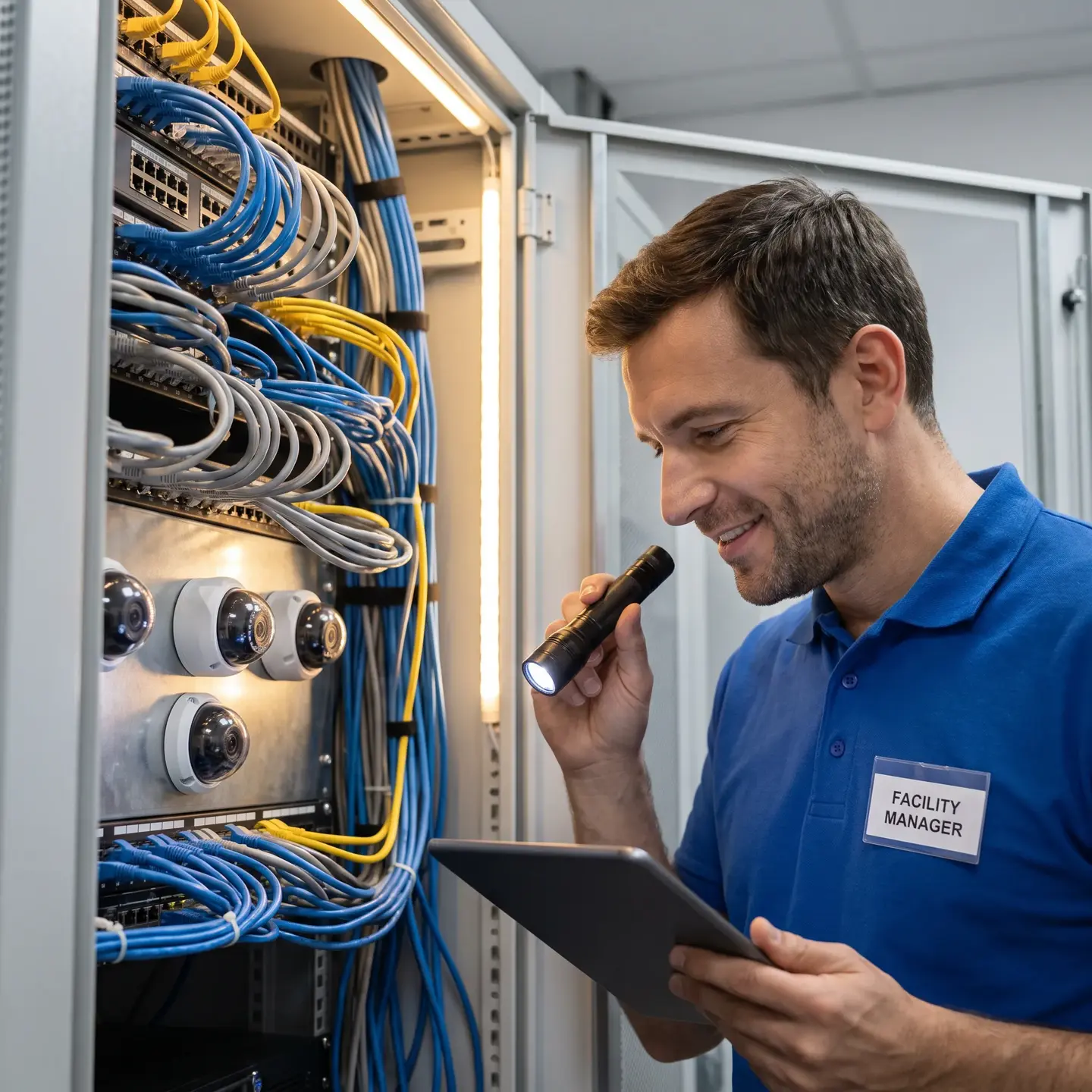
This article is written for facility managers, property directors, and building owners evaluating surveillance infrastructure for commercial properties—office buildings, warehouses, multi-residential complexes, retail spaces, and similar facilities. If you’re responsible for building infrastructure decisions and need to understand what IP camera technology involves before engaging contractors or evaluating proposals, this is your starting point.
This is not a guide for residential homeowners, IT specialists who already understand networking deeply, or technicians looking for installation procedures. We’re covering foundational concepts that help decision-makers understand what they’re buying, not technical specifications for people configuring systems.
What Makes a Camera an “IP Camera”: Network Connectivity Explained
An IP camera—short for Internet Protocol camera—is a digital video device that transmits data over standard computer networks rather than dedicated coaxial cabling. Think of it this way: traditional analog cameras send video signals through specialized cables to a recorder, much like how old televisions received signals through antenna cables. IP cameras work more like computers on your network—they have their own IP addresses, connect through Ethernet cables, and send digital data packets just like the workstations in your office.
This fundamental shift from analog signal transmission to digital networking changes everything about how surveillance systems integrate with building infrastructure. Your IP cameras connect to the same network infrastructure that supports computers, phones, and other business systems. They don’t require separate video cabling runs throughout the building—they use the same structured cabling infrastructure that already carries your data traffic.
For commercial facilities, this means several practical advantages:
- Centralized management: Configure and monitor cameras from anywhere on the network rather than physically accessing each device
- Software-based configuration: Adjust settings, update firmware, and modify recording parameters without sending technicians to each camera location
- Integration capability: Connect surveillance with access control, intrusion detection, and building management systems through common network protocols
- Remote accessibility: View live and recorded video from any authorized device with network access, including off-site management
The first IP camera appeared in 1996—Axis Communications’ AXIS Neteye 200—though it could only return a single image per request rather than streaming real-time video. By 1999, decentralized IP cameras with onboard recording and alarm management reached the market. The technology has matured substantially since then, and network-based surveillance is now the standard for new commercial installations.
Resolution Capabilities: Why IP Cameras Deliver Superior Image Quality
Resolution determines what you can actually see and identify in your footage—and this is where IP cameras dramatically outperform analog systems. Digital image sensors capture far more detail than analog cameras ever could, translating to real operational differences in what your surveillance system accomplishes.
Here’s what different resolution levels mean in practical terms:
- 2 megapixel (1080p): Suitable for general area monitoring where you need to see that something happened but don’t require fine detail at distance
- 4 megapixel: Provides clear identification at moderate distances—facial features, license plates, package labels
- 8 megapixel (4K): Allows wide-area coverage with ability to digitally zoom into specific regions without losing clarity
The business outcome here isn’t about pixel counts—it’s about what you can verify from your recordings. A higher-resolution camera lets you cover more area with fewer devices while maintaining the detail needed for identification. You can digitally zoom into recorded footage after an incident and still read a license plate or identify a face, which analog systems simply cannot do.
When we implement IP Camera Systems for commercial clients, resolution selection starts with operational questions: What do you need to identify? At what distance? Under what lighting conditions? The camera specifications follow from those answers, not the other way around.
Power over Ethernet: Simplifying Camera Installation and Infrastructure
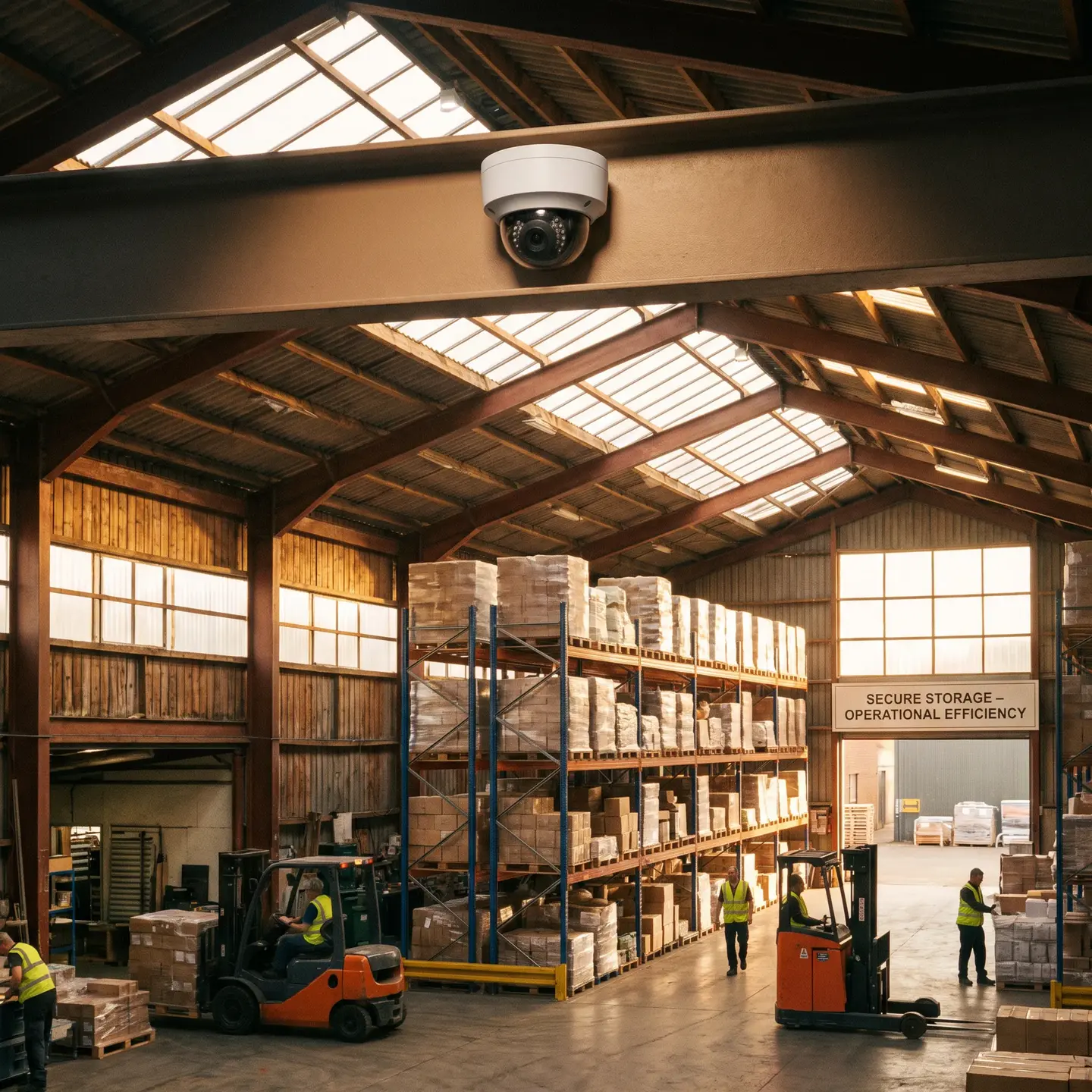
Power over Ethernet—PoE—is one of the most practical advantages of IP camera technology for commercial installations. PoE delivers both data and electrical power over a single network cable, which dramatically simplifies installation compared to traditional camera deployments.
Consider what a traditional analog camera installation requires:
- Coaxial cable run from camera to recorder
- Electrical power supply at the camera location
- Conduit for power wiring if required by code
- Coordination between cabling contractor and electrician
- Separate troubleshooting for video and power issues
With PoE, a single cable handles everything. Your network switch supplies power to the camera through the same Ethernet cable carrying video data. This means:
- Reduced labor costs: One cable pull instead of multiple trades
- Centralized power backup: Connect your network switch to a UPS and every camera on that switch stays running during power outages
- Simplified troubleshooting: If the camera isn’t working, the issue is in one cable path rather than two separate systems
- Flexible placement: Install cameras anywhere you can run Ethernet cable without worrying about nearby electrical outlets
PoE switches come in different power classes based on IP networking standards. Basic cameras work fine with standard PoE (about 13 watts at the device), while PTZ cameras with heaters or illuminators may require PoE+ (25 watts) or 802.3bt (up to 71 watts). When planning infrastructure, we calculate the total power budget across all cameras and ensure the switch can handle peak demand—not just average consumption.
This is where security system wiring expertise matters. Proper cable selection, pathway planning, and switch specification ensure your PoE infrastructure supports current cameras and future expansion without costly rework.
Network Requirements: Bandwidth and Infrastructure Considerations
Every facility manager asks the same question when evaluating IP cameras: “Will this overwhelm our network?” The honest answer is “it depends”—but we can give you a framework for understanding what factors matter.
Bandwidth consumption depends on several variables:
- Resolution: Higher resolution means more data per frame
- Frame rate: More frames per second means more data per second
- Compression: Modern H.265 compression reduces bandwidth by roughly 40% compared to older H.264 while maintaining quality
- Scene motion: Busy scenes with constant movement generate more data than static lobbies
Here’s a rough bandwidth reference for continuous recording:
2MP camera, 15 fps, H.265: 1-2 Mb/s
4MP camera, 15 fps, H.265: 2-4 Mb/s
8MP camera, 15 fps, H.265: 4-8 Mb/s
The critical distinction is between recording bandwidth (camera to NVR) and viewing bandwidth (NVR to monitoring stations). Recording traffic typically stays within the security network segment and doesn’t compete with general business traffic. Viewing traffic only occurs when someone actively watches live feeds or reviews recordings—it’s not constant load.
For most commercial facilities with proper network design, surveillance traffic integrates smoothly with existing infrastructure. The key is planning: dedicated VLANs for security devices, adequate switch uplinks, and appropriate network segmentation following network security best practices. When we design surveillance infrastructure, network planning happens before camera selection—not as an afterthought.
Analytics Capabilities: What IP Cameras Can Detect and Analyze
IP cameras aren’t just recording devices—they’re intelligent sensors that process video data to detect specific events. This capability fundamentally changes how surveillance systems operate in commercial environments.
The first IP camera with onboard video analytics appeared in 2005, capable of detecting events like object theft, line crossing, zone entry, and wrong-direction movement. Current analytics capabilities include:
- Line crossing detection: Alert when someone crosses a defined boundary—useful for perimeter security and restricted area monitoring
- Intrusion detection: Trigger alarms when movement occurs in designated zones during specified hours
- Object removal/left behind: Detect when items disappear from or appear in monitored areas—relevant for asset protection and suspicious package identification
- People counting: Track occupancy for capacity management, emergency planning, or operational efficiency
- License plate recognition: Automatically read and log vehicle plates for parking management, access control, or logistics tracking
- Face detection: Identify when faces appear in frame and—with appropriate systems—match against watchlists
The operational benefit here is filtering. Without analytics, someone must watch every camera or review hours of footage after incidents. With properly configured analytics, the system generates alerts only for defined conditions—reducing the monitoring burden while improving response times to actual events.
We’re careful not to oversell AI capabilities. Real-world commercial environments present challenges that affect accuracy: lighting changes, weather, reflections, and crowded scenes all impact detection reliability. Analytics work best when configured for specific, well-defined detection scenarios rather than vague “intelligent monitoring” promises. Our commercial video surveillance solutions focus on analytics that deliver measurable operational value, not features that sound impressive but generate constant false alarms.
IP Camera System Components: Cameras, NVRs, and Management Software
Understanding IP camera technology requires seeing the complete system, not just individual devices. Here’s how the components work together:
Cameras
The cameras capture, encode, and transmit video. Each camera is essentially a small computer with an image sensor, processor, and network interface. Cameras typically produce multiple video streams simultaneously—a high-resolution stream for recording and a lower-resolution stream for live viewing that reduces bandwidth consumption.
Network Video Recorder (NVR)
The NVR receives video streams from cameras and writes them to storage drives. It manages recording schedules, retention periods, and storage allocation across all connected cameras. NVR capacity is specified in channels (how many cameras it can handle) and storage (how much footage it can retain).
For many commercial deployments, the NVR also handles:
- User authentication and access control
- Video search and playback
- Evidence export with integrity verification
- Alarm management and event logging
Video Management Software (VMS)
For larger or multi-site deployments, video management software provides centralized control across multiple NVRs, cameras, and locations. VMS platforms enable:
- Unified viewing across all sites
- Cross-site search and investigation
- Integration with access control systems
- Custom dashboards and reporting
- Centralized user and permission management
Edge Storage
Many IP cameras include slots for SD cards that can record footage locally. Edge storage provides redundancy: if network connectivity to the NVR fails, the camera continues recording and transfers footage once connectivity restores. This failover capability is particularly valuable for critical areas or sites with less reliable network infrastructure.
The architecture decision—centralized recording on NVRs, distributed edge storage, or hybrid approaches—depends on your reliability requirements, network infrastructure, and operational preferences. What matters is that the components work together as integrated infrastructure, not as disconnected devices.
Infrastructure Integration: Why Cabling Expertise Matters
Here’s something many organizations learn the hard way: IP camera performance depends as much on infrastructure quality as camera selection. A 4K camera delivers nothing useful if the cabling can’t reliably carry the data or the PoE switch can’t provide consistent power.
According to structured cabling infrastructure requirements, standards-based copper Ethernet channels support distances up to 100 meters—comprising 90 meters of permanent link plus 10 meters of patch cords. Category 6A cabling provides better performance for PoE applications because of improved thermal characteristics when carrying power over four pairs.
Critical infrastructure considerations include:
- Cable quality: Use solid-copper conductors meeting applicable standards—avoid copper-clad aluminum, which causes reliability problems
- Environmental ratings: Select appropriate fire, plenum, riser, outdoor, and wet-location ratings for each cable run
- Pathway design: Plan routes that avoid electromagnetic interference and allow for future expansion
- Link certification: Test and document every permanent link—problems found during commissioning cost less than troubleshooting after deployment
- Documentation: Maintain cable schedules, pathway drawings, and test results for ongoing maintenance and future modifications
This is where working with a contractor who handles both cabling and security systems provides real value. When one team designs and implements the complete infrastructure—from backbone cabling through switch selection to camera commissioning—accountability is clear and integration issues get resolved before they become operational problems.
Conclusion: Network-Based Surveillance as Building Infrastructure
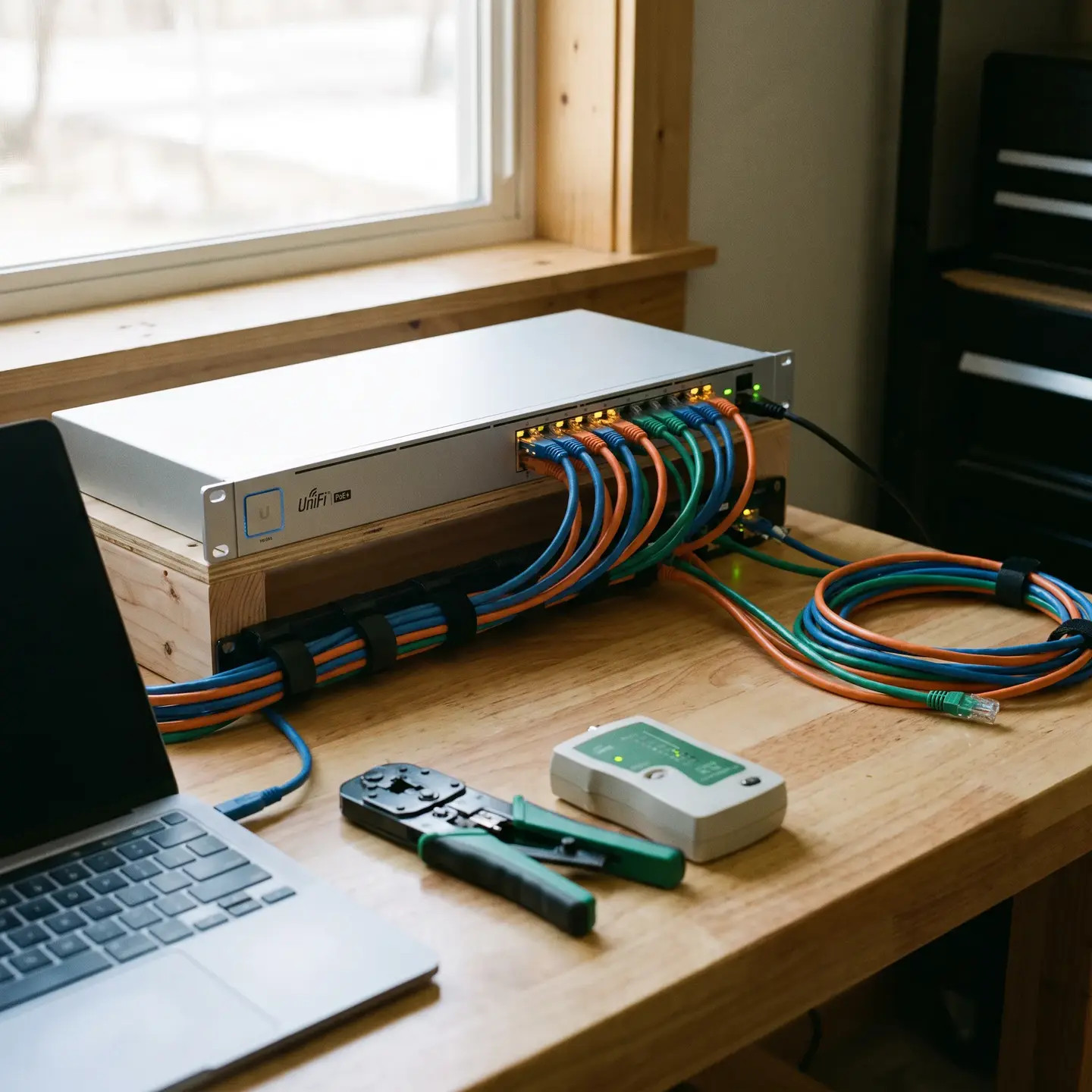
IP cameras represent more than upgraded recording devices—they’re networked building infrastructure that integrates with your existing systems while enabling capabilities that analog technology simply cannot match. Higher resolution, simplified installation through PoE, intelligent analytics, and remote management all stem from that fundamental shift to network-based architecture.
The key insight for facility managers is this: successful IP camera deployment requires thinking about the complete system, not just selecting cameras. Network capacity, cabling quality, PoE infrastructure, recording storage, and management software all influence whether your surveillance investment delivers its intended value.
When you’re ready to explore what IP camera system implementation looks like for your specific facility, the foundation you’ve built here—understanding the technology, its requirements, and its capabilities—positions you to have productive conversations with contractors and evaluate proposals on their merits rather than marketing claims.
Frequently Asked Questions
Usually not. Power over Ethernet (PoE) delivers both power and video through one cable. This simplifies installation and lets you back up all your cameras through a single UPS at the switch.
Often, yes. IP cameras can run on your existing Ethernet cabling. However, your network may need dedicated VLANs, enough switch capacity, and proper uplinks to handle the surveillance traffic without impacting other systems.
Check your cable quality, cable runs, PoE switch power budgets, network capacity, recording storage, and pathway conditions. Remember that standard Ethernet runs are typically limited to 100 meters, including all patch cables.
IP cameras send digital video over an Ethernet network instead of using coax cables. This lets you manage everything centrally, access footage remotely, install software updates, and connect cameras with your other security systems.
It depends on resolution, frame rate, and how much motion is in the scene. A typical 2MP camera using H.265 compression needs about 1–2 Mb/s, while an 8MP camera uses roughly 4–8 Mb/s.