

Access Control
Access Control Systems: A Complete Guide for Facility Managers

If you manage commercial facilities, you’ve probably noticed that access control systems have evolved far beyond the simple “lock and key” concept. What used to be a straightforward question—who has keys to which doors?—has become a sophisticated conversation about credentials, controllers, integration points, and infrastructure planning. We’ve seen facility managers struggle with vendor materials that focus heavily on product features without explaining how these systems actually work or what decisions really matter for long-term success. This guide is our attempt to bridge that gap.
Who This Guide Is For (And Who It Isn’t)
This article is written specifically for facility managers, property directors, and building owners responsible for commercial properties. We’re talking about office buildings, multi-residential complexes, industrial facilities, and mixed-use developments where access control decisions affect dozens or hundreds of doors across multiple zones, tenants, or sites.
This guide is not for:
- Residential homeowners looking for smart locks
- IT professionals focused on network or cybersecurity access controls
- Those seeking detailed product specifications or pricing
If you’re evaluating whether to implement, upgrade, or expand access control infrastructure in a commercial setting, you’re in the right place. We’ll explain the operational mechanics, infrastructure requirements, and decision frameworks you need—not just a list of features.
What Access Control Systems Actually Do (Beyond Locking Doors)
When we talk with facility managers about access control, the conversation often starts with door security. That’s understandable—preventing unauthorized entry is the primary function. But modern access control systems deliver operational value that extends well beyond physical security.
Audit trails and compliance documentation: Every credential presentation creates a timestamped record. When an incident occurs—whether it’s a theft investigation, a workplace safety inquiry, or a tenant dispute—you have detailed logs showing who accessed which areas and when. For facilities subject to regulatory requirements, these audit trails often satisfy compliance documentation needs that would otherwise require manual sign-in sheets or security guard logs.
Occupancy insights: Access events provide real-world data about how spaces are actually used. We’ve helped property managers identify underutilized areas, optimize cleaning schedules based on actual traffic patterns, and even support HVAC efficiency by understanding occupancy trends.
Emergency response capabilities: Modern systems can initiate building-wide lockdowns, unlock all doors for evacuation, or restrict access to specific zones during emergencies. This coordination happens in seconds rather than the minutes it would take to physically manage individual doors.
Incident investigation support: When something goes wrong, access control data helps reconstruct events. Combined with video surveillance (which we’ll touch on briefly), you can correlate door events with visual confirmation of who actually entered a space.
The point is this: access control solutions are operational intelligence assets, not just security expenses. Understanding this broader value helps justify investment and shapes how you should evaluate systems.
The Four Components: Credentials, Readers, Controllers, and Software
Every access control system consists of four interconnected components. Understanding how they work together helps you make better decisions about deployment, maintenance, and expansion.
Credentials: What Users Carry
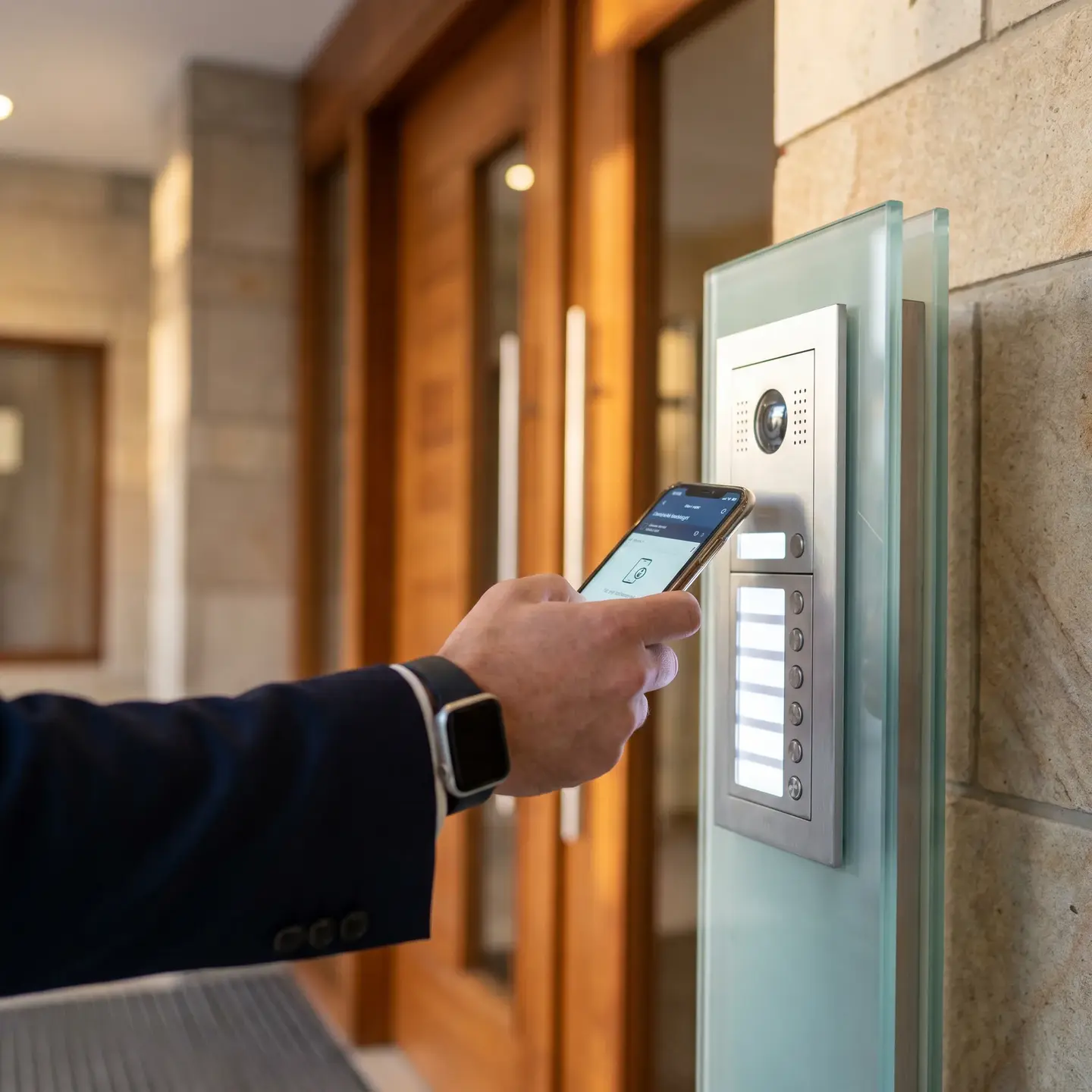
Credentials are the authentication tokens that identify individual users. This might be a proximity card, a key fob, a mobile phone app, a PIN code, or a biometric characteristic like a fingerprint. The credential itself doesn’t make the access decision—it simply presents identity information to the system.
Readers: The Presentation Point
Readers are the devices mounted at each controlled door where users present their credentials. They capture the credential data and transmit it to the controller for verification. Reader technology must match credential technology—a proximity card reader won’t work with mobile credentials unless it’s designed for both.
Controllers: The Decision-Making Brains
Controllers are the critical intelligence layer. When a credential is presented, the controller receives the data from the reader, checks it against the access rules database, and decides whether to grant or deny entry. This decision happens at the door controller level in well-designed systems, which means doors continue functioning even if network connectivity to the central server is temporarily lost.
Systems like Kantech access control solutions place decision-making intelligence at the controller, ensuring doors remain operational during network disruptions—a crucial consideration for commercial facilities where network issues shouldn’t mean locked-out employees or compromised security.
Software: Centralized Management
The software platform is where administrators manage everything: adding and removing users, assigning access privileges, creating schedules, generating reports, and monitoring system status. This is your command center for the entire access control deployment.
How They Work Together
Here’s what happens in the two seconds between when an employee presents their credential and when the door unlocks:
- The reader captures the credential data (card number, mobile token, fingerprint template)
- This data transmits to the door controller
- The controller checks the credential against its local database of authorized users
- It verifies any schedule restrictions (is this person authorized at this time?)
- It checks for any active lockdowns or special conditions
- If everything passes, the controller signals the electric lock to release
- The event is logged and transmitted to the central software for reporting
This architecture matters because it determines system reliability. When intelligence resides at the door controller, the system remains functional even during server maintenance or network issues. Cheaper systems that rely on cloud-based decision-making may fail when connectivity drops.
Credential Technology Options: Cards, Fobs, Mobile, and Biometrics
Choosing credential technology involves trade-offs that vendors don’t always explain clearly. Here’s what you actually need to consider:
Proximity Cards and Fobs
Advantages:
- Low cost per credential (typically $2-10 each)
- Simple replacement process
- High user acceptance—people understand how to use them
- No batteries or charging required
Considerations:
- Can be shared, lost, or stolen
- Require physical distribution and collection
- Older technologies (125kHz proximity) have known security vulnerabilities
Mobile Credentials
Advantages:
- Employees already carry phones
- Remote issuance—no physical distribution needed
- Easy revocation when employment ends
- Touchless operation in many implementations
Considerations:
- Requires compatible smartphones (not all employees have them)
- Dead phone batteries mean no access
- Some users resist installing employer apps on personal devices
- Reader infrastructure may need upgrading for Bluetooth capability
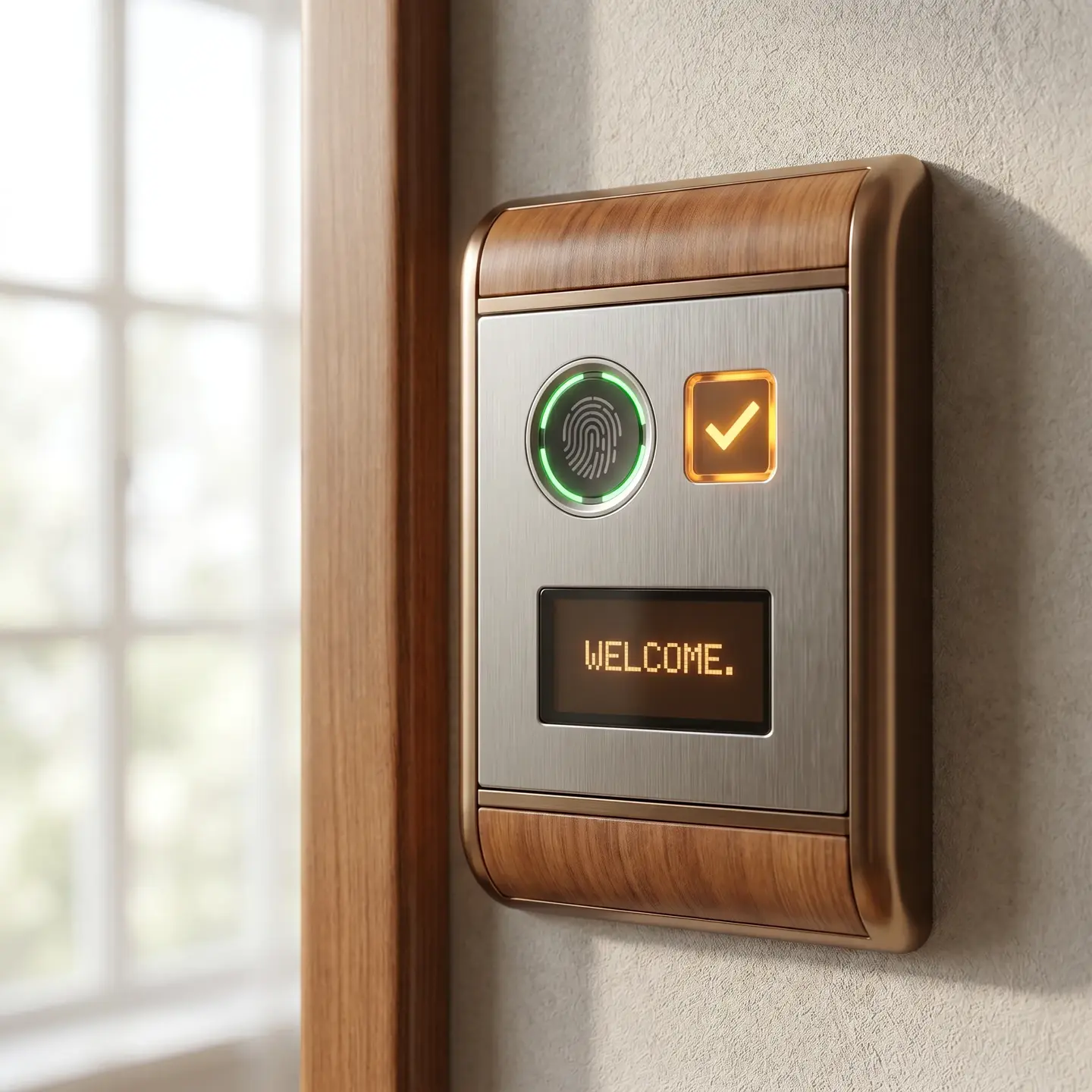
Biometrics (Fingerprint, Facial Recognition)
Advantages:
- Cannot be shared, lost, or forgotten
- Strong identity verification
- Good for high-security areas requiring positive identification
Considerations:
- Higher reader costs
- Enrollment processes take more time per user
- Some employees have concerns about biometric data collection
- Environmental factors can affect reliability (dirty hands, lighting conditions)
Multi-Factor and Layered Approaches
Many facilities use different credential technologies for different areas. General building access might use proximity cards for convenience, while server rooms or executive areas require card-plus-PIN or biometric verification. This layered approach matches security levels to actual risk without burdening all users with maximum-security protocols.
The key insight here is that credential choice affects long-term operational costs. A mobile credential might seem cheaper initially (no cards to purchase), but if you need to provide backup credentials for employees without smartphones, or if reader upgrades are required, the total cost picture changes.
Wired vs. Wireless Access Control: Infrastructure Considerations
The wired-versus-wireless question is really about infrastructure trade-offs, not technology superiority. Both approaches have legitimate applications depending on your building conditions and deployment goals.
Wired Systems
How they work: Controllers connect to readers and locks through physical cables. Power for locks typically comes through dedicated low-voltage wiring or Power over Ethernet (PoE).
Best for:
- New construction where cabling can be installed during build-out
- High-traffic doors where reliability is paramount
- Areas where wireless signals may be unreliable (metal doors, concrete walls)
- Facilities with existing security wiring infrastructure
Infrastructure requirements:
- Conduit runs from controller locations to each door
- Power supply sizing based on number of controlled doors
- Network connectivity to controller locations
Wireless Systems
How they work: Readers and locks communicate wirelessly with controllers or gateways. Lock power typically comes from batteries in the door hardware.
Best for:
- Retrofit installations in existing buildings
- Historic buildings where running cables is impractical or prohibited
- Temporary installations or spaces that change frequently
- Expanding systems to areas where wiring would be cost-prohibitive
Infrastructure considerations:
- Battery replacement schedules (typically every 1-3 years)
- Signal range and building material interference
- Gateway placement for adequate coverage
Hybrid Approaches
Many successful deployments use wired infrastructure for main entry points and high-traffic areas while deploying wireless solutions for interior doors, storage areas, or spaces where wiring costs would be excessive. This hybrid approach lets you optimize both reliability and budget.
The infrastructure assessment is crucial before deployment. We’ve seen facilities commit to wireless solutions only to discover that their building’s concrete construction created significant dead zones, requiring additional gateways that eroded the expected cost savings.
Integration Capabilities: Video, Alarms, and Building Management
Access control doesn’t operate in isolation. Modern systems integrate with other facility technologies to create coordinated security and operational responses. According to ASIS International physical security guidelines, effective access control programs combine technology with clear policies and integration across security systems.
Video Surveillance Integration
When access control and video systems communicate, door events automatically bookmark video recordings. If an incident occurs at 2:47 AM at the loading dock door, you don’t have to scrub through hours of footage—the system takes you directly to the relevant video. This integration dramatically improves incident investigation efficiency.
Intrusion Alarm Coordination
Access control and intrusion alarm systems should work together. When an authorized user presents credentials after hours, the intrusion system can automatically disarm for that zone. When the last person exits, the system arms. This coordination eliminates the separate alarm codes and manual arming/disarming that create both inconvenience and security gaps.
Building Management Integration
Access events provide occupancy data that building management systems can use. When the system detects that a floor is unoccupied, HVAC and lighting can adjust accordingly. This integration creates both energy savings and improved comfort for the people who are actually in the building.
Open Architecture Matters
These integrations work best when your access control platform uses open architecture and standard protocols rather than proprietary systems. Closed ecosystems may work well initially but create problems when you want to integrate new technologies or work with different vendors. Systems built on open standards—like those in the Kantech line—provide flexibility that protects your investment over time.
Scalability Planning: Designing for Growth and Multi-Site Management
One of the most expensive mistakes we see is implementing access control that can’t scale with organizational growth. Systems designed for single-site deployment may not accommodate additional locations without replacement. Controllers with limited door capacity may require costly infrastructure changes when you add a building wing or floor.
Questions to Ask During Evaluation
- Controller capacity: How many doors can each controller support? What happens when you exceed that capacity?
- Software licensing: Is the software licensed per door, per site, or per user? How do costs scale as you grow?
- Multi-site architecture: Can the system manage multiple locations from a single interface? What network requirements does this create?
- Credential management: Can credentials work across multiple sites, or does each location require separate enrollment?
Planning for Multi-Site Deployments
Organizations with facilities across multiple cities need systems architected for enterprise deployment. This includes centralized credential management, consistent reporting across locations, and the ability to manage everything from a single platform while allowing local site-level administration where appropriate.
We work with clients across Canada and the United States, including facilities in Halifax, Moncton, Windsor, Kitchener, Ottawa, and beyond. The consistency this provides matters when an organization needs the same operational experience across all locations, not different systems cobbled together in each city.
Installation and Infrastructure Requirements
Understanding what happens during installation helps you plan appropriately and avoid surprises. Access control installation involves multiple disciplines working together.
Power Requirements
Each controlled door requires power for the locking hardware. Electric strikes, magnetic locks, and motorized locks all have different power demands. The power supply sizing must account for all doors served by each controller, plus capacity for future additions.
Network Connectivity
Controllers need network connections to communicate with the central server or cloud platform. For facilities without adequate network infrastructure in door controller locations, this may require network expansion before access control deployment.
If your facility needs network infrastructure improvements to support access control, we can handle that as part of the project. Our structured cabling capabilities mean you don’t need separate vendors for cabling and security—a single accountable partner handles both.
Door Hardware Compatibility
Not all doors accept all lock types. Door material, frame construction, fire rating, and existing hardware all affect what locking mechanisms can be installed. A proper site survey identifies these requirements before installation begins.
Coordination with Other Trades
Access control installation touches electrical work, network cabling, door hardware, and sometimes structural modifications. In new construction, this coordination happens during the build schedule. In existing buildings, it requires careful planning to minimize disruption.
For comprehensive security infrastructure projects that include access control, intrusion detection, and supporting cabling, having a single contractor who handles all components eliminates the finger-pointing that happens when separate vendors must coordinate.
Common Implementation Mistakes to Avoid
Based on our experience across hundreds of commercial access control projects, here are the mistakes we see facility managers make most often:
- Underestimating infrastructure costs: The access control hardware is only part of the investment. Cabling, power supplies, network upgrades, and door hardware modifications often represent significant additional costs that vendors don’t always highlight upfront.
- Choosing based on features rather than architecture: A system with impressive feature lists may have fundamental architectural limitations that become apparent only when you try to scale or integrate.
- Ignoring lifecycle costs: Credential replacement, battery changes for wireless locks, software maintenance fees, and ongoing support all affect total cost of ownership beyond initial installation.
- Working with installers who disappear after commissioning: Access control systems require ongoing maintenance, software updates, and occasional troubleshooting. Installers without local presence or long-term commitment create problems when issues arise years after installation.
- Not involving stakeholders early: IT, HR, operations, and security teams all have legitimate perspectives on access control requirements. Discovering conflicting needs after installation is expensive and frustrating.
Taking the Next Step
Where you go from here depends on where you are in your decision process.
If you’re still researching: We hope this guide has given you a clearer mental model of how access control systems work and what questions to ask. Explore our property management security resources for more context on how these systems apply to specific facility types.
If you’re ready to assess your current infrastructure: The next step is a site survey that evaluates your existing building conditions, identifies infrastructure requirements, and maps out a deployment approach that fits your operational needs and budget. We can conduct this assessment across facilities in Eastern Canada and the United States, providing consistent evaluation regardless of location.
If you’re prepared to discuss specific requirements: Contact our team to talk through your deployment goals. Whether you’re implementing access control for the first time, expanding an existing system, or replacing outdated infrastructure, we bring both the technical expertise and the facility management perspective to design solutions that work in the real world.
Access control isn’t just about locking doors—it’s about building the operational infrastructure that keeps your facilities secure, your tenants satisfied, and your compliance requirements met. Getting it right from the start is worth the investment in proper planning and qualified partners.
Frequently Asked Questions
Wired is usually best for new construction, high-traffic doors, and locations where reliability is critical. Wireless shines in retrofits, historic buildings, or areas where cabling is impractical. Many facilities use a hybrid approach—wired for main entries and wireless for interior or lower-risk doors.
This guide is tailored for people managing commercial properties—office buildings, multi-residential complexes, industrial facilities, and mixed-use developments—where access decisions impact many doors, zones, tenants, or sites. It isn’t meant for single-family homes or those mainly seeking product specs and pricing.
They create detailed audit trails for compliance, offer occupancy insights to optimize operations, support rapid emergency responses like lockdowns or mass unlocks, and streamline incident investigations when paired with video. In practice, they function as operational intelligence tools, not just a security expense.
Common pitfalls include underestimating infrastructure costs, choosing systems on flashy features instead of solid architecture, ignoring lifecycle costs like batteries and credential replacement, hiring installers who don’t provide long-term support, and leaving key stakeholders out of early planning.
Every system is built around four pieces: user credentials (cards, fobs, mobile, biometrics), readers at each door, controllers that make the access decisions, and centralized software for managing users, schedules, reports, and status. Understanding how these work together is key to planning and scaling your deployment.