

Security Wiring & Installation
Avigilon Camera Installation Requirements: Infrastructure, Integration & Deployment Guide
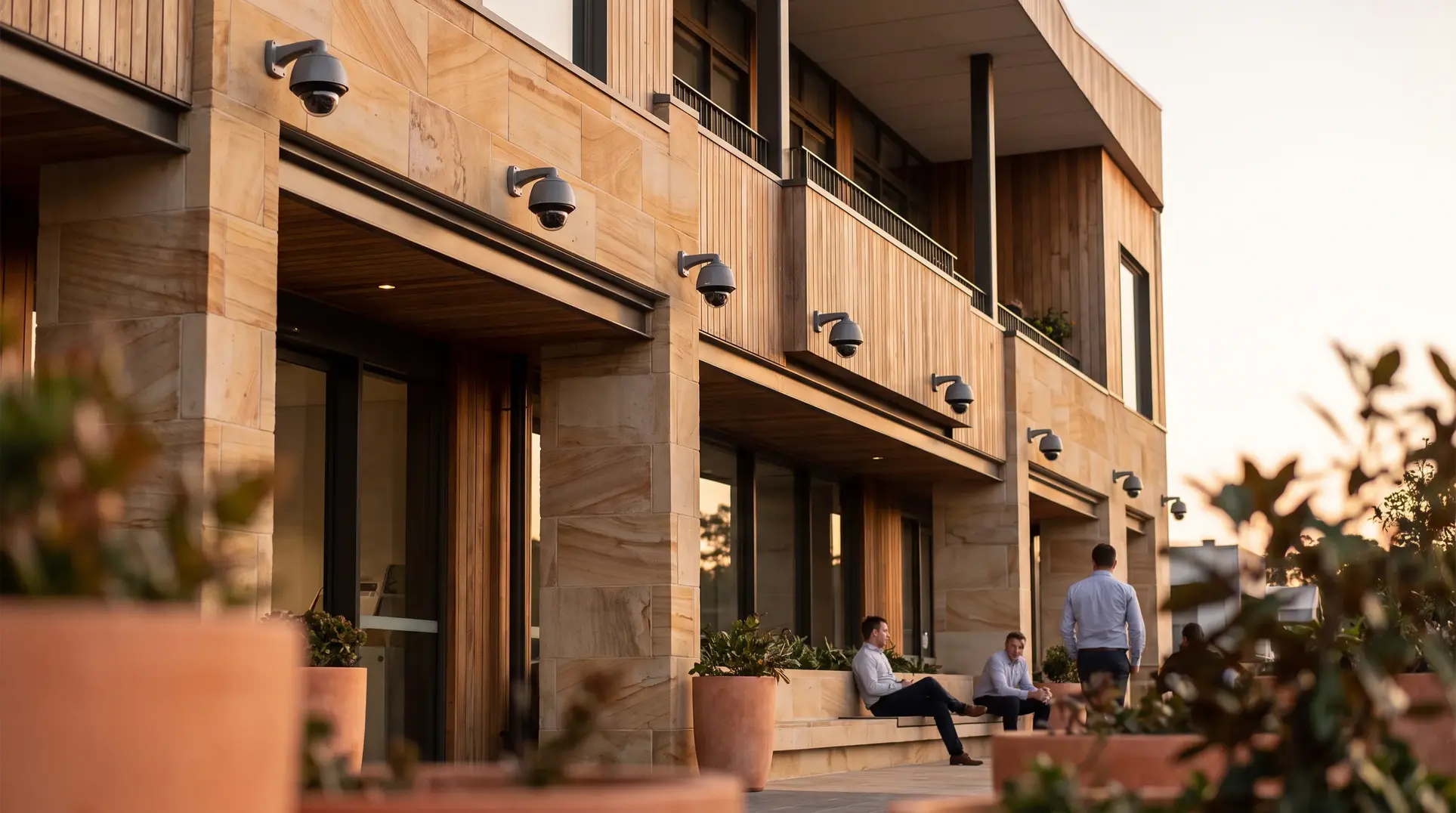
Avigilon cameras have earned a reputation as one of the premium options in commercial video surveillance, trusted by over 100,000 organizations worldwide. But here’s what the manufacturer brochures won’t tell you: the gap between Avigilon’s impressive specifications and real-world performance comes down entirely to how the system gets installed. We’ve seen facility managers invest in top-tier camera hardware only to end up with degraded analytics, unreliable connections, and systems that never deliver on their promised capabilities—not because the equipment was faulty, but because the installation infrastructure couldn’t support it.
This guide walks through what actually goes into a successful Avigilon deployment: the network backbone, cabling infrastructure, power requirements, and integration considerations that determine whether your investment performs as designed. If you’re evaluating Avigilon for your facility, this is the installation reality check you need before signing any contracts.
Who This Article Is For (And Who It Isn’t)
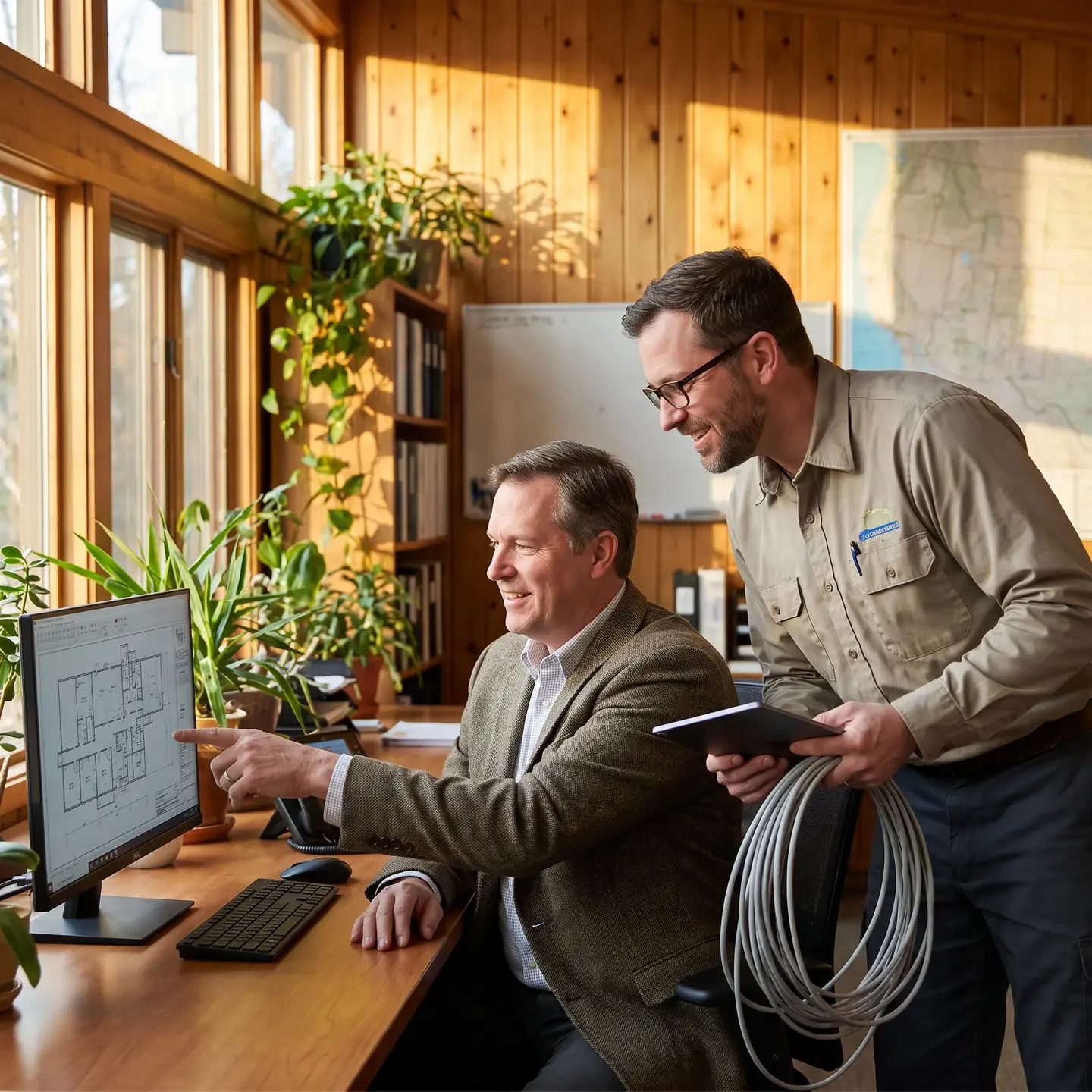
This content is written for facility managers, property directors, and building owners who are researching Avigilon systems and need to understand the infrastructure requirements before committing. You’re likely managing commercial properties—office buildings, multi-residential complexes, industrial facilities, or healthcare environments—where surveillance system performance directly affects operations and liability.
This isn’t for you if:
- You’re looking for residential camera recommendations
- You need basic “plug and play” solutions without professional installation
- You’re comparing camera specifications rather than evaluating deployment requirements
If you’re trying to understand what’s actually involved in making Avigilon systems work properly in a commercial environment, keep reading.
Avigilon System Architecture: Why Installation Is More Than Mounting Cameras
Avigilon operates as an ecosystem, not just a collection of cameras. The system includes cameras (over 100 models ranging from standard domes to 10K resolution units), network video recorders (NVRs), and Avigilon Control Center (ACC) software that ties everything together. Understanding this architecture matters because every component has installation implications that affect the others.
The three-layer system works like this:
- Cameras capture video and perform edge analytics processing
- Recording infrastructure (NVRs or video appliances) stores footage and handles server-side analytics
- ACC software provides unified management, search capabilities, and system configuration
Each camera must communicate reliably with recording infrastructure over your network. The software requires proper network configuration to function. Analytics features depend on correct camera positioning, adequate processing power, and properly configured integration between all components.
When we talk about Security Wiring for Avigilon systems, we’re talking about the complete infrastructure that enables this ecosystem to function—not just the cable running to each camera.
Network Infrastructure Requirements for Avigilon Deployments
Network infrastructure is where most Avigilon installations either succeed or fail. High-resolution cameras generate significant data that your network must handle without bottlenecks. A single 4K camera streaming at full quality can consume 15-25 Mbps of bandwidth. Scale that across a 50-camera deployment, and you’re looking at infrastructure requirements that many existing building networks simply cannot support.
Bandwidth Calculations You Can’t Ignore
Before any installation begins, we calculate aggregate bandwidth requirements:
- Standard 1080p cameras: 4-8 Mbps per camera (continuous recording)
- 4K cameras: 15-25 Mbps per camera
- 10K resolution units: Significantly higher, requiring dedicated trunk capacity
These figures assume continuous recording. Add motion-triggered analytics, multi-stream configurations, and remote viewing clients, and actual bandwidth consumption increases substantially.
PoE Power Delivery
Avigilon cameras vary dramatically in power requirements. A basic H6SL dome draws around 10 watts and works with standard IEEE 802.3af/at PoE standards. An outdoor H6A PTZ with heaters and full IR illumination can pull up to 70 watts, requiring PoE++ (802.3bt) infrastructure.
Critical PoE planning considerations:
- Calculate total switch PoE budget based on maximum camera draw (not average)
- Account for IR illuminators, heaters, and PTZ motors at full operation
- Add 20-25% reserve capacity for future expansion
- Verify both total switch budget AND per-port maximum output
A 4K camera improperly powered through a standard PoE switch may experience intermittent connectivity during peak usage—especially in cold weather when heaters activate. This isn’t a camera defect; it’s an infrastructure gap.
Network Segmentation
Avigilon’s documented architecture calls for cameras on private, isolated subnets or VLANs separate from general business traffic. Recording servers typically need dual network connections: one dedicated to camera traffic, another for client access and management.
This segmentation isn’t optional for reliable operation—it’s how the system is designed to function. Mixing surveillance traffic with general IT traffic creates unpredictable performance that’s difficult to troubleshoot.
Physical Installation: Mounting, Cabling, and Environmental Protection
The physical layer of your security system wiring infrastructure determines long-term reliability. Proper installation goes far beyond getting video signal from point A to point B.
Structured Cabling Requirements
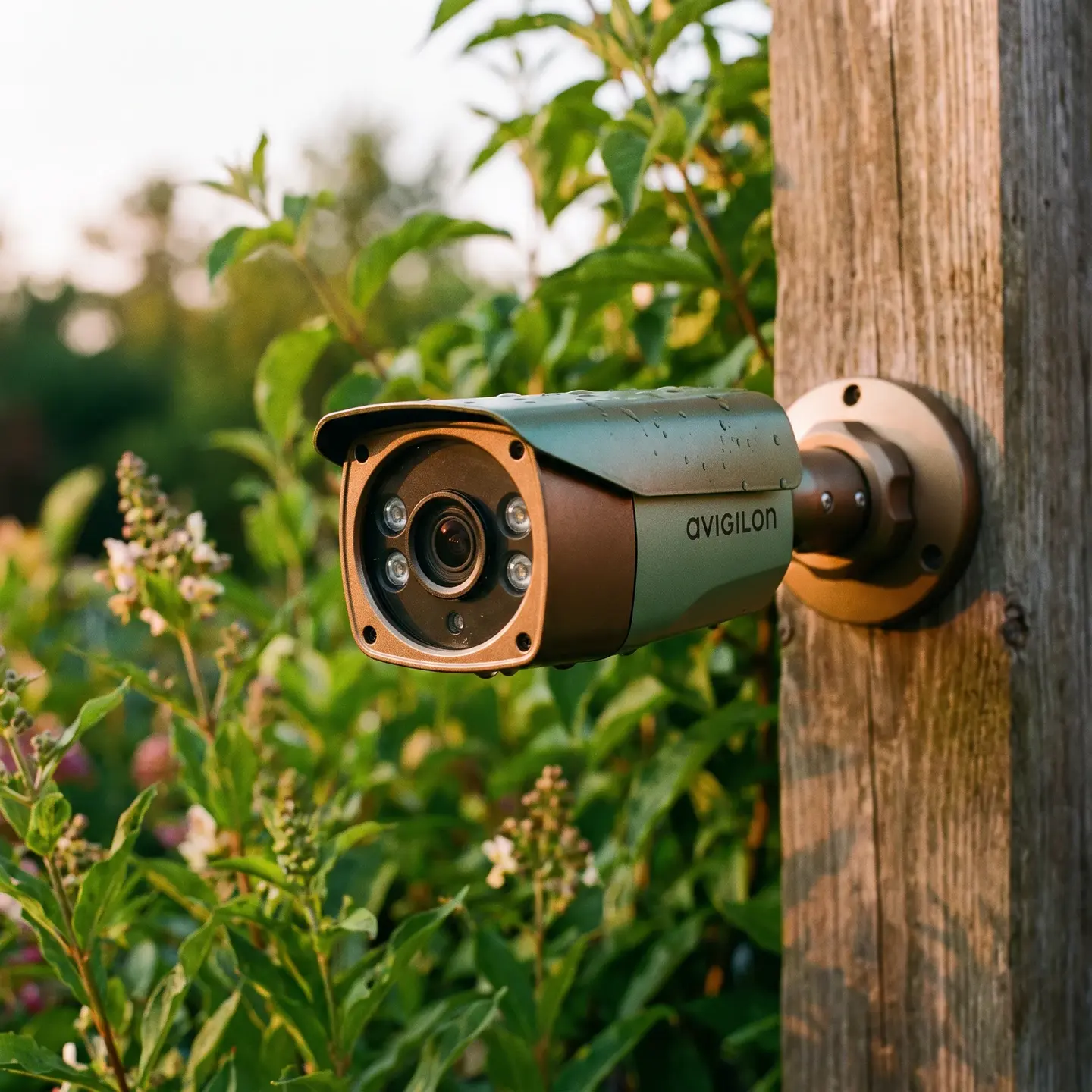
For new Avigilon installations, we specify Category 6A cabling as the baseline. While existing Cat 5e may technically work for some cameras, Cat 6A provides better thermal performance under PoE loads, supports longer service life, and handles the bandwidth requirements of high-resolution cameras without margin concerns.
Key cabling specifications:
- Maximum channel length: 100 meters (90m permanent link plus 10m patch cords)
- Cable construction: Solid copper horizontal cable—avoid copper-clad aluminum
- Jacket ratings: Match to plenum, riser, outdoor, or industrial requirements based on pathway
- Termination: Category-matched jacks, patch panels, and patch cords throughout
Every permanent link should be certified to the specified category with electronic test reports—a continuity-only tester doesn’t verify bandwidth, insertion loss, or PoE performance.
Outdoor and Exposed Installations
Outdoor camera installations require particular attention to environmental protection. Avigilon’s installation guides specify using supplied glands and grommets, fully seating seals, and applying approved sealant where multiple cables leave gaps. Water ingress remains the leading cause of outdoor camera failures we encounter during service calls.
Building-to-building camera connections should use dielectric fiber to avoid ground-potential differences and lightning paths. Where copper must enter from outdoors, proper surge protection and grounding per local electrical codes is essential.
Mounting Considerations for Camera Types
Different Avigilon camera models have specific mounting requirements that affect both physical stability and analytical accuracy:
- Dome cameras: Require proper back boxes and secure ceiling/wall attachment
- Bullet cameras: Need vibration-resistant mounting for outdoor wind loads
- PTZ units: Demand structural support rated for mechanical movement and weight
- Multisensor cameras: Often require specialized pendant mounts and corner adapters
Verify camera SKU, lens configuration, mounting accessories, and environmental ratings before mobilization. Pre-testing cameras at ground level before installation on difficult-to-access locations saves significant time and cost.
Avigilon Analytics Installation Requirements
Avigilon’s advanced analytics—people and vehicle classification, appearance search, unusual motion detection, and face recognition—have specific installation prerequisites that go beyond basic camera function. These features only work when installation follows manufacturer specifications.
Camera Positioning for Analytics Accuracy
Analytics calibrated for 12-foot mounting heights won’t perform accurately when cameras are installed at 8 feet. Avigilon’s official technical specifications provide precise guidance:
- General classified-object analytics: Mount at least 2.8 meters (9 feet), ideally within 30° of horizontal
- Object persistence: Position cameras so targets remain visible for at least two seconds
- H5A/H6A detection: A person should occupy 5-15% of the vertical field of view, depending on camera type
- Face recognition: Front-facing capture with tilt at or below 30°; mounting at or below 2.8 meters provides better facial angles
- Fisheye analytics: Require flat ceiling, downward view, and maximum recommended height of 4.5 meters
Lighting and Environmental Factors
Analytics accuracy degrades with inadequate lighting, extreme backlight conditions, or scene complexity (trees, rain, crowds). During commissioning, we calibrate perspective, scene mode, and detection zones using real targets under both day and night conditions. A camera that performs perfectly in controlled testing may struggle with actual site conditions if these factors aren’t addressed during installation.
Integration with Access Control and Building Systems
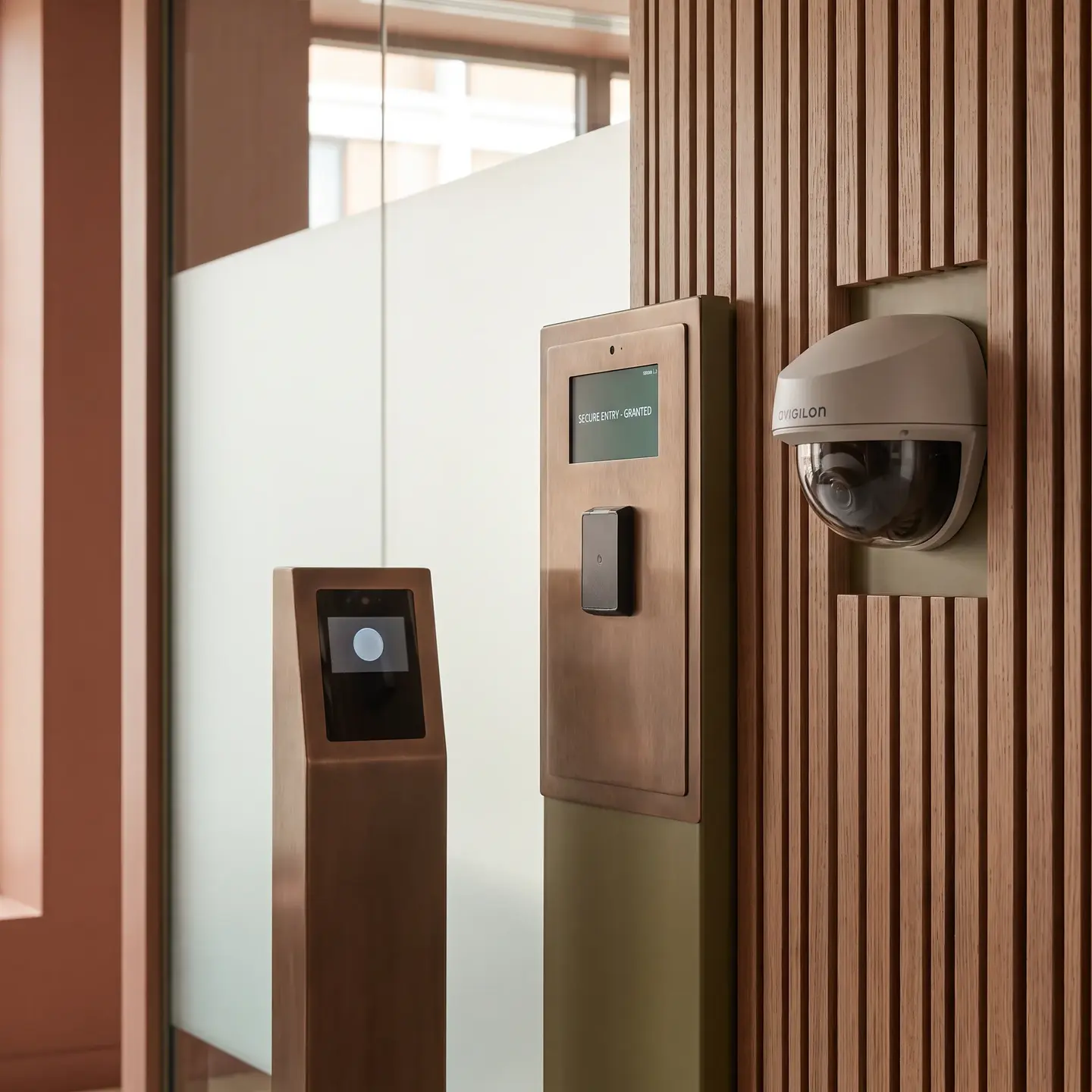
For commercial video surveillance systems, the real power comes from integration. Avigilon cameras become significantly more useful when connected with integrated access control solutions, alarm systems, and building management platforms.
Door-Camera Associations
When properly integrated, access control events automatically trigger camera responses: recording starts when credentials are presented, live video focuses on doors during forced-entry alarms, and all footage is indexed by access events for faster incident review.
This integration requires:
- Network connectivity between video and access systems
- Proper time synchronization across all devices (using the same NTP source)
- Configured event routing and permission structures
- Tested door-camera associations for live video and recorded playback
Third-Party Camera Integration
For existing facilities with mixed camera inventories, Avigilon systems can integrate ONVIF-compliant cameras. However, “ONVIF compatible” is not proof that analytics, audio, edge retrieval, or events will work. We verify products in ONVIF’s conformant-products database and conduct feature-level testing before assuming interoperability.
ONVIF Profile T (advanced video streaming), Profile G (edge storage retrieval), and Profile M (analytics metadata) provide different capability levels. Specifying the required profiles ensures your IP camera system installations actually deliver expected functionality.
Why Professional Installation Matters for Avigilon Systems
Avigilon’s advanced capabilities require installation expertise that goes beyond basic camera mounting. The consequences of improper installation include:
- Degraded analytics: Incorrect camera angles, heights, or positions produce unreliable detection
- Network bottlenecks: Undersized infrastructure creates video loss and system instability
- Power failures: Inadequate PoE budgeting causes intermittent camera dropouts
- Integration failures: Improper configuration prevents access control, alarm, and camera coordination
- Security vulnerabilities: Default credentials, unpatched firmware, and inadequate network segmentation create exposure
Configuration and Commissioning Requirements
Every Avigilon camera requires unique credential initialization before becoming operational—factory-default passwords cannot remain in service. Network configuration includes IP addressing, VLAN assignment, NTP synchronization, HTTPS certificate installation, and firewall rule implementation.
Proper commissioning verifies:
- Live view functionality from all cameras
- Recording and playback operation
- Retention periods meeting design requirements
- Analytics calibration under real conditions
- Access control event associations
- Failover functionality (where applicable)
- User permissions and access restrictions
- Export capabilities for evidence collection
Planning Your Avigilon Deployment: Questions for Your Integrator
Whether you work with us or another integrator, these questions help evaluate installation proposals:
Infrastructure Assessment
- What network upgrades will our facility require?
- How are PoE budgets calculated, and what reserve capacity is included?
- What cabling certification documentation will be provided?
Installation Methodology
- How will cameras be staged and pre-tested before installation?
- What analytics calibration process is included?
- How are default credentials and security settings handled?
Integration and Testing
- What access control integration is included in scope?
- How will failover and redundancy be tested?
- What acceptance testing demonstrates system performance?
Documentation and Handover
- What as-built documentation is provided?
- How are credentials securely transferred?
- What training is included for facility staff?
Moving Forward with Avigilon
Avigilon systems deliver exceptional capabilities when properly installed. The technology supports advanced analytics, high-resolution imaging, and sophisticated integration—but only when the infrastructure matches the equipment’s requirements.
We work with facility managers across Canada and the United States to evaluate existing infrastructure, design appropriate solutions, and deliver installations that perform as designed from day one. Our teams hold certifications in Kantech, Avigilon, DSX, Traka, and Panduit, and we approach every project understanding that our work determines whether your investment delivers its promised value.
If you’re evaluating Avigilon for your facility and want to understand what installation will actually require, we’re happy to walk through your specific situation. The conversation starts with understanding your facility, your objectives, and your existing infrastructure—not with a product pitch.
Frequently Asked Questions
Incorrect height, angle, lighting, or field of view can reduce detection accuracy. Cameras should be positioned and calibrated for the specific analytics being used.
Verify live viewing, recording, playback, retention, analytics, access-control events, user permissions, failover, and evidence-export functionality.
No. Cameras should use an isolated subnet or VLAN, while recording servers typically separate camera traffic from client and management traffic.
Camera power demands vary by model and features such as heaters, infrared lighting, and PTZ movement. Size the switch for peak demand and include 20–25% reserve capacity.
It requires more than camera mounting, including sufficient network bandwidth, properly sized PoE, structured cabling, recording hardware, and ACC software configuration.