

Commercial Security
Commercial Video Surveillance Cameras: Selection Criteria for Different Environments
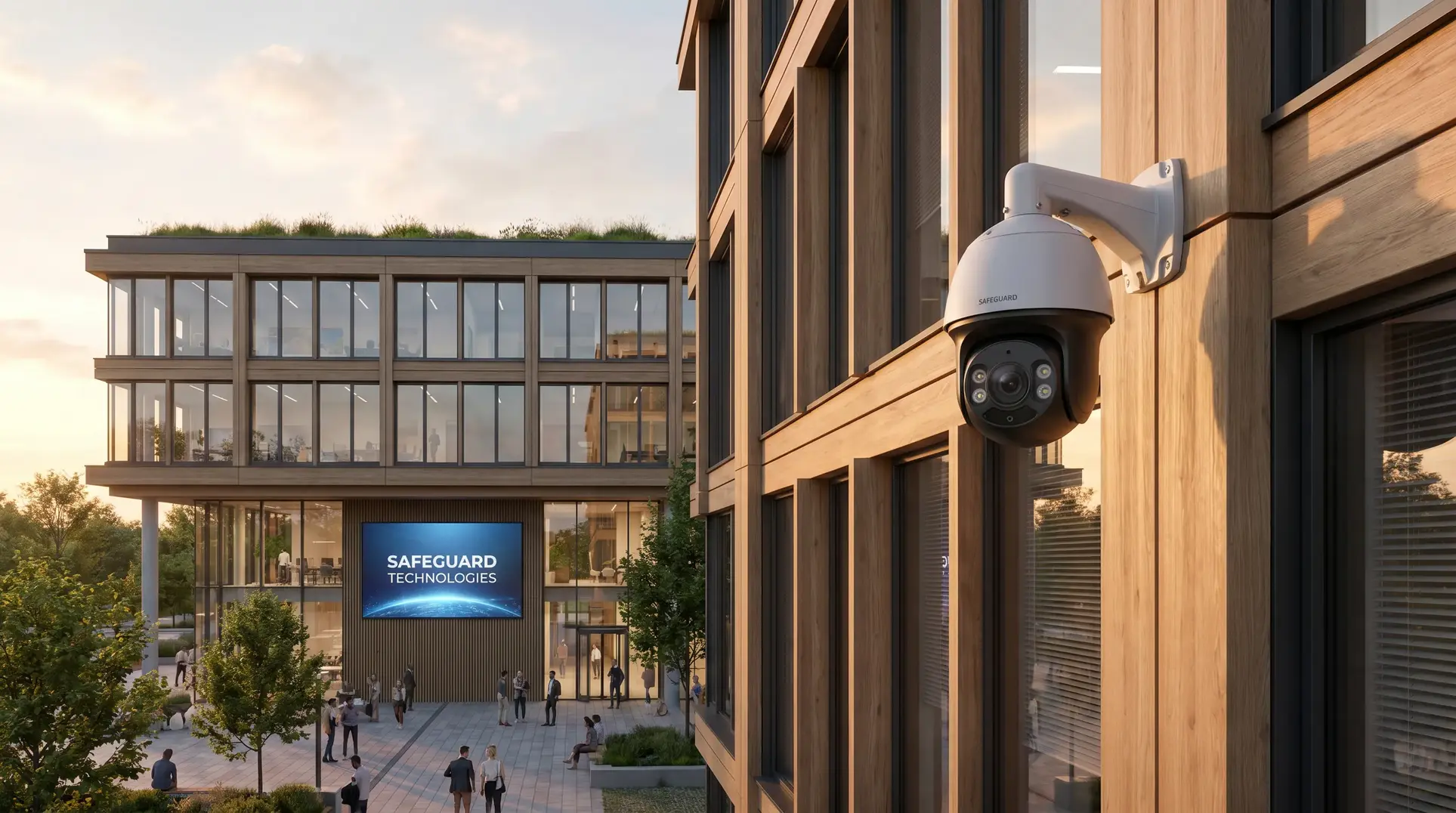
Choosing the right commercial video surveillance cameras isn’t really about finding the “best” camera on the market—it’s about matching camera capabilities to the specific conditions and challenges in your facility. We’ve worked on surveillance projects across office buildings, warehouses, retail environments, and multi-residential properties throughout Canada and the United States, and the most common mistake we see is over-specifying cameras for one area while under-specifying for another. A 4K camera with all the premium features won’t help you much if it’s not rated for the weather exposure at your loading dock, and conversely, you don’t need to pay for extreme durability ratings on cameras mounted in climate-controlled corridors. This guide walks through the selection criteria that actually matter based on where your cameras will live and what they need to accomplish.
Who This Guide Is For (And Who It Isn’t)
This article is written for facility managers, property directors, and business owners responsible for commercial buildings who need to make informed decisions about surveillance camera selection. You understand the operational stakes—liability, loss prevention, tenant safety, regulatory compliance—but you may not be a security technology specialist. If you’re evaluating surveillance options for an office tower, warehouse, retail location, multi-residential property, or similar commercial environment, this framework will help you understand which camera characteristics matter for your specific situation.
This guide is not for residential applications, DIY installations, or consumer-grade equipment. We’re focused exclusively on commercial-grade systems designed for professional deployment and long-term operational reliability.
Indoor vs. Outdoor: Environmental Ratings and Housing Requirements
The most fundamental selection criterion is where the camera will be installed. Before we discuss resolution, analytics, or any other feature, we need to know whether the camera can survive its operating environment.
Understanding IP Ratings in Practical Terms
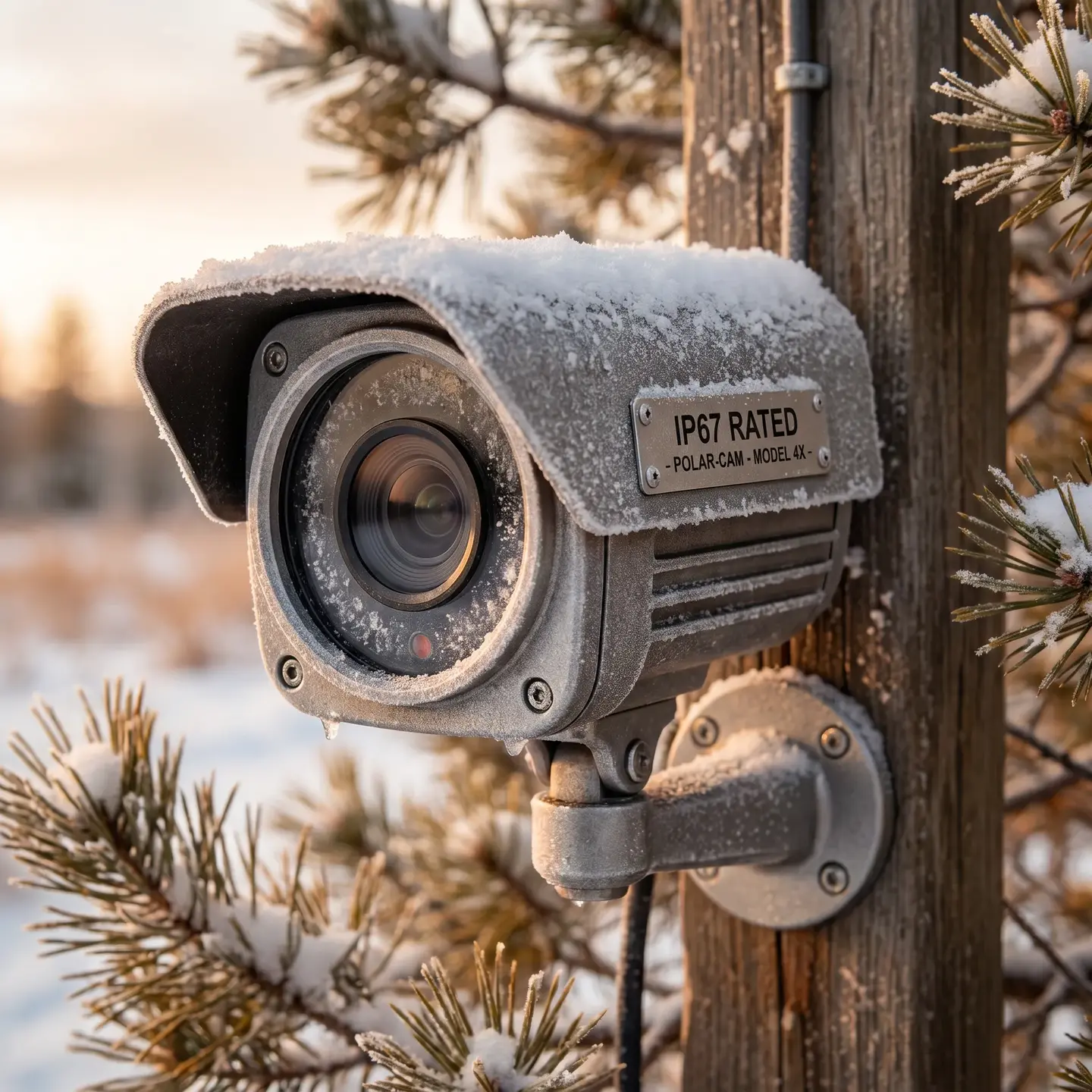
IP (Ingress Protection) ratings tell you how well a camera housing protects internal components from dust and water. You’ll see ratings like IP66 or IP67 on commercial cameras. Here’s what those numbers actually mean for your facility:
- First digit (dust protection): Ranges from 0-6. A rating of 6 means the housing is completely dust-tight—critical for warehouses, loading docks, and manufacturing environments where particulates are present.
- Second digit (water protection): Ranges from 0-8. A rating of 6 means protection against powerful water jets (think pressure washing). A rating of 7 means the camera can survive temporary immersion up to one meter.
For most outdoor installations across Canada, we recommend IP66 as a minimum. This handles rain, snow, humidity, and the occasional pressure washing during building maintenance. If cameras will be mounted in areas prone to flooding or where they might be submerged temporarily, IP67 provides additional protection.
Temperature Considerations for Canadian Climates
Operating temperature ranges matter more than many facility managers realize. A camera rated for -10°C to +50°C might seem adequate until you have a February cold snap in Halifax or Moncton pushing temperatures to -25°C. Look for cameras with operating ranges that extend to at least -30°C for exterior installations in Eastern Canada, and ensure they include internal heaters to prevent condensation when temperatures fluctuate rapidly.
Condensation is particularly problematic in facilities with significant temperature differentials—think refrigerated warehouses, loading docks that open frequently to outside air, or mechanical rooms adjacent to climate-controlled spaces. Cameras in these areas need both appropriate IP ratings and active condensation management.
Cost Implications of Over- and Under-Specifying
We see two common mistakes with environmental specifications:
- Over-specifying: Installing outdoor-rated, vandal-resistant cameras throughout interior office corridors where a basic indoor dome would suffice. This adds unnecessary cost without improving surveillance capability.
- Under-specifying: Installing cameras rated for mild conditions in exposed locations, leading to premature failure and replacement costs that exceed what proper equipment would have cost initially.
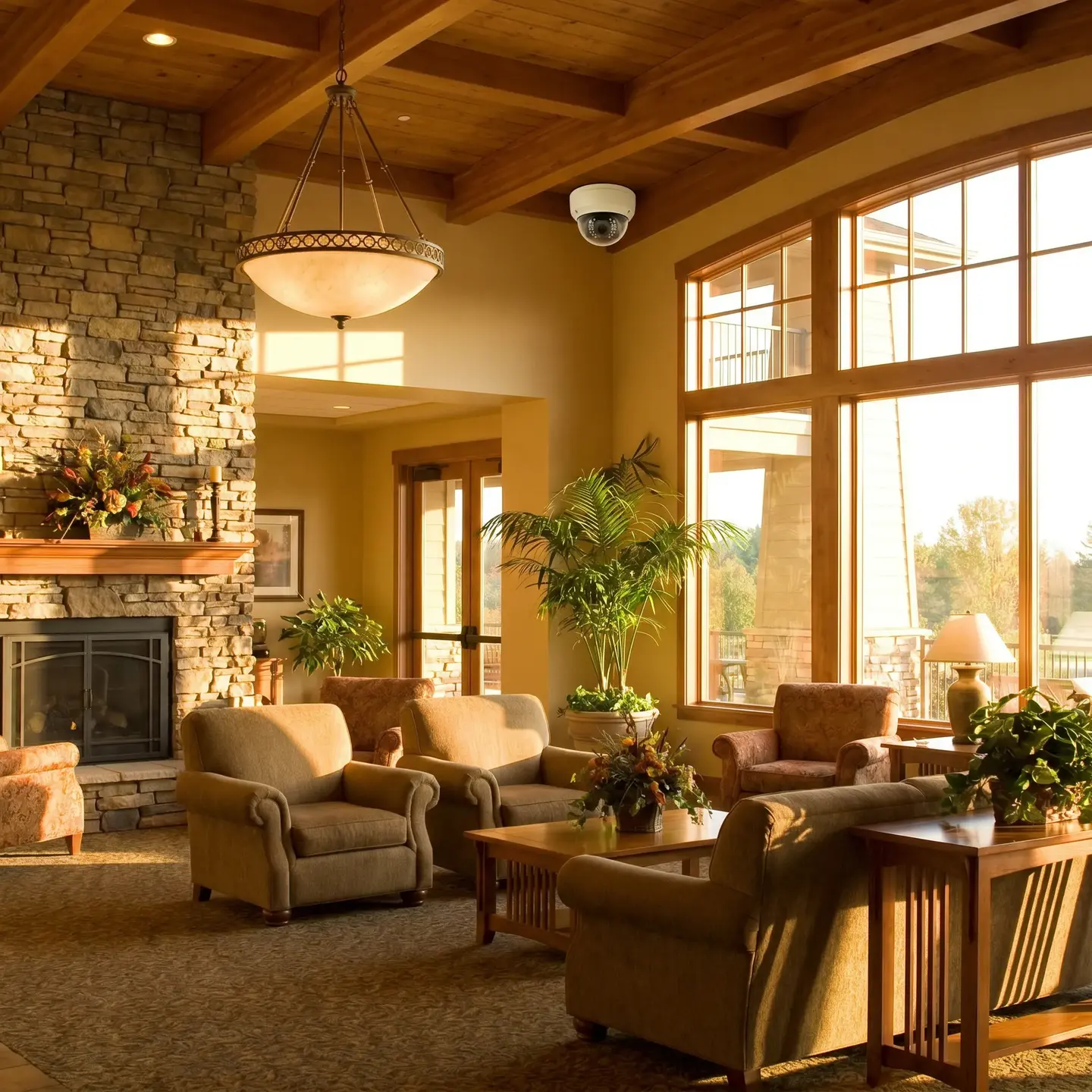
The goal is matching specifications to actual conditions. An interior lobby with large windows and direct sunlight has different requirements than an interior corridor. A covered parking structure has different exposure than an open parking lot.
Lighting Conditions: Low-Light Performance and IR Capabilities
After environmental protection, available light is the most critical factor in camera selection. The best resolution in the world won’t help if the camera can’t see in the conditions present during your most vulnerable hours.
What Low-Light Specifications Actually Mean
You’ll see minimum illumination specifications expressed in lux—the unit of measurement for light intensity. To put this in perspective:
- Full daylight: approximately 10,000-25,000 lux
- Overcast daylight: approximately 1,000 lux
- Well-lit office: approximately 300-500 lux
- Poorly lit warehouse: approximately 50-100 lux
- Parking structure: approximately 10-50 lux
- Twilight or emergency lighting only: approximately 1-10 lux
- Moonlight: approximately 0.1 lux
A camera with a minimum illumination specification of 0.01 lux can capture usable images in near-darkness without supplemental lighting. However, “usable” in this context typically means black-and-white images sufficient for detection rather than color images suitable for identification.
Infrared Illumination: Capabilities and Limitations
Most commercial cameras include integrated infrared (IR) illuminators that provide invisible light for night vision. Key considerations include:
- IR range: Specified in meters or feet, this indicates how far the IR illumination extends. Match this to your actual coverage requirements—a 30-meter IR range doesn’t help much if you need to monitor a 100-meter parking lot.
- IR reflection: IR light reflects off glass, water, and shiny surfaces. Cameras positioned near windows or aimed at vehicles will capture glare rather than detail unless specifically designed to handle these conditions.
- Color accuracy: Standard IR imaging produces monochrome images. If you need to identify vehicle colors, clothing colors, or other color-dependent details at night, IR alone won’t suffice.
When Starlight and Color Night Vision Justify the Investment
Newer camera technologies—often marketed as “starlight” or “color night vision”—use larger sensors and advanced processing to capture color images in extremely low light without IR illumination. These cameras justify their premium pricing when:
- Color identification matters for your security requirements (identifying vehicle colors, clothing descriptions for police reports)
- You’re monitoring areas where IR reflection would be problematic (lobbies with glass walls, parking areas with reflective surfaces)
- You prefer to avoid the visible glow of IR illuminators in settings where aesthetics matter
For general area monitoring where detection is the primary goal, standard IR cameras typically provide adequate capability at lower cost.
Coverage Requirements: Fixed, PTZ, and Multi-Sensor Options
Once you’ve established environmental and lighting requirements, the next question is coverage strategy. This decision depends on how your facility will be monitored and what you’re trying to accomplish.
Fixed Cameras: Reliability and Simplicity
Fixed cameras with appropriate lens selection are the workhorses of most commercial surveillance systems. They provide consistent coverage of defined areas without moving parts that can fail. For the majority of video surveillance applications—entrances, corridors, cash handling areas, loading docks—fixed cameras offer the best balance of reliability, image quality, and cost.
The key decision with fixed cameras is lens selection. A wider lens covers more area but provides less detail at distance. A narrower lens captures more detail but covers less area. This isn’t a compromise to avoid—it’s a specification to match to your requirements. A corridor camera might use a narrow lens to capture identification-quality images at 20 meters, while a lobby camera uses a wide lens to provide contextual coverage of the entire space.
PTZ Cameras: Flexibility with Trade-offs
Pan-tilt-zoom (PTZ) cameras can rotate horizontally, tilt vertically, and zoom to capture detail at significant distances. They excel in applications where:
- Active monitoring by security personnel requires the ability to follow subjects or zoom to investigate
- Large areas need coverage that would otherwise require many fixed cameras
- Preset tours can systematically cover different areas on a schedule
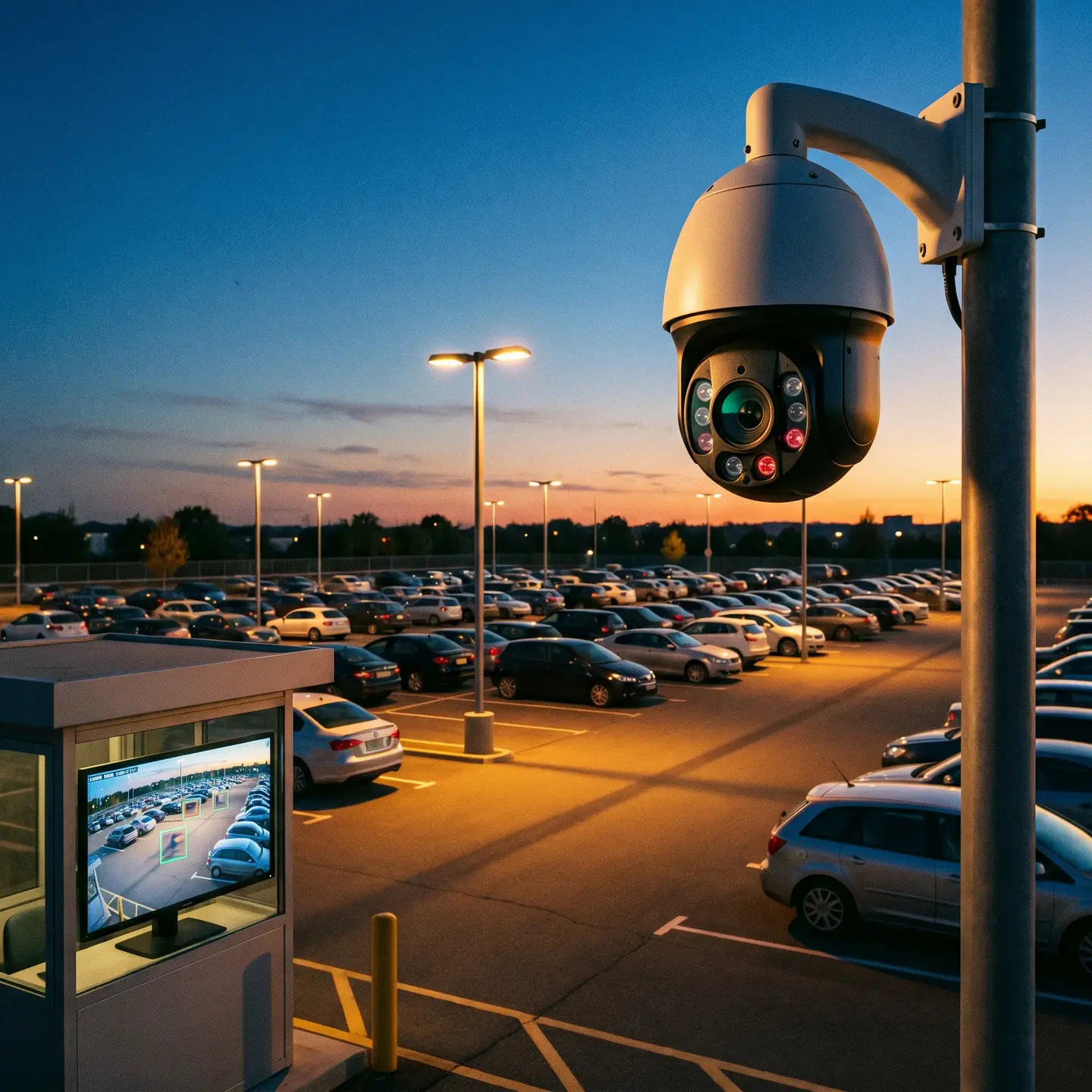
However, PTZ cameras have inherent limitations. When the camera is pointing one direction, everything else is a blind spot. If the camera is zoomed in on an incident in one area, you’re not capturing what’s happening elsewhere. For this reason, PTZ cameras work best when paired with fixed cameras that provide continuous baseline coverage, with the PTZ adding investigative capability rather than serving as primary coverage.
Multi-Sensor Cameras: Wide Coverage Without Blind Spots
Multi-sensor cameras combine multiple lenses and sensors in a single housing to provide panoramic coverage—often 180° or 360°—without the blind spots inherent in PTZ operation. These cameras are particularly effective for:
- Large open areas (parking lots, warehouses, lobbies) where comprehensive coverage matters
- Intersection points where activity approaches from multiple directions
- Situations where reducing camera count simplifies installation and maintenance
The trade-off is increased bandwidth and storage requirements. A single multi-sensor camera may require the network capacity and storage of three or four fixed cameras. For facilities with limited infrastructure, this can shift costs from camera hardware to network upgrades.
Resolution Considerations: When 4K Matters and When It Doesn’t
Resolution is perhaps the most misunderstood camera specification. Higher resolution captures more detail, but that detail only matters if it serves your operational requirements.
The Relationship Between Resolution, Lens Selection, and Identification Distance
A 4K camera with an inappropriate lens can perform worse than a properly specified 1080p camera. Resolution determines how many pixels capture the scene; lens selection determines how those pixels are distributed across the field of view. For facial identification, security industry guidance suggests you need approximately 80 pixels across the width of a face under challenging conditions.
Consider two scenarios:
- A 4K camera with a wide lens covering a 30-meter-wide loading dock: pixels are spread thin across the entire scene, and faces at the far end may not capture sufficient detail for identification.
- A 1080p camera with a narrow lens focused on a specific entrance: more pixels concentrated on a smaller area, potentially capturing better identification detail than the 4K camera despite lower overall resolution.
When evaluating IP camera systems, match resolution to what you actually need to see at the distances present in your facility.
Bandwidth and Storage Implications
Higher resolution directly impacts infrastructure requirements. A 4K camera streaming at 30 frames per second may require four times the bandwidth and storage of a 1080p camera at the same frame rate. For a facility with 40 cameras storing 30 days of footage, this difference translates to significant infrastructure costs.
Practical questions to consider:
- Does your network infrastructure support the bandwidth requirements of your proposed camera count and resolution?
- What are your storage capacity requirements based on camera count, resolution, frame rate, and retention period?
- Would reduced frame rates (15 fps instead of 30 fps) for some cameras provide adequate coverage while reducing bandwidth demands?
When 4K Justifies the Investment
4K resolution provides clear value when:
- You need identification-quality images at significant distances (large parking lots, long warehouse aisles)
- Digital zoom for forensic review is a primary use case—4K allows zooming into recorded footage while retaining detail
- Wide-area coverage must capture detail at multiple distances within the same scene
For general area monitoring, hallway coverage, or situations where detection rather than identification is the goal, 1080p often provides adequate capability at lower total cost.
Analytics-Ready Cameras: Built-In Intelligence vs. Server-Based Processing
Video analytics—motion detection, object classification, people counting, and more sophisticated capabilities—increasingly influence camera selection decisions. The architectural choice is whether to process analytics on the camera itself (edge-based) or on centralized servers.
Edge-Based Analytics: When On-Camera Processing Makes Sense
Cameras with built-in analytics processors can detect and classify objects, identify specific events, and generate alerts without streaming full video to a server. This approach works well when:
- Bandwidth is constrained: The camera sends only event notifications and relevant clips rather than continuous streams
- Real-time alerting is critical: On-camera processing eliminates the latency of sending video to a server for analysis
- Sites are distributed: Each location operates semi-independently without requiring robust connectivity to a central processing location
The trade-off is higher per-camera cost and limited ability to upgrade analytics capabilities without replacing cameras.
Server-Based Analytics: Centralized Processing Advantages
Server-based analytics process video from multiple cameras on centralized hardware. This approach makes sense when:
- You need analytics capabilities that exceed what edge devices can handle
- Centralized infrastructure already exists and has available processing capacity
- You want flexibility to upgrade or change analytics providers without replacing cameras
- Cross-camera analytics (tracking subjects across multiple camera views) are required
Future-Proofing Your Selection
Even if you’re not deploying analytics immediately, selecting cameras capable of supporting analytics ensures your infrastructure can grow with your requirements. Cameras with adequate processing power, memory, and open platform support can run analytics applications added after installation, potentially avoiding premature camera replacement.
Vandal Resistance and Durability Ratings for High-Risk Areas
IK (Impact Protection) ratings indicate how well a camera housing resists physical impact. These ratings matter in environments where cameras may be subject to intentional tampering or accidental damage.
Understanding IK Ratings
- IK08: Withstands 5 joules of impact (equivalent to a 1.7 kg mass dropped from 30 cm)
- IK10: Withstands 20 joules of impact (equivalent to a 5 kg mass dropped from 40 cm)
For property management security in multi-residential buildings, retail environments, schools, or any public-facing area with history of vandalism, IK10-rated cameras provide meaningful protection against casual tampering. In controlled interior spaces with limited public access, lower ratings typically suffice.
When Mounting Height Reduces the Need for Premium Housings
Camera placement influences durability requirements. A camera mounted at 3 meters is harder to tamper with than one mounted at 2.5 meters. In some cases, strategic mounting height can reduce the need for expensive vandal-resistant housings while maintaining security. However, increased height may impact image quality for identification purposes, so this trade-off requires careful consideration.
Cable Protection and Tamper Detection
Vandal-resistant housings protect the camera itself, but cabling remains vulnerable. In high-risk areas, consider:
- Conduit protection for exposed cable runs
- Tamper detection features that alert when cameras are moved, covered, or disconnected
- Camera positioning that routes cables through walls or ceilings rather than exposed runs
Making Selection Decisions: A Framework
When evaluating cameras for your video surveillance solutions, work through these questions for each installation location:
- What are the environmental conditions? Temperature range, weather exposure, dust, humidity, condensation risk
- What are the lighting conditions throughout the day? Available light during critical hours, need for IR or low-light capability, potential reflection issues
- What is the coverage objective? Detection, recognition, or identification? At what distances?
- How will footage be used? Real-time monitoring, forensic review, both?
- What infrastructure constraints exist? Network bandwidth, storage capacity, power availability
- What physical security risks are present? Vandalism history, public access, mounting location options
The answers to these questions—rather than generic “best camera” recommendations—should drive your selection decisions.
Working With the Right Integration Partner
Camera selection is one piece of a larger system design challenge. The cameras need to integrate with your network infrastructure, recording systems, access control, and monitoring protocols. They need to be installed properly, configured correctly, and maintained over time.
We work with facility managers and property directors across Canada and the United States to design surveillance systems that match actual operational requirements—not over-specified systems that waste budget or under-specified systems that fail to deliver when incidents occur. As authorized partners for manufacturers like Uniview and Avigilon, we can specify commercial-grade equipment with manufacturer-backed warranties and ensure your system is designed, installed, and supported by a single accountable partner.
If you’re evaluating surveillance cameras for a commercial project, we’re happy to discuss your specific environment and requirements. Understanding what matters for your facility is the first step toward a system that actually serves your operational needs.
Frequently Asked Questions
Start with the lowest light level during your most vulnerable hours. Dim garages, warehouses, or exterior lots need strong low-light specs and IR illumination matched to coverage distance. If you need color detail at night for vehicles or clothing, consider starlight models. For simple detection, standard IR cameras work well at lower cost.
Use fixed cameras as your baseline for entrances, corridors, docks, and cash areas. Add PTZ cameras when you have active monitoring and need to follow people or zoom into incidents, but always back them up with fixed cameras. Choose multi-sensor panoramics for large open areas where you want wide, continuous coverage without gaps.
4K is worth it when you need identification-quality images at longer distances, wide scenes for digital zoom during investigations, or large exterior areas like parking lots. For most hallways, offices, and general monitoring where detection is the goal, 1080p with the right lens delivers enough detail with lower bandwidth and storage requirements.
For exterior cameras in Canada, look for at least an IP66 rating to handle rain, snow, humidity, and pressure washing, plus operating temperatures down to -30°C with internal heaters. Reserve higher IP ratings like IP67 for flood-risk areas. Skip outdoor housings in low-risk indoor spaces where basic domes work fine.
Treat each camera location as its own use case. Match the camera’s environmental rating, low-light performance, coverage, and durability to that specific spot instead of using one model everywhere. Loading docks need outdoor-rated housings and wider temperature ranges, while climate-controlled corridors can use simpler indoor domes. Choose based on conditions and objectives, not premium specs.