

Access Control
Kantech Access Control: Complete Implementation Guide for Commercial Facilities

When commercial facility managers and property directors research Kantech access control, they’ve typically moved past the “do we need access control?” question and into more practical territory: what does a Kantech deployment actually involve, how do we size the system correctly, and what separates a successful installation from one that creates ongoing headaches? These are the questions manufacturer spec sheets don’t answer—and the questions we hear most often from clients across Canada and the United States who are evaluating Kantech for their facilities. In this guide, we’ll walk through the implementation perspective that matters: how to match controllers to your specific requirements, when different EntraPass software editions make sense, what network infrastructure you’ll need, and why working with an authorized Kantech partner affects long-term system performance. Whether you’re managing a single commercial building or a multi-site portfolio, understanding these deployment realities helps you make informed decisions before engaging any vendor.
Who This Guide Is For (And Who It Isn’t)
This implementation guide is written for commercial facility managers, property directors, and security coordinators who have already identified Kantech as a potential access control solution. You’re evaluating whether it fits your facility requirements and want to understand what deployment actually looks like—from system architecture through commissioning.
This guide is for you if:
- You manage commercial, industrial, or multi-residential properties
- You’re comparing Kantech against your current system or other platforms you’ve researched
- You need practical guidance on controller selection, software editions, and network requirements
- You want to understand what separates quality Kantech installations from problematic ones
This guide is not for you if:
- You’re looking for residential smart lock recommendations
- You need basic “what is access control?” education (our access control solutions overview and our guide to building access control systems cover the fundamentals)
- You’re seeking step-by-step software configuration instructions (that’s training documentation territory)
Understanding Kantech System Architecture
Before diving into hardware selection, it helps to understand how Kantech’s ecosystem fits together. At its core, Kantech access control combines EntraPass management software with Ethernet-ready door controllers, supported by readers, credentials, and peripheral devices. The software orchestrates everything—user permissions, schedules, event logging, and integrations—while controllers handle the real-time door decisions at each location.
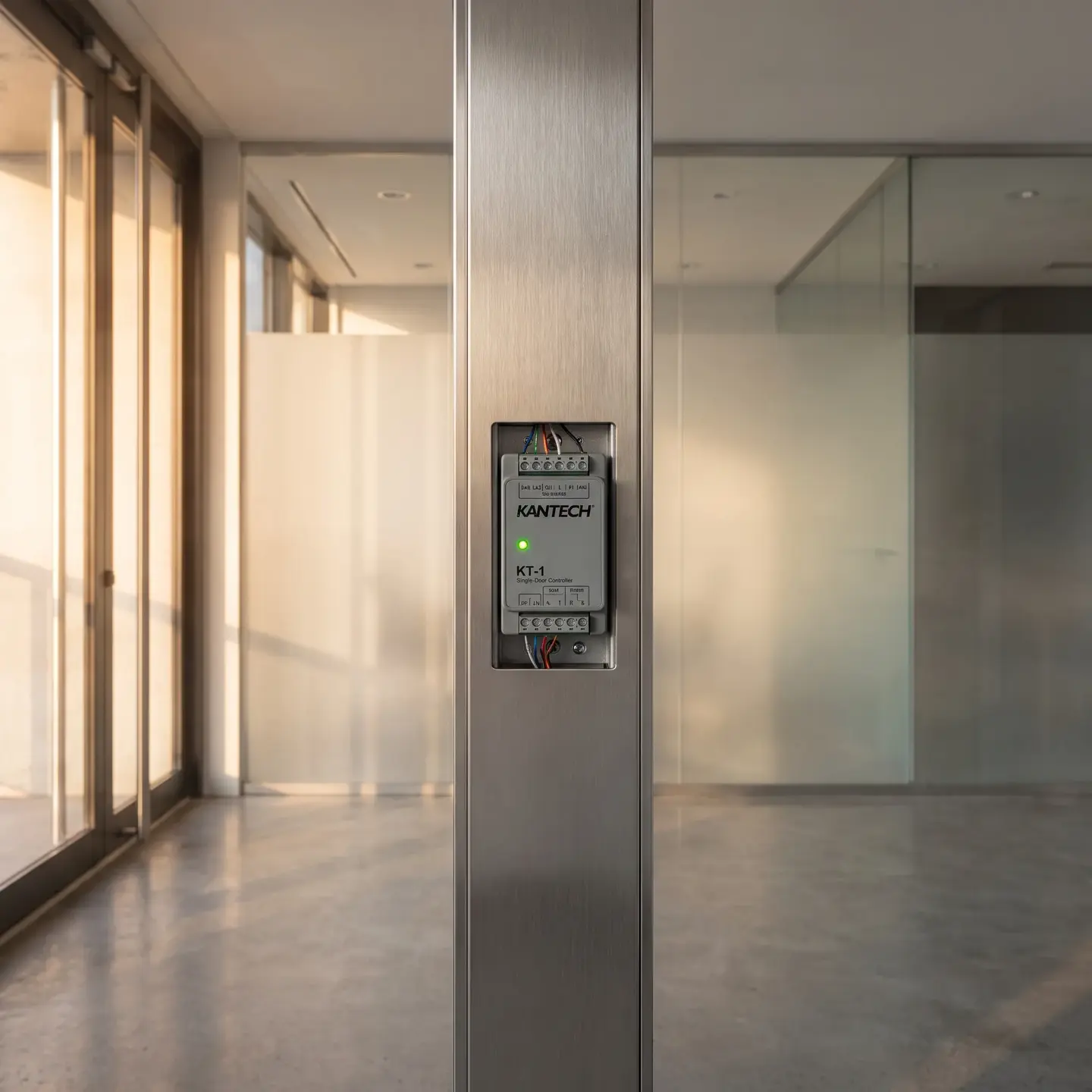
This modular architecture offers genuine flexibility, but it also means deployment requires thoughtful planning. Controllers like the KT-1 and KT-400 are designed as cyber-resilient, Ethernet-ready devices that connect to your network and communicate with EntraPass software running on a server or workstation. Readers at each door communicate with controllers, which make access decisions based on credentials and schedules defined in the software.
Standalone vs. Networked Deployments
One distinction worth understanding early: Kantech controllers can operate in standalone mode or as part of a networked system managed through EntraPass.
Standalone mode works for simpler applications where you need basic door control at a single location without centralized management. The KT-400, for example, supports standalone operation through a web browser interface, allowing basic door security configuration without a full EntraPass server. This approach suits remote locations, small auxiliary buildings, or facilities where centralized management isn’t required.
Networked mode connects controllers to EntraPass software, enabling centralized credential management, advanced scheduling, alarm routing, anti-passback policies, and detailed event logging across multiple doors and locations. For most commercial facilities with more than a handful of controlled doors, networked deployment delivers the operational visibility and management efficiency that justifies the investment.
Matching Controllers to Facility Requirements
Controller selection often causes unnecessary confusion because specifications list technical capabilities without explaining operational fit. Here’s how to think about the primary Kantech controller options from an implementation perspective:
KT-1: Single-Door Applications
The KT-1 focuses on single-door deployments while offering robust IP connectivity. It supports Power over Ethernet (PoE or PoE+), meaning a single network cable can carry both data and power—eliminating separate power supply requirements and simplifying installation in retrofit scenarios where adding new electrical circuits would be costly.
When PoE is used, the KT-1 can receive approximately 13 watts from your network switch. This streamlines structured cabling requirements, making it particularly attractive for adding access control to existing buildings where pulling new power to door frames would require significant rework.
Best fit: Individual controlled doors in distributed locations, server room entries, pharmaceutical storage access, or any application where single-door control with network connectivity makes sense.
KT-400: Multi-Door Control
The KT-400 is a four-door controller supporting up to eight readers, enabling four doors with in/out control using compatible ioProx XSF and ioSmart readers. It’s designed for applications where multiple nearby doors need control from a single panel location.
For example, a typical floor in a commercial office building might have four access points—main entrance, stairwell, back corridor, and conference wing. A single KT-400 can manage all four, reducing installation complexity and cost compared to deploying four separate single-door controllers.
Best fit: Multi-door floors, building wings, parking structures with multiple entries, or any scenario where grouping door control makes sense physically and operationally.
Sizing Considerations
When we scope Kantech deployments for clients, we’re thinking beyond current door counts. A three-building office complex with 45 doors today might add 15 more doors when a tenant expands next year. Planning controller architecture for reasonable growth avoids expensive upgrades later—a consideration that manufacturer specifications don’t address but significantly affects total cost of ownership.
EntraPass Software Editions: What Actually Matters
Kantech’s EntraPass software comes in several editions—and the differences matter more operationally than the feature comparison charts suggest. Here’s how to think about edition selection:
EntraPass Special Edition
Targets smaller deployments with limited door counts. If you’re managing a single building with straightforward access requirements, Special Edition likely provides the functionality you need without paying for capabilities you won’t use.
EntraPass Global and Corporate Editions
These editions serve facilities and enterprises managing numerous doors across multiple sites. Key operational differences include:
- Enhanced reporting and audit trail capabilities
- Multi-site management with centralized policy control
- Support for mirror databases and redundant servers for high-availability environments
- Advanced integration options with video management and identity systems
The EntraPass Global Edition supports administrative capabilities like configuring mirror databases and redundant servers—critical for hospitals, data centers, and large campuses where continuous access control availability has safety and compliance implications.
How to Decide
Ask yourself: who manages access control day-to-day, and how?
- Single facility manager at one location: Special Edition typically suffices
- Distributed security team across multiple buildings: Corporate Edition’s multi-site management justifies the investment
- Enterprise portfolio with high-availability requirements: Global Edition’s redundancy and advanced features deliver operational value
Edition choice also affects software licensing as you scale. We’ve seen facilities start with a lower-tier edition only to face significant upgrade costs when requirements evolved. Honest scoping conversations upfront prevent these surprises.
Network Infrastructure: The Foundation Most Installers Overlook
Here’s where many Kantech deployments run into trouble: inadequate network planning. Modern Kantech controllers are IP devices that share your network infrastructure—they’re not isolated systems running proprietary cabling.
What Kantech Network Deployment Requires
IP addressing and VLAN segmentation: Controllers need IP addresses and should typically reside on dedicated VLANs, isolated from general user traffic. This isn’t optional security theater—it’s foundational network architecture that protects both your access control system and your broader network.
Power over Ethernet considerations: If you’re using PoE for controllers or readers, your switches need adequate power budgets. An overcrowded or underpowered switch becomes a single point of failure for multiple doors. We’ve troubleshot installations where sporadic access issues traced back to PoE switches that couldn’t maintain power delivery under load.
Bandwidth and latency: While access control traffic itself is relatively lightweight, integrated environments where video surveillance ties into access events generate significantly more data. Network design must accommodate both current requirements and integrated workflows you might add later.
Structured Cabling Fundamentals
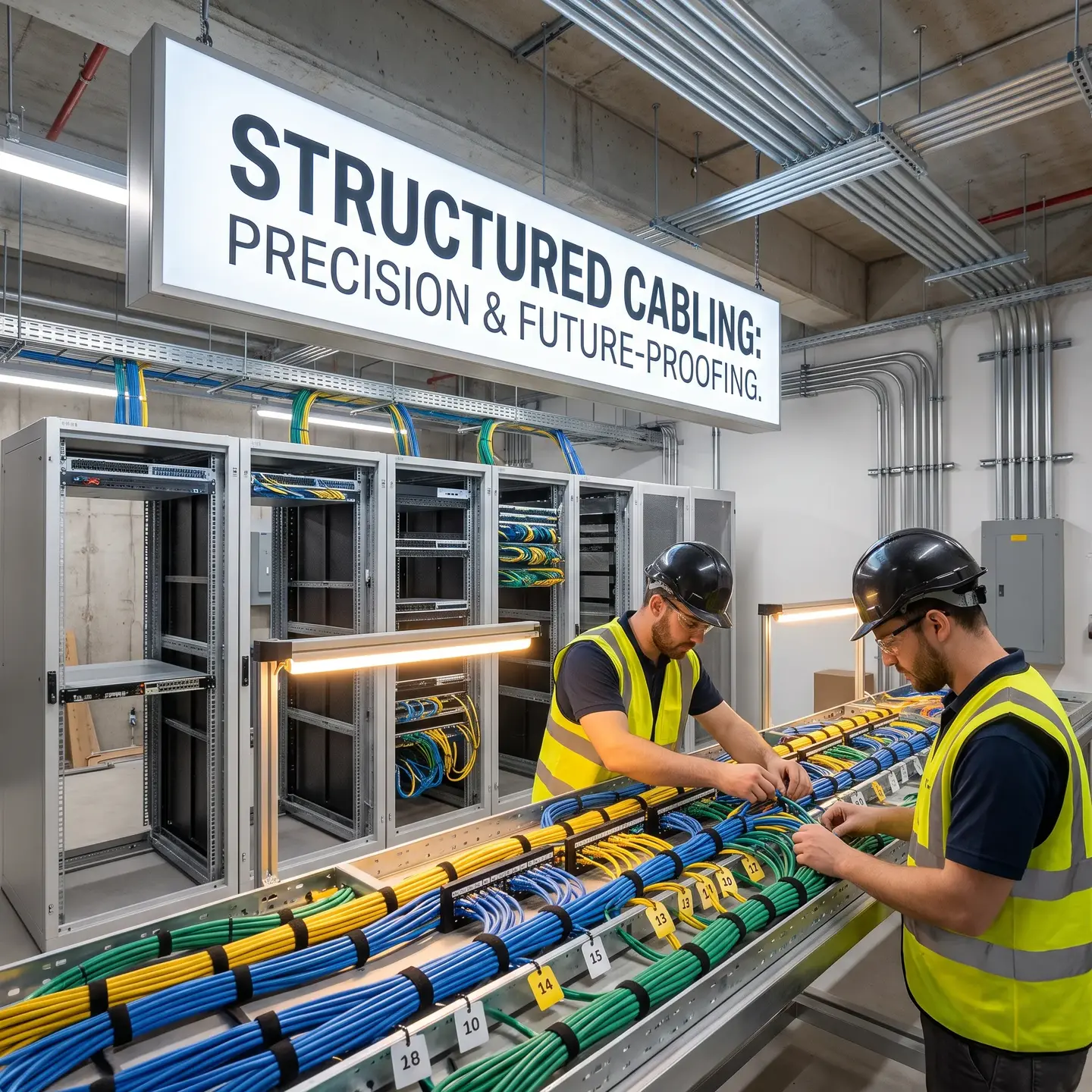
Controllers and readers depend on physical connections carrying power, data, and auxiliary signals. The basics matter more than people realize:
- Cable selection: Multi-conductor cables for power and signals, composite cables combining power and data, or dedicated network cabling depending on device requirements
- Environmental considerations: Outdoor installations require cables rated for weather, UV exposure, moisture, and temperature fluctuations
- Distance and signal integrity: Longer runs may require cables with higher signal integrity and interference resistance
- Proper installation practices: Respecting bend radius limits, tension ratings, and labeling everything at both ends
We’ve seen access control systems plagued by intermittent failures that traced back to improper cabling—kinked cable, poor terminations, or inadequate shielding near electrical interference sources. Quality structured cabling installed correctly is one of the main determinants of whether doors operate reliably over years of service.
Integration Capabilities Worth Understanding
Kantech operates within Johnson Controls’ broader security ecosystem, which affects integration possibilities and implementation approaches.
Video Management Integration
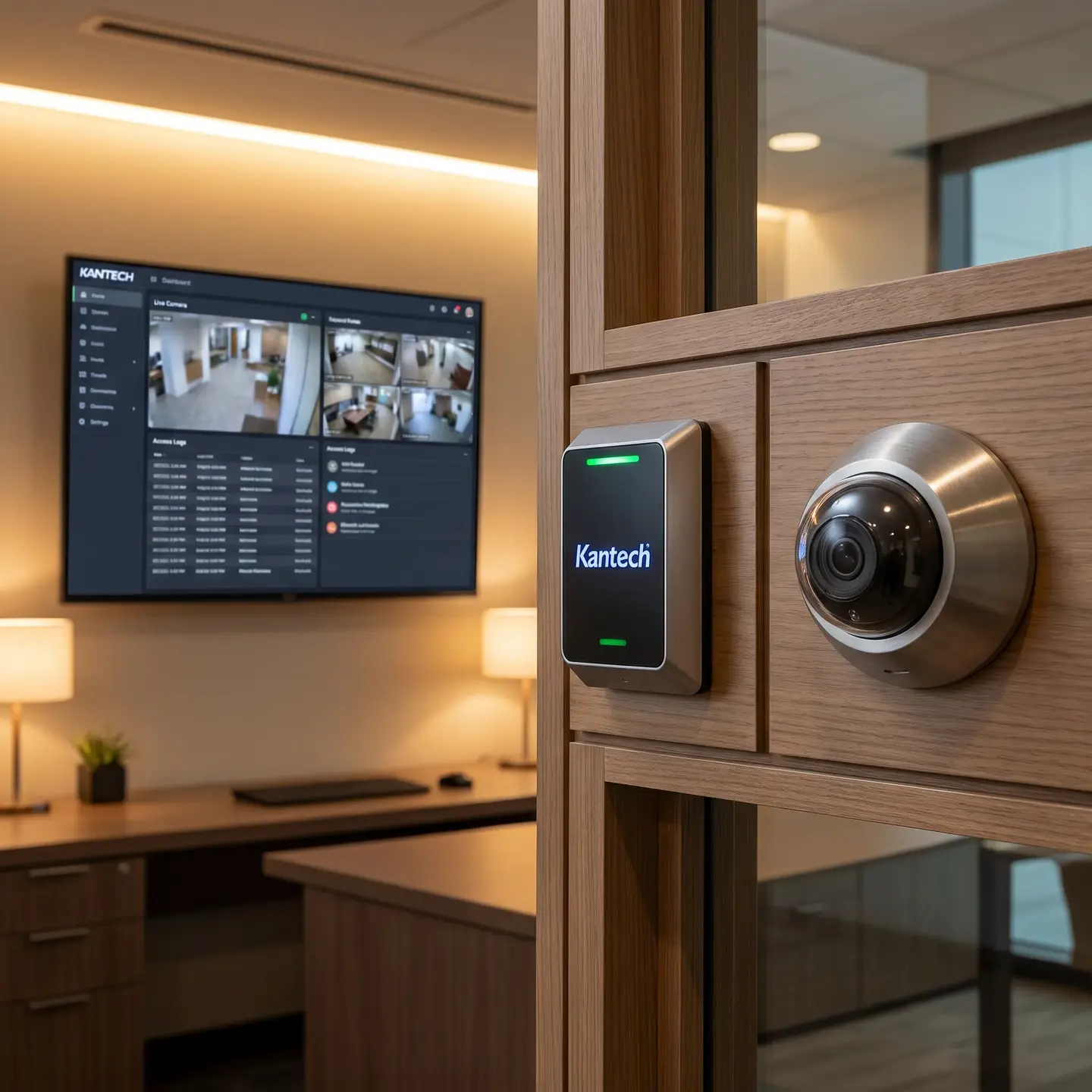
Solutions like exacqVision Kantech Onboard deliver video surveillance and access control on a single server, allowing operators to view access events within the video management interface. When someone presents a denied credential or forces a door, the corresponding video from nearby cameras surfaces automatically—dramatically improving incident response and investigation efficiency.
For our integrated security systems deployments, this unified workflow means security staff can verify events immediately rather than correlating separate systems manually.
Identity Provider Integration
Recent EntraPass releases support third-party credential integrations including Microsoft Entra ID and Okta. This matters operationally: cardholder data and permissions can flow from HR systems and directory services rather than requiring duplicate manual entry. When someone joins or leaves your organization, access permissions update based on their identity lifecycle rather than relying on separate notification processes.
Hardware Integration Options
Kantech integrates with SALTO door locking solutions, bringing online, offline, and wireless locks into the same management platform. This flexibility allows facilities to deploy traditional wired doors alongside battery-powered offline locks where running new cabling would be impractical—all managed through EntraPass.
Scalability Planning: Avoiding Expensive Mistakes
One of the most common implementation errors we see is under-specifying initial systems. Facilities install exactly what they need today, then face expensive upgrades when requirements grow.
What Proper Scalability Planning Looks Like
- Controller capacity buffer: If you need 40 doors today, plan architecture that accommodates 60 without major rework
- Software licensing headroom: Understand how your EntraPass edition handles door count increases
- Network infrastructure spare capacity: Include switch ports, PoE budget, and VLAN capacity for expansion
- Cabling infrastructure foresight: Pull extra conductors or conduit capacity during initial installation when walls are open
Distributed controller architectures make sense for multi-building facilities. Rather than bringing all door wiring back to a central location, KT-400 controllers in each building connect over your network to centralized EntraPass management. This approach scales more gracefully and reduces the cabling complexity that creates maintenance headaches.
Why Authorized Kantech Partner Status Actually Matters
We’ll be direct: authorized partner status isn’t a marketing credential—it’s risk mitigation for your project.
Tangible Differences Authorized Partnership Delivers
- Factory training on current products: Controllers and software evolve. Authorized partners receive ongoing training on new features, configuration approaches, and troubleshooting techniques
- Technical support channel access: When issues arise, authorized partners have direct manufacturer support escalation paths. Non-authorized installers work from publicly available documentation only
- Warranty administration: Manufacturer warranties typically require authorized installation. Equipment installed by unauthorized parties may not be covered
- Software update management: Authorized partners understand update processes and compatibility considerations that prevent “updates” from breaking working systems
We’ve taken over troubled Kantech installations where previous installers configured systems incorrectly because they lacked training on current software versions. The cost to diagnose and remediate those issues often exceeded what proper initial installation would have cost.
What Implementation Actually Involves
For facilities evaluating Kantech deployment, understanding the implementation process helps set realistic expectations and identify the partnership you need.
Typical Implementation Phases
Site survey and scoping: Physical assessment of door locations, existing infrastructure, network readiness, and operational requirements. This determines controller placement, reader types, and cabling approaches.
Network preparation: Coordinating with IT to establish VLAN segmentation, IP addressing schemes, switch configuration, and PoE provisioning. This happens before equipment arrives on site.
Controller and reader installation: Physical mounting, cable termination, and power verification. Following manufacturer wiring specifications precisely affects long-term reliability.
Software configuration: EntraPass setup including controller definitions, door configurations, schedules, access levels, and integration parameters. This is where experience matters—proper configuration prevents the operational frustrations that plague poorly implemented systems.
Credential enrollment: Loading cardholder data, assigning credentials, and testing access permissions against defined policies.
User training: Teaching your team daily operations—adding cardholders, modifying access, running reports, responding to events.
Acceptance testing: Verifying every door operates correctly, events log properly, and integrations function as specified.
Our professional system installation approach follows these phases systematically because skipping steps creates the callbacks and frustrations that give access control deployments bad reputations.
Key Implementation Considerations
Based on hundreds of Kantech deployments, these considerations separate successful implementations from problematic ones:
- Network coordination happens before installation begins. Showing up to install controllers without established network infrastructure creates delays and compromises results
- Controller placement affects serviceability. Panels installed in accessible, secure locations enable efficient maintenance; panels buried behind finished walls create service headaches for years
- Documentation matters long-term. Labeled cables, as-built drawings, and configuration records dramatically reduce troubleshooting time when issues arise—or when your original installer isn’t available
- Training investment pays dividends. Systems that staff understand and use correctly generate fewer support calls than sophisticated systems that overwhelm users
Working With Ainger on Your Kantech Deployment
As an authorized Kantech partner serving commercial clients across Canada and the United States, we bring the implementation expertise that prevents the problems described throughout this guide. Our team includes technicians with Kantech certification who understand current products, software versions, and deployment best practices.
More importantly, we handle both the security system installation and the structured cabling infrastructure it requires—eliminating the vendor finger-pointing that occurs when separate contractors handle different aspects of the same project.
If you’re evaluating Kantech for your facility, we’re happy to discuss your specific requirements, help you understand which components fit your operational needs, and provide the kind of scoping guidance that prevents expensive surprises. Our property management security experience spans multi-residential buildings, commercial office complexes, and industrial facilities across our service area.
Whether you’re planning new construction, upgrading an existing system, or adding access control to buildings that currently lack it, the implementation perspective matters as much as the equipment selection. We’d welcome the opportunity to apply our Kantech expertise to your project.
Frequently Asked Questions
Authorized partners bring current factory training, direct manufacturer support channels, proper warranty handling, and proven update practices—reducing misconfiguration, downtime, and expensive remediation that often result from installations done by non-authorized providers.
Use standalone mode for simple, single locations where you only need basic door control and don’t need centralized management; choose networked mode when you want centralized credentials, advanced policies, detailed logging, and efficient oversight across multiple doors or sites.
Go with KT-1 when you need robust, IP-based control for individual doors—especially in retrofit scenarios where PoE simplifies cabling—and choose KT-400 when you have several nearby doors that can be managed from one panel to reduce hardware and installation complexity.
If you’re managing a single building with straightforward needs, Special Edition is usually enough; for multi-building operations with a distributed security team, Corporate Edition makes sense; and for high-availability, multi-site environments like hospitals or data centers, Global Edition delivers the redundancy and advanced features you’ll rely on.
If you already use or are considering enterprise-grade access control and manage commercial, industrial, or multi-residential properties, Kantech is a strong fit—especially if you need centralized management, multi-site visibility, and room to scale beyond a handful of doors.