

IP Camera Technology
NVR Systems: Complete Guide to Network Video Recording for Commercial IP Camera Deployments
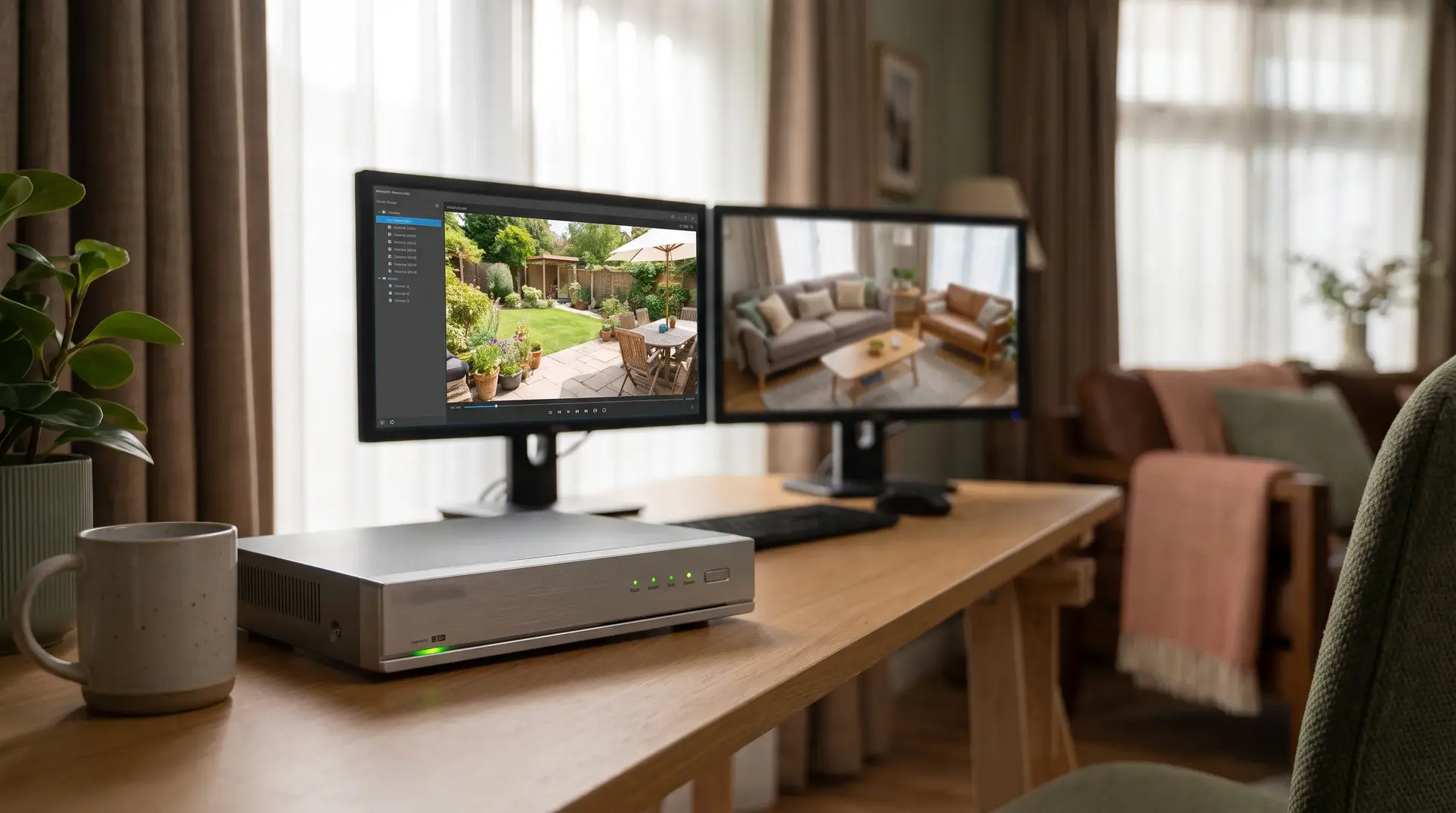
When facility managers evaluate IP camera systems, the conversation almost always starts with cameras. Which resolution? How many? What coverage? These are important questions, but they often overshadow a decision that determines whether the entire system actually works: the network video recorder.
The NVR is where your footage lives. It handles every stream from every camera, stores weeks or months of recordings, and determines whether you can actually find and retrieve video when an incident occurs. A poorly sized NVR creates bottlenecks that degrade image quality, shorten retention periods, and leave gaps in your recorded footage. A properly specified NVR becomes invisible infrastructure that simply works.
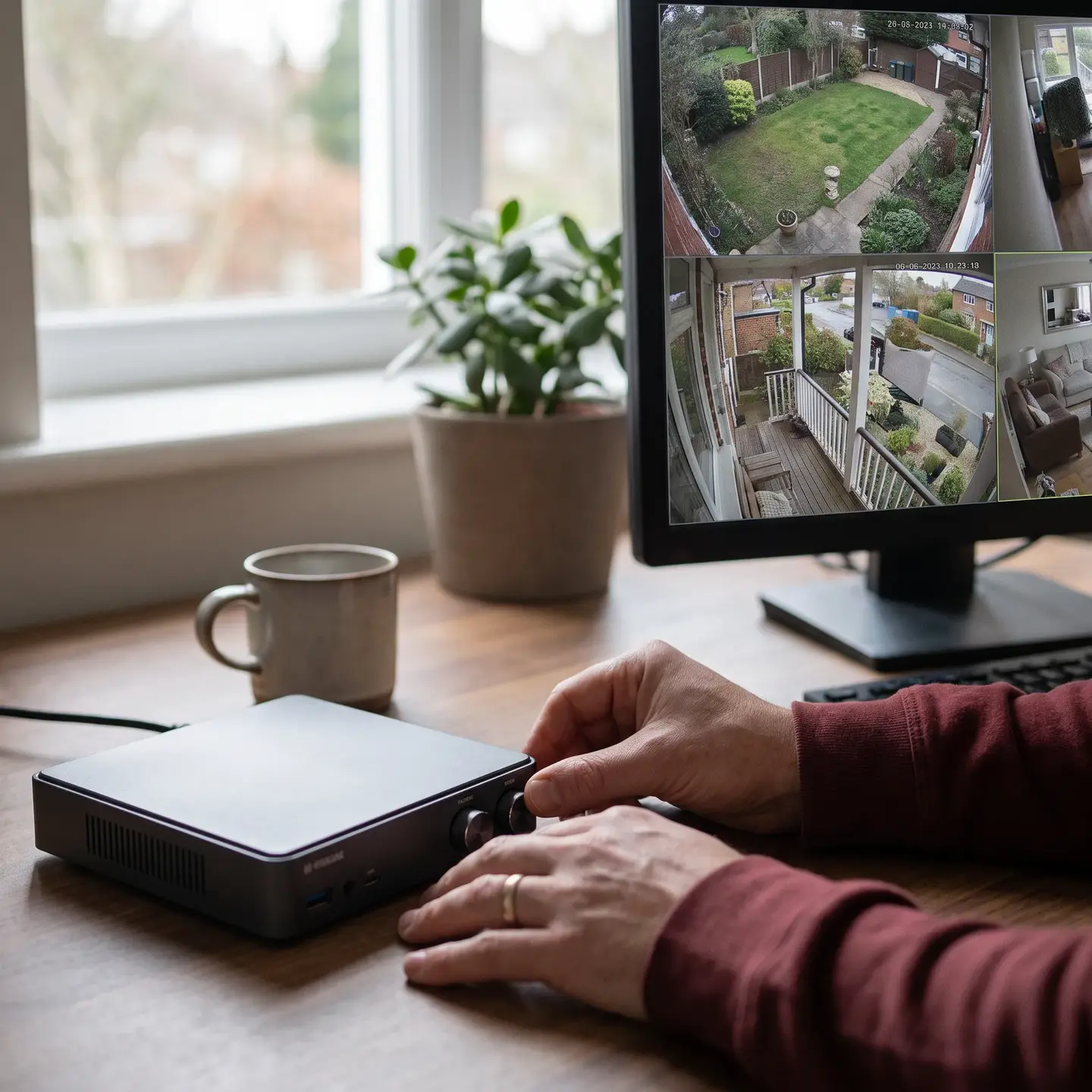
This guide walks through what NVRs actually do, how to calculate storage requirements for your specific deployment, and the performance and redundancy considerations that separate reliable commercial systems from equipment that creates more problems than it solves.
Who This Article Is For
This content is written for facility managers, property directors, and business owners evaluating IP Camera Systems for commercial properties. If you manage buildings, oversee security infrastructure, or make purchasing decisions about surveillance systems, this article addresses your planning questions directly.
This is not a guide for residential security systems or consumer-grade equipment. We focus exclusively on commercial deployments where reliability, retention compliance, and evidence preservation matter.
What NVRs Actually Do
A network video recorder receives digital video streams from IP cameras over your network, records that footage to internal or attached storage, and provides the interface for searching, reviewing, and exporting recordings. The “network” distinction matters because NVRs work with cameras that encode video themselves and transmit it as data packets, unlike older DVR systems that required analog cameras and coaxial cabling.
Beyond Simple Recording
Modern NVRs do far more than write video files to a hard drive:
- Stream management handles multiple simultaneous camera feeds, often at different resolutions and frame rates
- Compression optimization works with camera encoding settings to balance quality against storage consumption
- Indexing and metadata makes footage searchable by time, camera, motion events, or analytics triggers
- Retention policy enforcement automatically overwrites oldest footage when drives reach capacity
- Playback and export provides interfaces for reviewing incidents and extracting evidence
The NVR essentially acts as the central nervous system for your video surveillance solutions. Every camera depends on it to preserve recordings, and every security investigation depends on it to retrieve them.
NVR vs. Server-Based Recording: Architecture Options
When we scope commercial surveillance projects, one of the first architecture decisions involves choosing between appliance-based NVRs and server-based Video Management Systems (VMS). Neither approach is universally better. The right choice depends on your deployment scale, IT infrastructure, and operational requirements.
Appliance-Based NVRs
Dedicated NVR appliances are purpose-built boxes containing recording software, storage drives, and network interfaces in a single unit. They work well for:
- Single-location facilities with defined camera counts
- Deployments where simplified management matters more than advanced features
- Properties without dedicated IT infrastructure or staff
- Smaller camera counts, typically under 64 channels
Appliance NVRs offer predictable performance because the hardware and software are designed together. You know exactly how many cameras at what resolution the unit supports.
Server-Based VMS
Server-based recording runs VMS software on standard IT servers, often with separate storage arrays. This architecture suits:
- Multi-site enterprises requiring centralized management
- Large camera deployments exceeding appliance capacity
- Facilities with existing IT infrastructure and expertise
- Systems requiring advanced analytics or extensive integrations
Server-based systems offer more flexibility but require more design work and ongoing IT involvement. According to Genetec’s 2025 industry survey, 77% of end users reported that IT and physical security teams now collaborate on purchasing decisions, reflecting how surveillance systems have become IT infrastructure.
Hybrid Approaches
Many commercial deployments now combine centralized NVR recording with edge storage at cameras. This provides redundancy: if network connectivity to the NVR is interrupted, cameras continue recording to internal SD cards. When connectivity returns, the NVR retrieves the missed footage automatically.
Camera edge recording is not a replacement for centralized storage. SD cards have limited capacity and durability. Edge recording serves as interruption protection, not primary storage.
Storage Capacity Planning
Storage calculation is where NVR planning either succeeds or creates problems. Under-sized storage forces shorter retention periods or lower recording quality. Over-sized storage wastes budget that could go toward better cameras or additional coverage.
The Core Calculation
Storage requirements depend on five main variables:
- Camera count and how many are recording simultaneously
- Resolution measured in megapixels (2MP, 4MP, 8MP)
- Frame rate measured in frames per second
- Compression codec primarily H.264 or H.265
- Retention period measured in days
A practical formula for continuous recording:
Storage (TB) = Aggregate bitrate (Mbps) × Retention (days) × 0.0108
Worked Example
Consider a 32-camera deployment at 4 Mbps average bitrate per camera with 30 days of retention:
- Recording ingress: 32 cameras × 4 Mbps = 128 Mbps total
- Raw footage: 128 × 30 × 0.0108 = approximately 41.5 TB
- With 20% engineering margin: approximately 50 TB usable storage required
An eight-drive RAID 6 array using 10 TB surveillance-rated drives provides approximately 60 TB usable capacity, which accommodates this deployment with room for growth.

Why Estimates Often Fail
The challenge with storage calculations is that bitrate is not constant. It varies based on:
- Scene complexity where motion, foliage, and weather increase bitrate
- Lighting conditions where low-light noise dramatically increases file sizes
- Camera settings including compression quality, sharpening, and image enhancement
- Recording mode whether continuous, motion-activated, or scheduled
Cameras consuming 4 Mbps during daytime may consume 8 Mbps or more at night when image noise increases. Storage calculations based only on daytime averages underestimate actual requirements.
For storage capacity planning guidance, we recommend calculating based on measured worst-case bitrates rather than manufacturer estimates, then adding reserve capacity for growth and incident preservation.
Compression Codec Impact
H.265 compression typically reduces storage consumption by 30-50% compared to H.264 at equivalent quality. However, H.265 requires more processing power for decoding. Verify that your NVR, viewing clients, and mobile apps all support H.265 before specifying it system-wide.
Newer codecs like AV1 are emerging as royalty-free alternatives, but complete end-to-end support from camera through NVR to export player must be verified before deployment.
NVR Performance Considerations
Manufacturer specifications often list maximum camera counts that assume lower resolutions and frame rates. A unit rated for “64 channels” may struggle with 32 cameras at 4K resolution and 30 fps.
Key Performance Specifications
When evaluating NVRs, look beyond channel count to understand:
- Maximum incoming throughput (Mbps) determines how much total video data the recorder can handle
- Maximum outgoing throughput affects how many simultaneous playback or live-view streams the system supports
- Supported resolution per channel confirms whether all channels support your camera resolution
- Analytics processing capacity if the NVR performs motion detection or AI analytics
- Simultaneous recording and playback ensures reviewing footage does not degrade recording quality
Network Infrastructure Requirements
NVR performance depends heavily on your structured cabling infrastructure. Common infrastructure issues that affect recording performance include:
- Insufficient switch uplink capacity when multiple cameras share network segments
- PoE budget limitations that cause cameras to lose power during high-draw conditions
- Cable runs exceeding 100 meters without proper fiber extension
- Shared network segments where surveillance traffic competes with business applications
For larger deployments, we recommend placing cameras on dedicated VLANs with separate switching infrastructure from general business traffic. This improves both performance and security.
Redundancy and Backup Strategies
Recording systems fail. Drives wear out, power interruptions occur, and networks experience outages. The question is not whether you will face a failure but whether your system is designed to preserve footage when failures happen.
RAID Configuration
RAID (Redundant Array of Independent Disks) protects against individual drive failures:
- RAID 5 tolerates a single drive failure but leaves the system vulnerable during rebuild
- RAID 6 tolerates two simultaneous drive failures, providing better protection during the rebuild window
- Hot spares allow automatic rebuild without technician intervention
Important: RAID is not backup. As storage manufacturer Seagate explicitly notes, RAID protects against drive failures but does not protect against site loss, theft, ransomware, or accidental deletion. If your building burns down, RAID will not help you.
Layered Protection
Comprehensive footage protection requires multiple mechanisms:
- RAID handles individual drive failures within the NVR
- Edge recording preserves footage during camera-to-NVR network interruptions
- Failover recording protects against recording server failure in enterprise systems
- Off-site replication protects against site-level disasters or theft
- Immutable backups protect against ransomware and malicious deletion
The appropriate level of protection depends on your operational requirements and compliance obligations. Critical infrastructure and evidence-preservation applications warrant more redundancy than general property monitoring.
Remote Access Capabilities
Security managers need to review footage from locations other than the equipment room. How remote access is implemented affects both usability and security.
Access Methods
- Manufacturer cloud services provide the simplest setup but create vendor dependency and recurring costs
- VPN-based access routes connections through your secure network perimeter
- Direct port forwarding exposes NVR interfaces to the internet and should be avoided
For network security best practices, we strongly recommend against direct internet exposure of NVR or camera interfaces. Consumer-style P2P remote access services often bypass security controls and should be evaluated carefully before deployment in commercial environments.
Bandwidth Considerations
Remote playback at full quality requires significant upstream bandwidth. Most deployments use reduced-resolution secondary streams for remote live viewing and reserve full-quality access for evidence review. Verify that your internet service supports the concurrent remote access requirements you anticipate.
Integration with Broader Security Infrastructure
NVRs rarely operate in isolation. In complete commercial security systems, video recording integrates with access control, intrusion detection, and intercoms.
Valuable Integration Points
- Access control events trigger video bookmarks when credentials are denied or doors are forced
- Intercom calls display live video of visitors at entry points
- Intrusion alarms preserve pre-alarm footage and alert operators to relevant cameras
- Time synchronization ensures events from different systems correlate accurately
Integration depends on protocol compatibility. ONVIF compatibility standards provide a framework for multi-vendor interoperability, but “ONVIF compatible” is not a complete specification. Verify that specific profiles (Profile T for advanced video, Profile G for edge recording, Profile M for analytics metadata) are supported by both cameras and NVR.
Cybersecurity Baseline
Surveillance systems are networked IT devices. They require the same security attention as any other network infrastructure.
Essential Security Controls
- Change default credentials before deployment
- Implement role-based access with individual user accounts
- Enable HTTPS/TLS for all management interfaces
- Segment camera traffic on dedicated VLANs
- Disable unused protocols and services
- Maintain firmware updates under a documented process
- Monitor authentication failures and configuration changes
- Verify cloud service data residency and privacy practices
According to the 2025 Genetec industry survey, 67% of end users reported that regulations affected their organization, up dramatically from 13% the previous year. Procurement must now address privacy, cybersecurity, and data residency requirements.
Common Sizing Mistakes
We see several recurring errors when reviewing systems designed by others:
- Using daytime bitrate only leads to storage shortfalls when nighttime footage consumes more space
- Counting switch ports but not PoE watts causes cameras to lose power when IR illuminators and heaters activate
- Treating RAID as backup leaves footage vulnerable to site-level events
- Assuming ONVIF means complete compatibility without testing specific profile support
- Sizing for today without growth capacity forces premature replacement
- Direct internet port forwarding creates unnecessary security exposure

Next Steps
Proper NVR sizing requires understanding your complete deployment context: camera count and resolution, retention requirements, integration needs, redundancy expectations, and network infrastructure. Generic specifications from product pages cannot address your specific operational requirements.
We recommend starting with a documented set of requirements before evaluating equipment. Define what must be detected, how long footage must be retained, who needs access, and what availability is acceptable. These operational requirements drive storage, performance, and redundancy decisions.
When you are ready to scope an IP camera systems deployment with properly sized recording infrastructure, our team can help translate operational requirements into technical specifications that perform reliably from day one.
Frequently Asked Questions
An NVR receives camera streams, records and indexes footage, enforces retention policies, and lets authorized users search, review, and export video.
No. RAID protects against certain drive failures but not theft, fire, ransomware, accidental deletion, or total site loss. Use off-site or immutable backups when footage requires broader protection.
Use a VPN or a properly secured manufacturer cloud service. Avoid direct port forwarding, which exposes the NVR interface to unnecessary internet-based attacks.
Base the calculation on camera count, aggregate bitrate, retention days, recording mode, and a reserve margin. Use worst-case, including nighttime, bitrates rather than daytime averages.
No. Confirm the NVR’s incoming bandwidth, supported resolution and frame rate, analytics capacity, and simultaneous recording and playback performance.