

Video Surveillance
Remote Video Monitoring: How Professional Surveillance Monitoring Actually Works
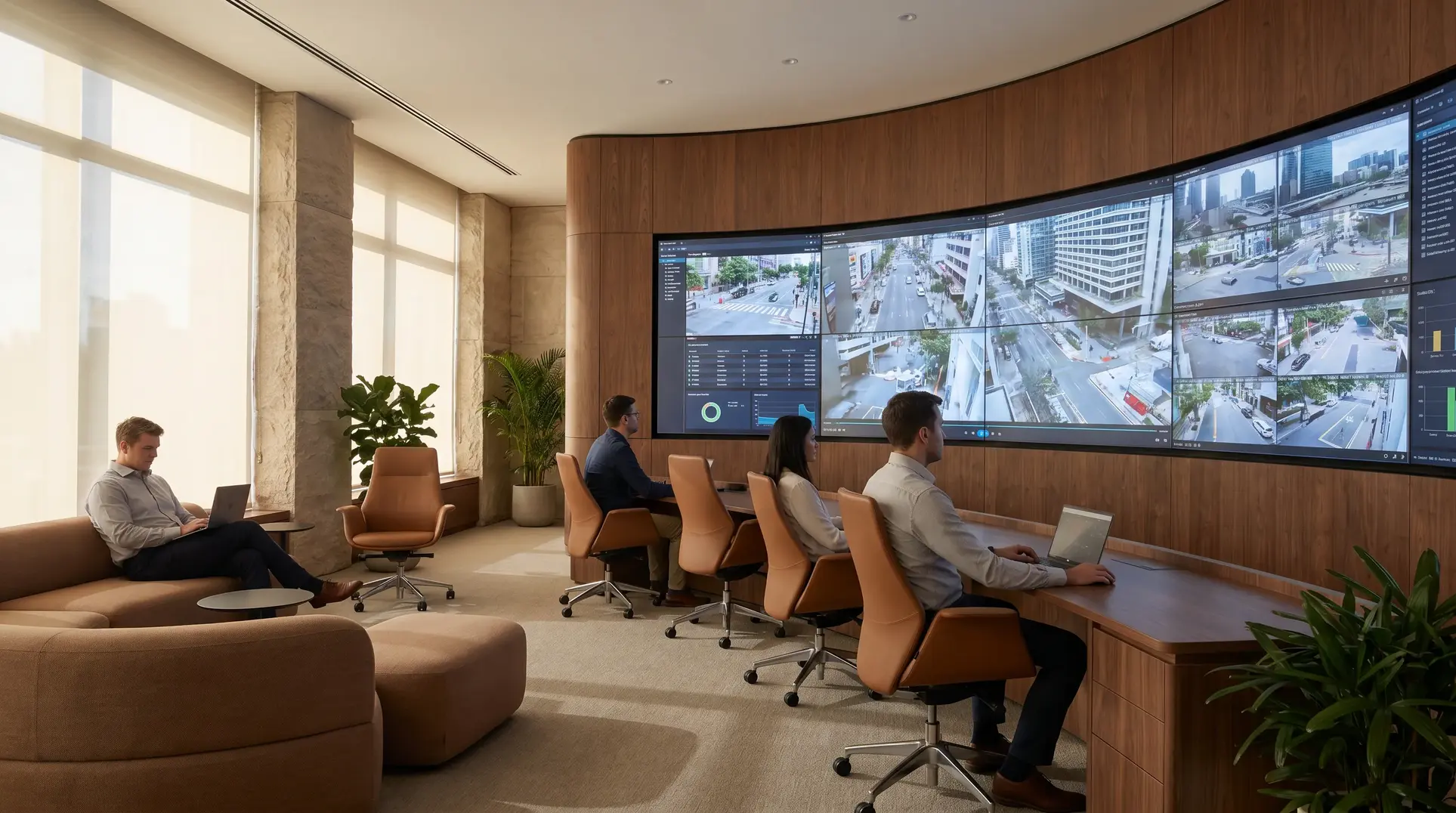
When most facility managers think about their surveillance system, they picture cameras capturing footage that sits on a server somewhere, waiting to be reviewed after an incident. But professional remote video monitoring operates on an entirely different model—one where trained operators are watching your feeds in real-time, verifying threats as they unfold, and coordinating responses before damage occurs. Understanding how this process actually works, from the moment a camera detects motion to when an operator dispatches a response, helps you evaluate whether your current security approach is genuinely protecting your facility or just documenting losses after the fact.
Remote Video Monitoring vs. Self-Monitoring: Understanding the Service Model
The distinction between self-monitoring and professional remote monitoring comes down to who’s watching, when they’re watching, and what happens when something goes wrong.
With self-monitoring, your cameras record footage to a local or cloud-based storage system. When an alert triggers—usually a basic motion detection notification—it lands on your phone or your security team’s dashboard. Someone on your staff then reviews the footage, decides whether it’s a genuine threat, and determines the appropriate response. This model works reasonably well during business hours when staff are available and alert. At 3 AM on a Saturday? That notification might sit unread for hours.
Professional remote monitoring shifts that responsibility to a staffed monitoring center operating around the clock. When your system generates an alert, trained operators see it within seconds. They’re reviewing live video, making threat assessments, and initiating responses while an incident is still developing—not after the fact.
This matters for three practical reasons:
- Response time: Professional monitoring centers typically review alerts within seconds of receipt. Self-monitoring response depends entirely on staff availability and attention.
- Liability exposure: When a monitoring center verifies and documents threats in real-time, you have clear evidence of when incidents occurred and how they were handled. This documentation proves valuable for insurance claims and legal proceedings.
- Operational burden: Your facility management team shouldn’t be the overnight security desk. Professional monitoring removes that responsibility from staff who have other priorities.
How Monitoring Stations Receive and Process Video Alerts
The technical pathway from camera detection to monitoring center notification involves several systems working together, and understanding this workflow helps you evaluate whether your infrastructure supports professional monitoring effectively.
When a camera detects an event—motion in a restricted zone, a vehicle entering after hours, a person approaching a secured door—your video management system processes that detection according to configured rules. If the event meets alert criteria, the system generates a signal that travels to the monitoring center through one of several communication pathways:
- Primary internet connection: Most commercial installations use dedicated internet circuits to transmit video and alert data to monitoring centers.
- Cellular LTE backup: Quality installations include cellular failover that activates automatically if primary internet connectivity drops.
- Dual-path transmission: Critical facilities sometimes send alerts through both pathways simultaneously, ensuring delivery even if one path fails.
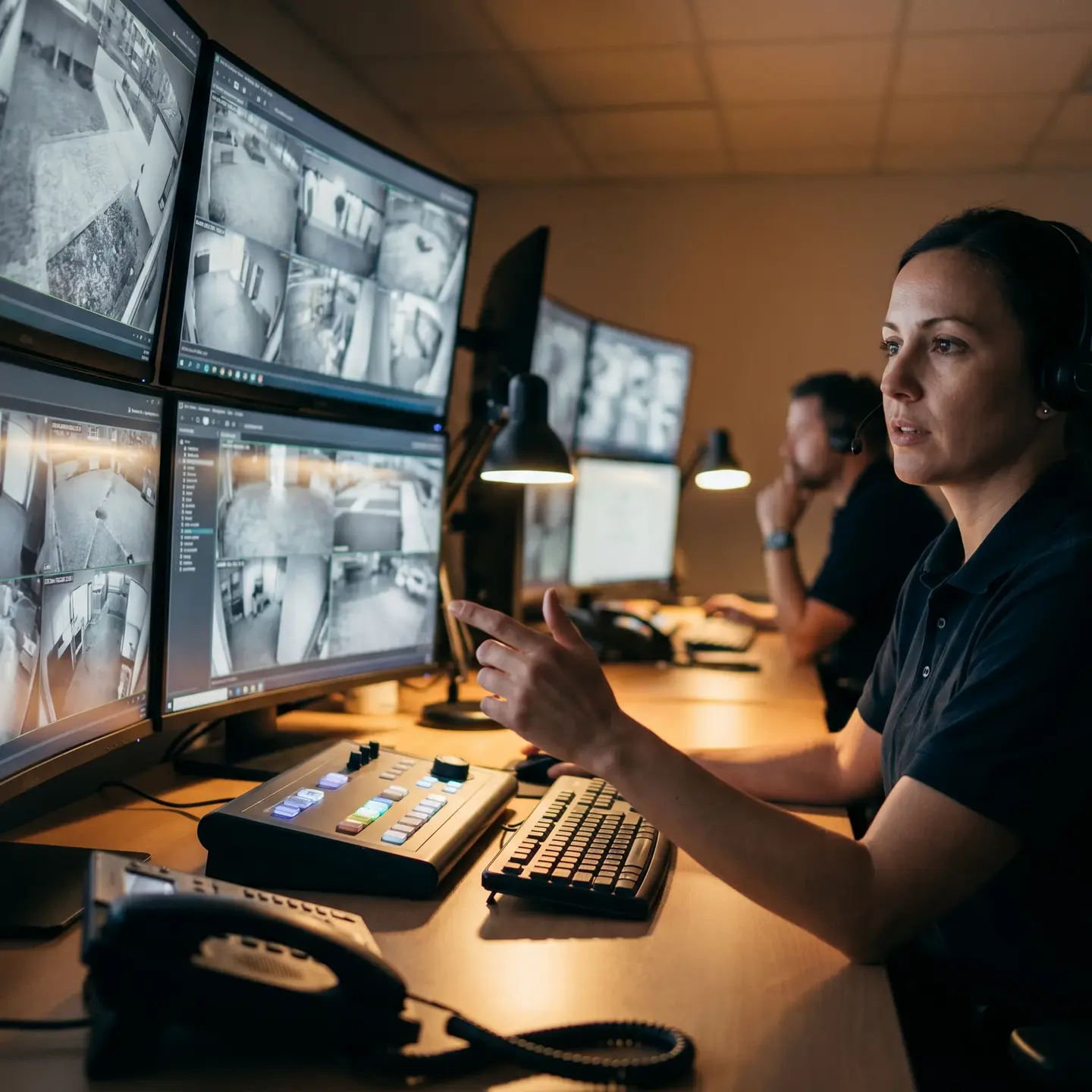
At the monitoring center, incoming alerts feed into queue management software that prioritizes events based on severity, client protocols, and alarm type. An operator sees the alert appear on their workstation along with associated video—both a live feed and a short clip of the triggering event. This dual view lets operators understand what triggered the alert while seeing what’s happening now.
When multiple alerts arrive simultaneously—which happens during power restorations, severe weather, or coordinated security events—the queue system helps operators address highest-priority situations first while ensuring nothing gets missed. Quality monitoring centers maintain staffing ratios that keep alert-to-response times consistent even during high-volume periods.
Analytics-Triggered Monitoring: Reducing False Alarms Through Intelligent Detection
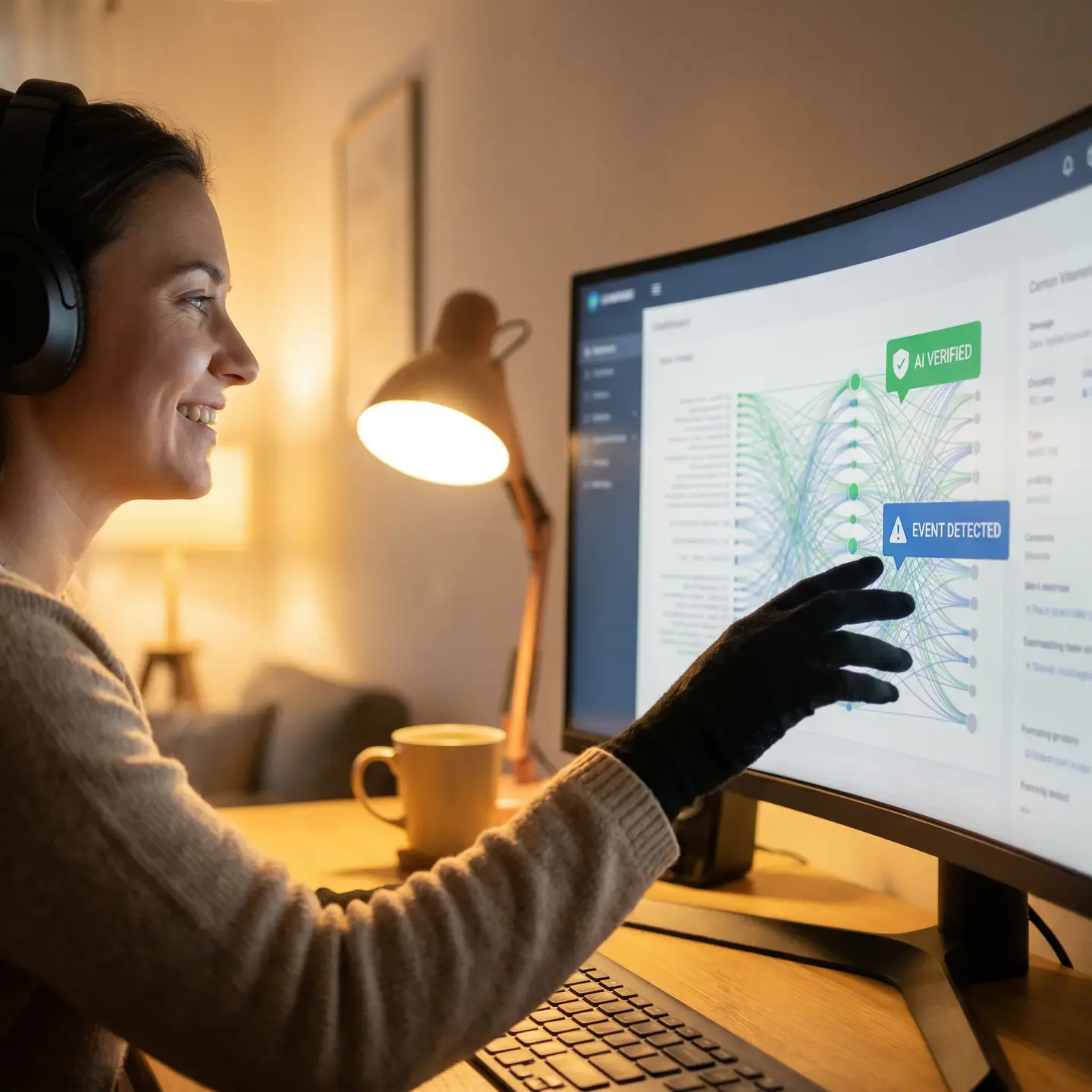
The operational efficiency of professional monitoring depends heavily on analytics that filter events before they reach human operators. Without intelligent filtering, monitoring centers would be overwhelmed with alerts triggered by wind-blown debris, shadows, animals, and vehicle headlights—events that require no response.
Modern video surveillance systems use several layers of analytics to distinguish genuine security events from noise:
Object Classification
Advanced analytics identify whether detected motion is a person, vehicle, or something else entirely. A camera watching a loading dock might ignore a raccoon crossing the pavement but alert immediately when a person approaches outside business hours. This classification happens at the camera level or within your video management system before alerts reach the monitoring center.
Zone-Based Detection
Rather than alerting on any motion within a camera’s field of view, analytics allow you to define specific zones where activity matters. A perimeter camera might have an alert zone covering the fence line while ignoring the public sidewalk beyond your property boundary.
Time-Based Rules
The same activity that’s perfectly normal at noon becomes concerning at midnight. Analytics engines apply different detection rules based on schedules—perhaps monitoring only for vehicle activity during business hours but flagging any human presence after closing.
Behavioral Analysis
Some analytics identify concerning behaviors rather than just presence. A person walking through a parking lot toward a building entrance looks different from someone circling vehicles or lingering near a secure door. These behavioral patterns can trigger different alert priorities.
The practical impact of good analytics is substantial. Industry data indicates that facilities with properly configured analytics see false alarm rates drop dramatically compared to basic motion detection. This means monitoring operators spend their attention on genuine events rather than reviewing footage of tree branches and stray cats.
Verification Protocols: What Happens When an Alert Triggers
Understanding the verification process helps you evaluate whether a monitoring provider has robust protocols or simply passes alerts through without meaningful assessment. Here’s what actually happens when an alert reaches a professional monitoring center:
Step 1: Initial Alert Review
The operator sees the triggering event—the short video clip that caused the alert—alongside the live camera feed. Within seconds, they’re assessing whether the detected activity represents a genuine security concern. Is that figure a person or a shadow? Is that vehicle authorized or unexpected?
Step 2: Contextual Assessment
Operators access your facility profile, which includes site maps, camera locations, expected activity patterns, and special instructions. A person at the back door at 6 AM might be a cleaning crew member if your account notes early morning cleaning service. The same person at the same door at 6 PM—when cleaning occurs later—warrants different treatment.
Step 3: Multi-Camera Verification
When available, operators pull adjacent camera views to gain situational awareness. If one camera shows a figure near a fence, nearby cameras might reveal whether they’re entering or leaving, whether they’re carrying anything, and whether a vehicle is waiting nearby.
Step 4: Two-Way Audio Intervention
Many commercial video surveillance systems include speaker capabilities that let operators address individuals directly. A clear verbal warning—identifying the facility as monitored and warning that authorities are being contacted—often prompts intruders to leave immediately. This intervention happens while verification continues.
Step 5: Threat Classification and Response Decision
Based on verification, operators classify the event and initiate appropriate responses according to your account protocols. Options typically include:
- Closing the alarm as a false positive with documentation
- Contacting designated keyholders for guidance
- Dispatching private security response
- Notifying law enforcement with verified threat details
This verification workflow is why professional monitoring differs fundamentally from basic alarm services. Rather than automatically dispatching police for every alert—which leads to wasted response resources and potential fines for false alarms—verified monitoring provides responding officers with confirmed threat information: “We have video verification of two individuals attempting entry through the rear door. One appears to have tools. They’re wearing dark clothing and arrived in a light-colored pickup truck.”
Integration with Alarm Monitoring and Dispatch Services
Video monitoring becomes most effective when integrated with other security systems. When your IP camera infrastructure, intrusion panels, and access control systems feed into the same monitoring platform, operators gain comprehensive situational awareness.
Consider this scenario: Your intrusion alarm monitoring detects a door contact violation at a warehouse entrance. Simultaneously, the associated camera shows a person entering. The access control log indicates no credential was presented—the door was forced. Within seconds, the monitoring operator has verified an unauthorized entry through three data sources: alarm panel, video, and access control.
This integration matters significantly for law enforcement response. Police departments across North America have implemented verified response policies that prioritize calls backed by video confirmation. Some jurisdictions require alarm verification before dispatching officers. When your monitoring center can provide real-time video intelligence—not just an alarm signal—responding officers know they’re heading to an active situation rather than another false alarm.
The communication workflow typically follows established protocols that meet Security Industry Association monitoring center certifications. Monitoring operators are trained on jurisdictional requirements and maintain direct communication channels with dispatch centers in the areas they serve.
Monitoring Center Technology and Infrastructure
Behind every professional monitoring operation sits infrastructure designed for continuous, reliable service. Understanding what supports quality monitoring helps you ask the right questions when evaluating providers.
Network Redundancy
Quality monitoring centers maintain multiple internet connections from different providers, ensuring that a single carrier outage doesn’t interrupt service. Data centers housing monitoring operations typically connect through diverse fiber paths with automatic failover.
Power Systems
Uninterruptible power supplies provide immediate backup during utility interruptions, while generator systems support extended outages. Professional monitoring centers are designed to operate independently of utility power for days if necessary.
Video Management Platforms
The software that receives, displays, and manages video feeds from thousands of facilities must handle massive data volumes while maintaining response speed. Enterprise-grade platforms allow operators to access any camera at any site within seconds of receiving an alert.
Communication Systems
Monitoring centers maintain multiple communication pathways to reach clients, keyholders, and emergency services. Phone systems include redundant carriers and backup methods to ensure calls go through even during regional telecom issues.
System Health Monitoring
Professional monitoring includes supervision of your security infrastructure itself. If a camera goes offline, if a network connection drops, or if a recorder fails, the monitoring center sees that status change and can notify you—often before you’d notice the problem yourself.
Evaluating Monitoring Service Quality: Questions to Ask Providers
Not all monitoring services deliver equivalent value. When evaluating providers for your integrated security solutions, these questions help distinguish quality operations from basic services:
Certifications and Standards
- Is the monitoring center UL-listed? UL-listed central station requirements establish baseline standards for monitoring operations.
- Does the provider hold Five Diamond or equivalent industry certifications?
- Are operators trained and certified through recognized programs?
Operational Details
- What is the average time from alert receipt to operator review?
- What staffing ratios does the center maintain during overnight and weekend hours?
- Where is the monitoring center located? Onshore operations often provide better communication with local emergency services.
- What backup monitoring arrangements exist if the primary center experiences issues?
Response Protocols
- How does the center handle escalation when keyholders don’t respond?
- What documentation is generated for each event?
- Can you customize response protocols for different event types and locations?
- How does the center communicate with law enforcement in your jurisdiction?
Technical Capabilities
- What video management platforms does the center support?
- How does the center integrate with your existing access control and intrusion systems?
- What happens when your primary internet connection fails?
- How does the center monitor the health of your on-site equipment?
Cost Structure and Service Models
Monitoring service pricing varies significantly based on service level, and understanding what drives costs helps you evaluate whether you’re paying for genuine value.
Common Pricing Models
- Per-camera pricing: You pay a monthly fee for each camera under monitoring. This model scales directly with your installation size.
- Per-location pricing: A flat monthly fee covers all cameras at a single facility, regardless of count. This model benefits larger installations.
- Tiered service levels: Different pricing tiers correspond to different response capabilities—basic video verification, full remote guarding with audio intervention, virtual patrol services.
What Drives Cost Differences
Significant price differences between monitoring providers typically reflect:
- Staffing levels: More operators per shift means faster response times and more thorough verification, but higher operational costs.
- Training standards: Operators with extensive training and certifications command higher compensation.
- Technology investment: Advanced video management platforms, redundant infrastructure, and integration capabilities require ongoing investment.
- Response capabilities: Services that include audio intervention, virtual patrols, and coordination with private security response cost more than basic alarm verification.
Budget monitoring services often cut costs through offshore operations, minimal staffing, and limited verification protocols. The result might be a lower monthly bill but also slower response times, language barriers during emergency communication, and less thorough incident documentation.
For most commercial facilities, monitoring represents a small fraction of overall security investment. The difference between adequate and excellent monitoring service often amounts to modest additional monthly expense—worthwhile when you consider that the entire purpose of your surveillance infrastructure depends on effective monitoring to deliver actual security rather than just recorded evidence.
Selecting Monitoring Services That Match Your Requirements
The right monitoring service depends on your facility’s specific risk profile, operational patterns, and existing infrastructure. A distribution center with high-value inventory and 24-hour operations has different monitoring needs than a professional office building with predictable business-hours activity.
Start by assessing what you’re actually protecting and what response capabilities matter most. If your primary concern is after-hours intrusion, video verification with law enforcement dispatch may be sufficient. If you need proactive deterrence—preventing incidents rather than just documenting them—look for services that include audio intervention and virtual patrol capabilities.
Consider how monitoring integrates with your existing security systems. Providers with experience in your specific access control and video platforms deliver smoother implementation and more effective ongoing operation. Ask potential providers about their experience with systems like yours and request references from similar facilities.
Finally, evaluate the relationship model. Quality monitoring providers act as partners in your security program, offering guidance on camera placement, analytics configuration, and response protocol optimization. They should be willing to review incident reports with you, suggest improvements, and adjust service as your needs evolve.
Professional remote monitoring transforms passive camera systems into active security infrastructure. Understanding how that transformation actually works—the technical pathways, verification protocols, and operational standards involved—helps you make informed decisions about protecting your facilities and evaluate whether your current approach delivers genuine security value. Ainger Cabling + Security provides live remote video monitoring through Active Watch as a paid add-on for commercial camera systems, with 24/7 or after-hours coverage.
Frequently Asked Questions
When a camera detects an event that meets your alert rules, your system sends a signal over your primary internet connection and often a cellular backup to the monitoring center. There, queue software prioritizes alerts, and an operator immediately sees a clip of what triggered the event plus live video, then follows defined protocols to verify and respond.
Focus on certifications like UL-listed centers, staffing and response times, ability to integrate with your video, intrusion, and access control systems, and the quality of their infrastructure including network and power redundancy and system health monitoring. Also ask how customizable their response protocols are and whether they offer services like audio intervention and virtual patrols that match your risk profile.
Self-monitoring relies on you or your staff to review alerts and footage when available, which often means delays especially after hours. Professional remote monitoring uses trained operators watching in real time 24/7, verifying threats within seconds and coordinating responses while an incident is still unfolding, not after the damage is done.
Modern systems use smart analytics like object classification, zone-based detection, time-based rules, and behavioral analysis to filter out noise such as animals, shadows, and passing cars. Only events that match your defined risk patterns reach operators, dramatically cutting false alarms and focusing attention on real threats.
Operators review the video, check your site profile and nearby cameras, and often use two-way audio to issue live verbal warnings. Based on your protocols, they then classify the threat and either close it as a false alarm, call your keyholders, dispatch private security, or contact law enforcement with detailed real-time video verification.